
Google Workspace Marketplace


Copy folder in Google Drive ™
Bulk copy entire folders in Google Drive™. Subfolders, files, and permissions included. Runs in the background. Email notification when done.
Listing updated:২১ নভেম্বর, ২০২৬
Works with:
৬ লা+


এক নজরে
Copy entire folders in Google Drive™ in one click - including all
subfolders, files, and permissions. The fastest folder copying app
on the Marketplace. Runs in the background while you keep working.
You'll get an email when it's done.

Step 1: Select the folders and files you want to copy
Step 2: Choose a destination folder in Google Drive™
Step 3: Wait for your email - Awesome Files handles the rest

Key Features:
➤ Copy any folder or file including all subfolders and contents
➤ The fastest file copying app on the Google Workspace Marketplace
➤ Select files directly from the Google Drive™ interface
➤ Choose any Google Drive™ destination folder
➤ Keep or remove permissions on the copied folder
➤ Runs in the background - no waiting, no tab-watching

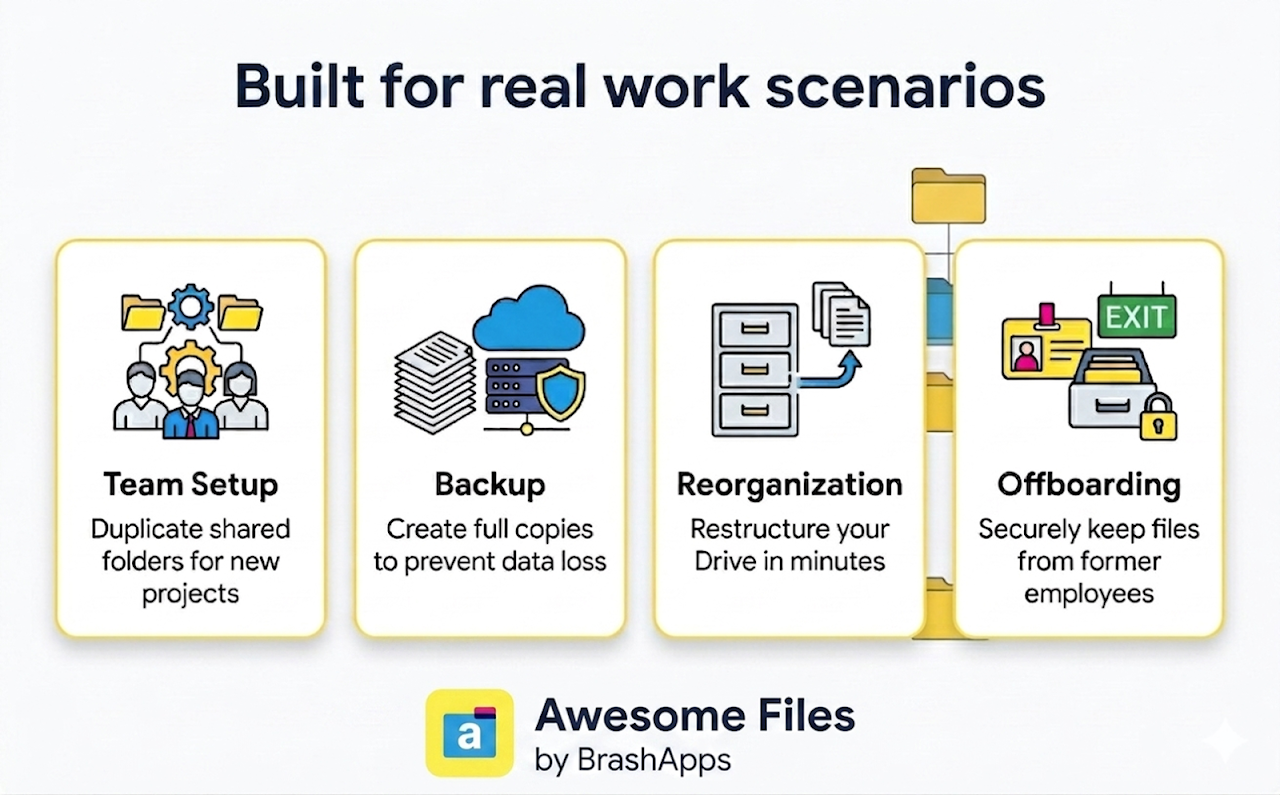
Use Cases:
➤ Copy shared folders across teams or projects
➤ Create full folder backups for data recovery
➤ Reorganize and restructure your Drive layout
➤ Preserve files and access from departing employees
➤ Copy a template folder for every new project or client onboarding

Why Choose Us:
➤ 5+ years building and scaling products on Google Workspace Marketplace
➤ 3M+ installs across our add-on portfolio
➤ Multiple Editor's Choice selections on the Marketplace

Need help?
support@lincolnapps.co

#copy folder #copy a folder in Google Drive #copy shared folder
#make a copy of a folder #bulk copy #bulk transfer #duplicate folder
#clone folder #copy folder with permissions #folder backup
#template folder #copy files #move folders
Additional information
sell
PricingFree of charge with paid features
code
Developer
email
সমর্থন
lock
গোপনীয়তা নীতি
description
পরিষেবার শর্তাদি
flag
রিপোর্ট করুনFlag as inappropriate



সার্চ করুন
সার্চ মুছুন
সার্চ বন্ধ করুন
Google অ্যাপ্লিকেশানগুলি
প্রধান মেনু