
Google Workspace Marketplace


Bulk Tracking for Spreadsheets
Track shipment numbers from multiple carriers directly in your spreadsheet.
Listing updated:August 25, 2026
Works with:
No reviews
10




Overview
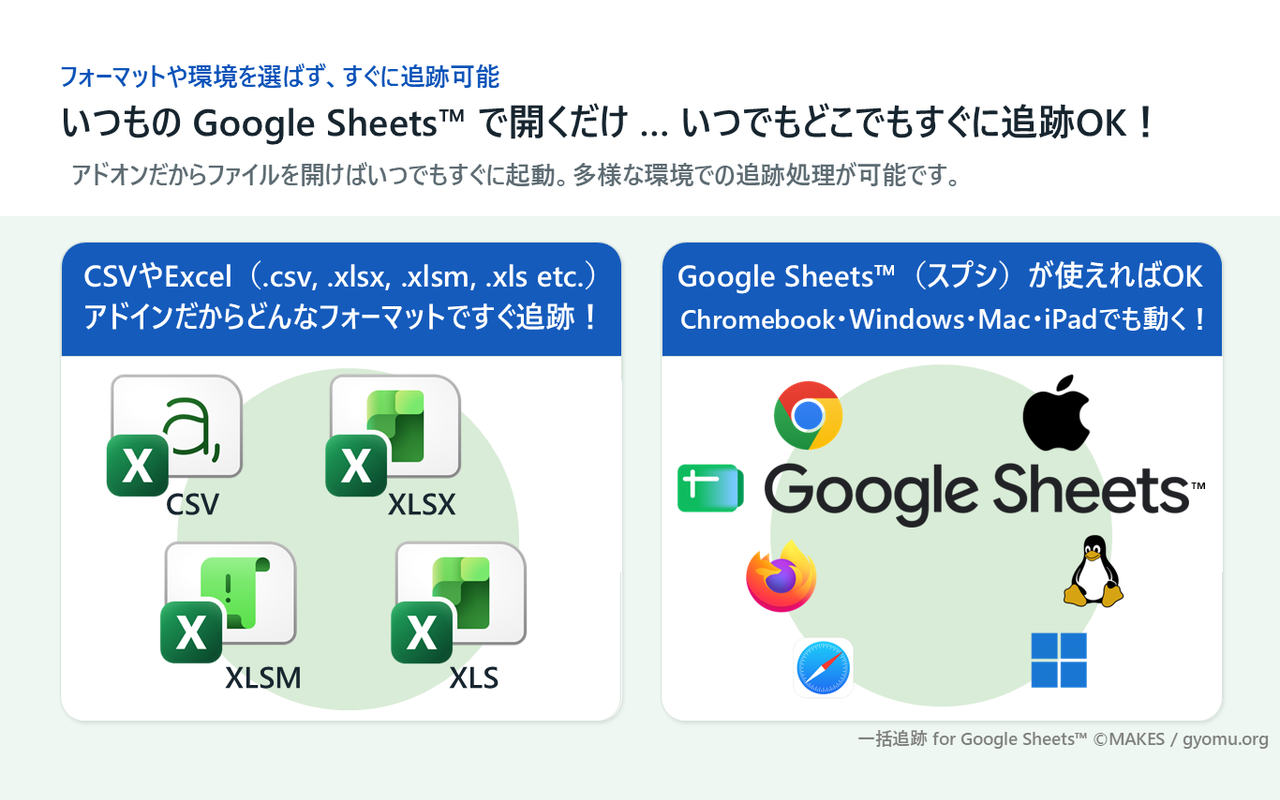
Bulk Tracking for Spreadsheets is an add-on for tracking shipment numbers from multiple carriers directly in Google Sheets™.

Select a cell range and choose a carrier to write delivery status, date and time, branch information, additional details, and tracking history back to the sheet. The add-on supports major Japanese carriers, including Yamato Transport, Sagawa Express, and Japan Post.

It also provides mixed-carrier tracking based on carrier names in a column, pinned favorite carriers, configurable output columns, and delivery-completion symbols. You can try the basic features for free and upgrade to the PRO plan when needed.

Google Sheets™ is a trademark of Google LLC.
Additional information
sell
PricingFree of charge with paid features
code
Developer
email
Support
lock
Privacy policy
description
Terms of service
flag
ReportFlag as inappropriate




Search
Clear search
Close search
Google apps
Main menu