
Google Workspace Marketplace


Form Confirmation Emails
Automate and route custom confirmation emails based on form answers. Bypass sending limits with your own Custom SMTP!
정보 업데이트:2026년 9월 17일
호환 기기:
64만+

개요
Supercharge your Google Forms with the ultimate email automation tool!
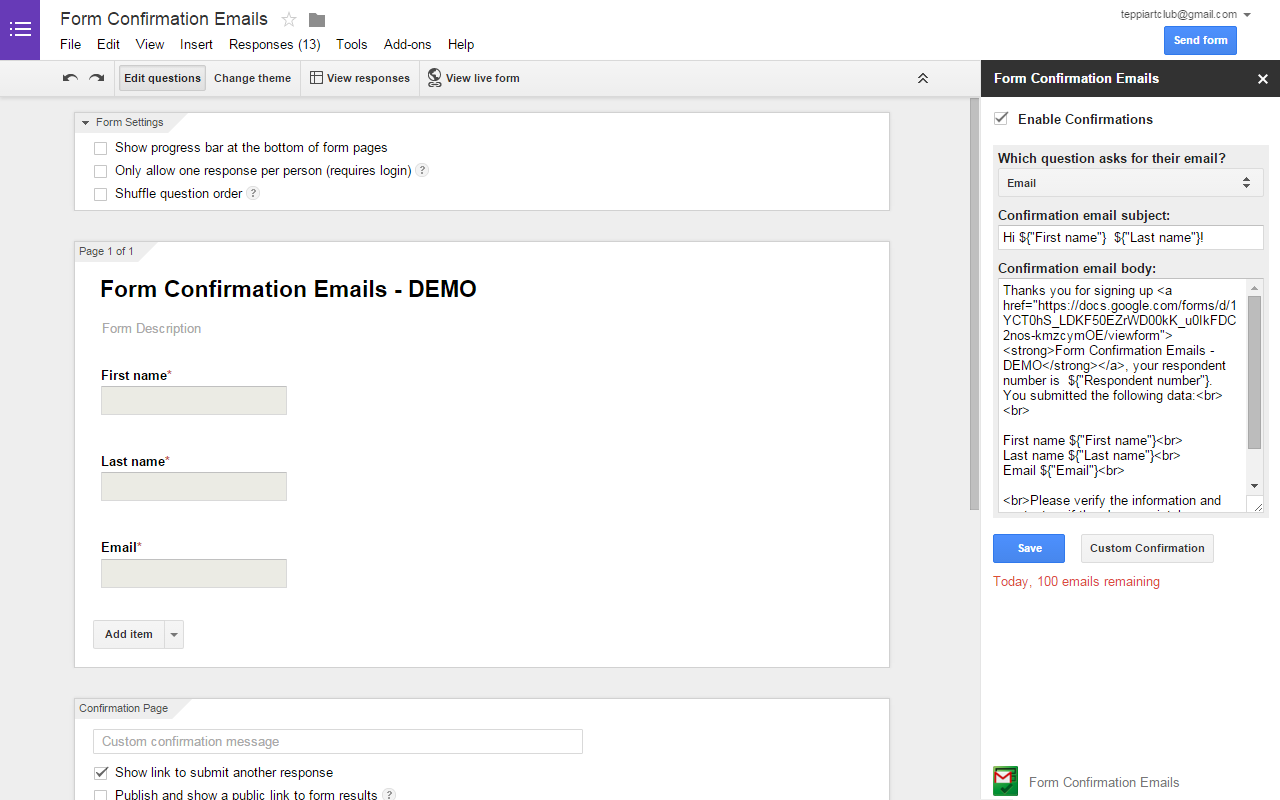
Form Confirmation Emails has been completely upgraded to provide a robust, scalable, and professional email workflow experience. Whether you need simple auto-responders or complex conditional routing, our brand-new Rule Engine & External Dashboard gives you the absolute power to control your form communications.

🔥 KEY FEATURES & NEW UPGRADES:

Break Daily Limits with Custom SMTP: Bounded by default email quotas? Not anymore. Connect your own SMTP provider (SendGrid, Mailgun, AWS, etc.) to unlock unlimited sending capabilities.

Dynamic Rule Engine (Conditional Logic): Stop sending the same generic email to everyone. Flexibly route, trigger, and tailor different confirmation emails based on the specific answers your respondents select.

Targeted Team Routing: Ensure the right people get the right data. Automatically route form submissions to specific departments or team members (e.g., send to Sales if they choose "Pricing", send to Support if they choose "Help").

Dedicated Full-Page Dashboard: Say goodbye to cramped sidebars! One click securely bridges you to a spacious, intuitive external workspace to manage all your configurations seamlessly.

Centralized Template Builder: Design, customize, and manage beautiful email templates with ease using our dedicated UI.

⚡ HOW IT WORKS:

Open the add-on in your Google Form.

Click the "Go Beyond" (or Open Dashboard) button.

You will be securely transitioned to your dedicated dashboard to set up your custom rules, templates, and SMTP.

Elevate your Google Forms from a simple data collection tool into a powerful, automated communication platform today!
추가정보




검색
검색어 지우기
검색 닫기
Google 앱
기본 메뉴