
Google Workspace Marketplace
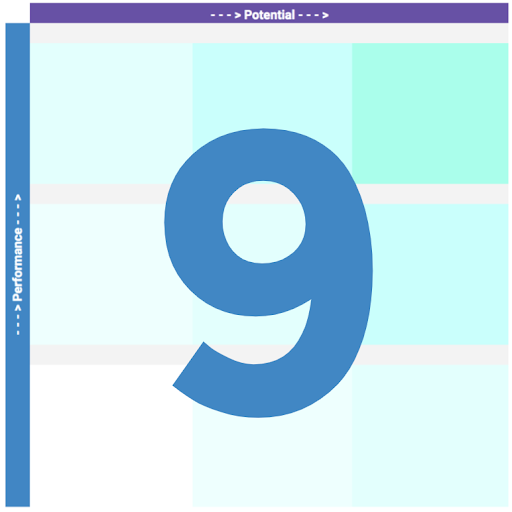

9 Box and Matrix Maker
Save hours on talent reviews. Automatically turn Sheet rows into professional 9-Box graphics.
정보 업데이트:2026년 7월 28일
호환 기기:
1천+


개요
Stop wasting hours on manual formatting. Spend your time on talent strategy, not adjusting cell borders.
Join 1,000+ HR professionals using the top-rated Nine-Box and Matrix Maker to automate their performance reviews.

HOW IT WORKS:
	1	Enter employee names and scores (1-3 scale).
	2	Click "Create 9 Block" in the sidebar.
	3	Your professional, auto-resized grid is ready to copy into Docs™ or Slides™.

KEY FEATURES:
🚀 Multi-Team Mode: Add a "Team" column and generate separate grids for every department instantly with a single click.
📐 Auto-Resize Technology: No templates required. Boxes expand and contract to fit your data perfectly every time.
⚡ One-Click Updates: Change a score or name? Just click "Run" and the entire grid recreates itself—no manual dragging required.
📋 Presentation Ready: High-quality formatting designed specifically to be pasted directly into executive slide decks.
↗️ Need more than 9 boxes? Customize the grid size (up to 5x5), axis labels, and level names to match your organization's review framework.

🔒 PRIVACY & SECURITY:
Data privacy is our priority. We handle sensitive employee information with a "Zero-Knowledge" architecture:
• Your data never leaves Google. We do not host or store your employee information on our servers.
• Local Processing: All grid generation happens locally within your spreadsheet.
• Compliance: 9 Box Maker is GDPR and CCPA compliant.

PRICING:
• Free 3-day trial.
• No credit card required to start.
• Only $19/year for full individual access.
• Enterprise/Bulk discounts available for organizations.

SUPPORT:
Have a question? Contact us at: https://sheetshelp.com/contact/
추가정보



검색
검색어 지우기
검색 닫기
Google 앱
기본 메뉴