
Google Workspace Marketplace


AI Shift Planner
AI-powered scheduling that turns plain text into perfect shift and class schedules in minutes.
정보 업데이트:2026년 1월 24일
호환 기기:

267

개요
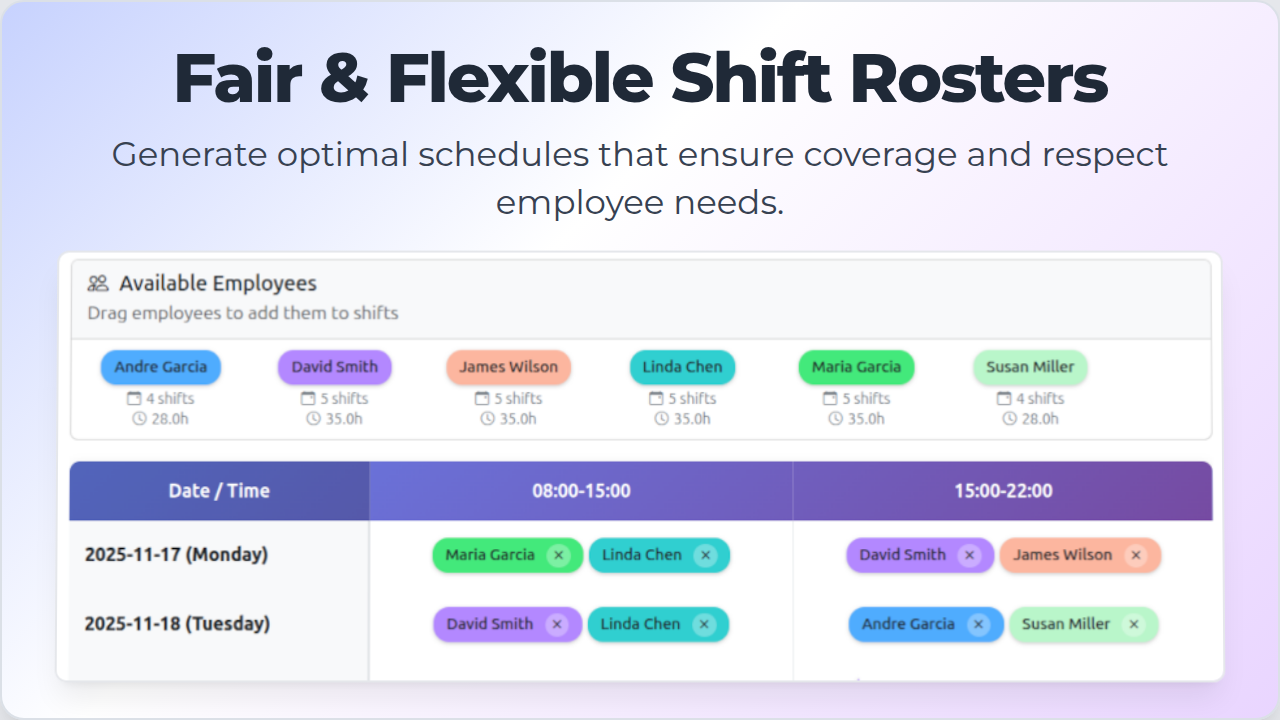
AI Shift Planner eliminates manual scheduling work. Write your requirements in plain English, and get a fair, balanced, conflict-free schedule generated directly in Google Sheets™ and Google Docs™.

How it works:

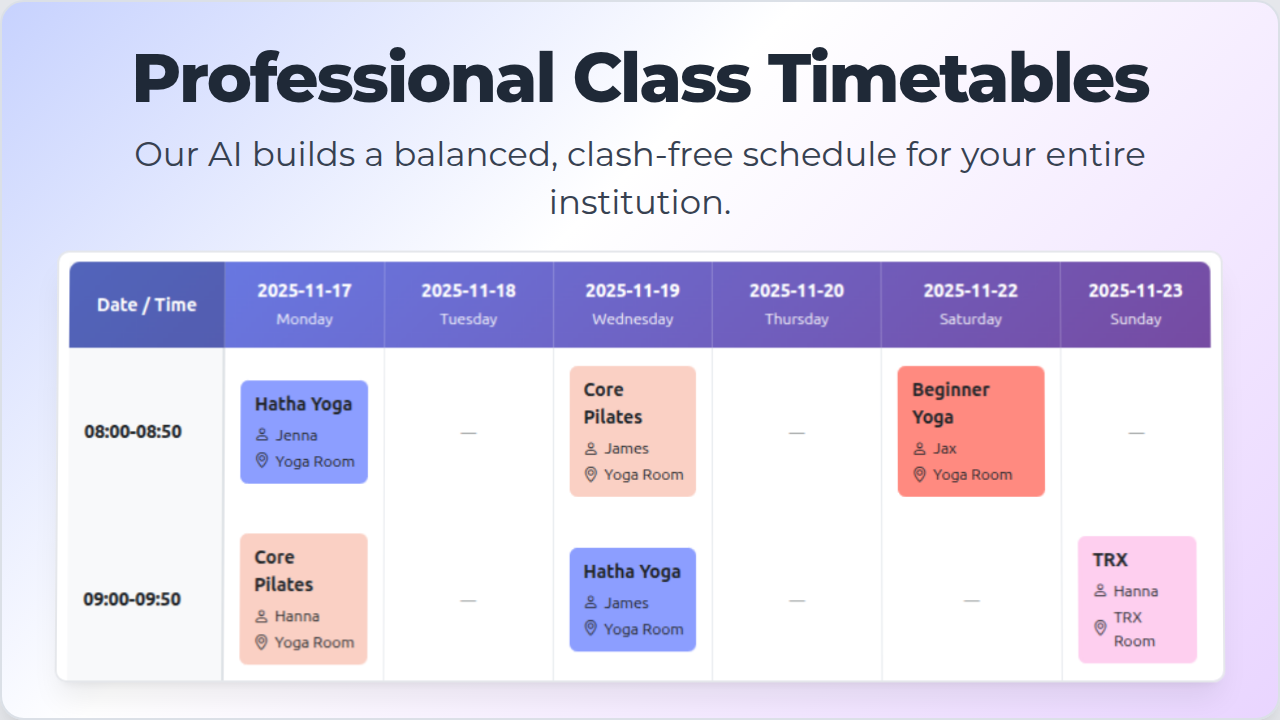
Describe your needs naturally—no complex forms or templates. For shifts: "Anna works mornings, 3 days a week, but needs Tuesday off." For classes: "Physics 101 is Mon/Wed at 10am in Room 203." Our AI engine automatically balances availability, preferences, and constraints to create schedules that work.

Built for Google Workspace™, so you stay in your workflow. No app switching. Instantly validate existing schedules in Google Sheets™ for conflicts and errors. Export clean, professional schedules your team or students can read immediately.

Perfect for:

• Shift managers in retail, restaurants, healthcare, and hospitality
• Educators creating class timetables for schools, colleges, and tutoring centers
• Anyone who needs to schedule people or resources efficiently

Get started in 3 steps:

1. Install from Google Workspace™ Marketplace
2. Open Google Sheets™ or Google Docs™
3. Launch from Extensions → AI Shift Planner and describe your schedule
추가정보





검색
검색어 지우기
검색 닫기
Google 앱
기본 메뉴