
Google Workspace Marketplace


Amazon SP-API Reports
Download the Amazon Report directly into the Google Sheet
Listing updated:11 март 2025 г.
Works with:
413


Общ преглед
The app will be used to download the Amazon Seller Report for his own account. Add multiple Amazon Store and scheduled upto 5 reports and selecting the report refresh frequency from 1hour to 1 day.

The user needs to set up the Amazon SP-API configuration inorder to use the application. The setup can be found here: https://github.com/amzn/selling-partner-api-docs/blob/main/guides/en-US/developer-guide/SellingPartnerApiDeveloperGuide.md#creating-and-configuring-iam-policies-and-entities

Steps to request report from Amazon:
1. Add your Amazon Store and fill out the Amazon SP-API Credentials by selecting Amazon SP-API Credential.
2. Scheduled your favorite Amazon Report and enter the sheet name for report data.
3. You are done. Sit back and enjoy.

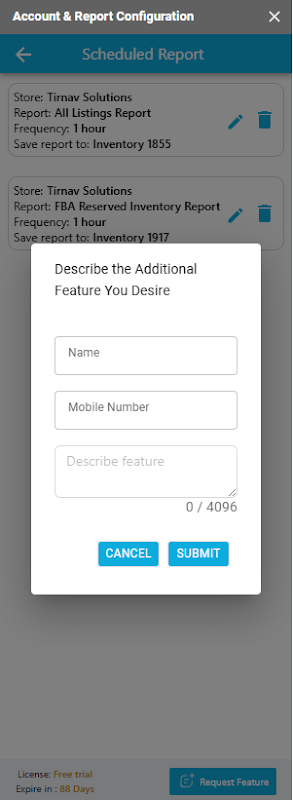
For any bugs or requesting a new features to this add-on or your custom amazon api requirement, please send us an email on amazon-support@tirnav.com or fill out Request a Feature form in the bottom of the add-on.
Additional information
sell
PricingНе е налице
code
Developer
email
Поддръжка
lock
Декларация за поверителност
description
Общи условия
flag
Подаване на сигналFlag as inappropriate




Търсене
Изчистване на търсенето
Затваряне на търсенето
Приложения на Google
Главно меню