
Google Workspace Marketplace


Ankobi - Import bank transactions
Import your bank transactions into Google Sheets™, auto-categorised and ready to budget. Track spending, set budgets, and see what's left to sort—all in your own spreadsheet.
Nhà phát triển:
Đã cập nhật trang thông tin:16 tháng 8, 2026
Hoạt động với:
19



Tổng quan
Ankobi is the easiest way to get your bank transactions into Google Sheets™ — automatic bank sync, smart categorisation, and budgeting built for New Zealanders.

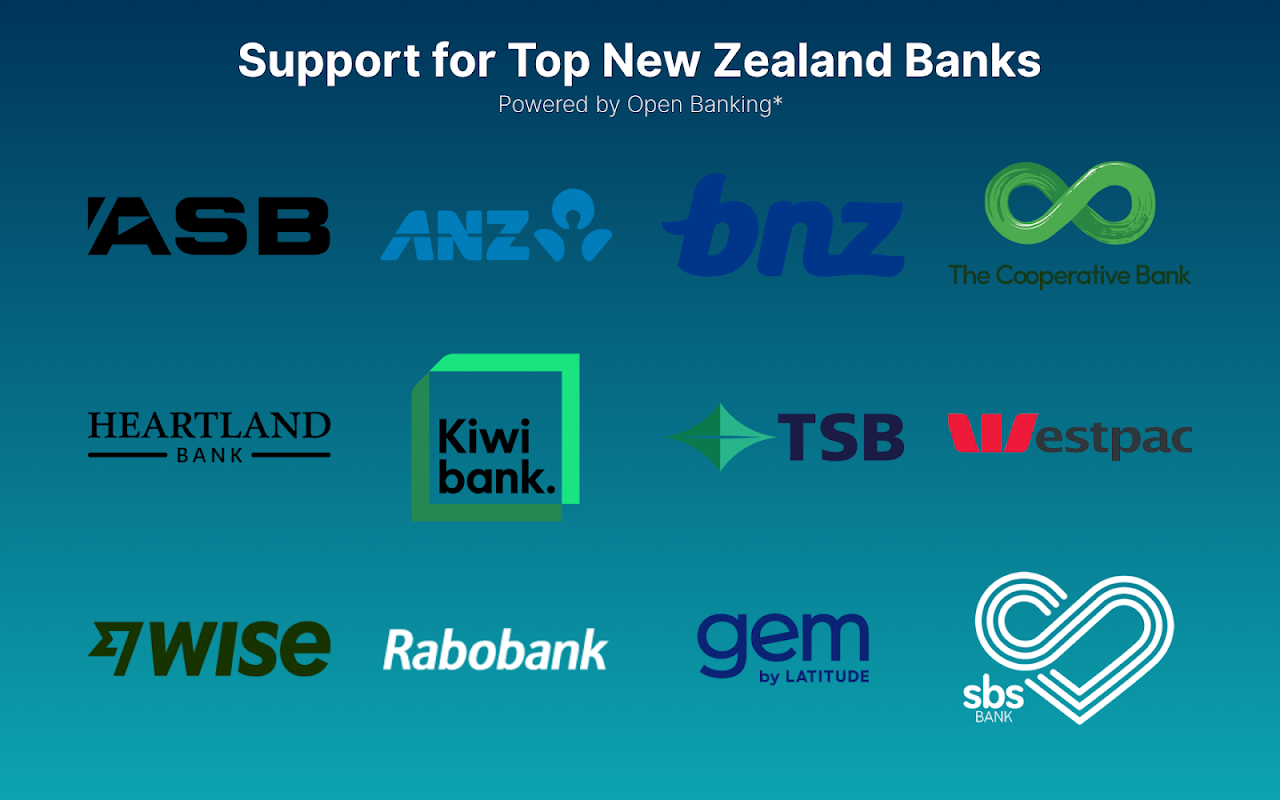
Connect ANZ, ASB, BNZ, Westpac, Kiwibank and more via Akahu (NZ open banking), then import your transactions in one click. No manual downloads, no messy CSVs — just clean, automatically categorised data in your own spreadsheet, ready to budget with.


WHY ANKOBI

✔ Save hours every week — import transactions in a click and let Ankobi categorise them for you.
✔ Less manual sorting — auto-categorisation learns from how you've categorised before and from your bank's own categories, so most transactions arrive already sorted.
✔ Always know what's left to do — an "Uncategorised (to do)" total shows at a glance whether your budget is up to date.
✔ Stay ahead of your bills — the Forecast tab shows which regular payments haven't come out yet this month and whether each category is on track or heading over budget.
✔ It's your spreadsheet — build dashboards, charts, and formulas your way, and share it like any other Google Sheet™.
✔ Bank-level security — connections run through NZ's trusted open banking platform, and your banking credentials are never shared with Ankobi.


FEATURES

1. Bank sync with all major NZ banks: securely connect your bank accounts and credit cards for automatic bank feeds.
2. One-click imports: transactions land in tidy monthly sheets, including pending transactions so you always see the full picture. Your Budget and Forecast tabs refresh automatically after each import.
3. Smart auto-categorisation: Ankobi reuses your past categorisations for similar transactions and maps your bank's categories to yours. Auto-filled cells are gently highlighted for review, and the highlight clears once you've checked them.
4. Your categories, your way: start with a sensible starter list, then add your own — every transaction gets a simple dropdown.
5. Budget tab: live totals for every category across a rolling 12 months, compared against the targets you set — income, expenses, net, and an "Uncategorised (to do)" row so nothing slips through.
6. Forecast tab: spots your regular payees, flags bills that haven't been paid yet this month, and projects whether each category will finish the month within budget.
7. Works alongside everything else in Google Sheets™ — formulas, charts, pivot tables, and other add-ons.


WHO IT'S FOR

• Individuals and couples who want to actually stick to a budget, without typing in every transaction.
• Households sharing one live sheet for joint finances.
• Spreadsheet lovers who want real bank data behind their own dashboards and reports.
• Sole traders and small businesses keeping an eye on cash in and out.


PRICING

Try Ankobi free for 7 days — connect your bank and run a full import before you pay anything. After the trial it's just $5 per month, and you can cancel anytime. Billing is set up right inside the add-on.


SECURITY & PRIVACY

• Bank connections are handled by Akahu, New Zealand's open banking provider — your banking credentials are never stored on Ankobi's servers.
• Your data is encrypted in transit and at rest.
• Your transactions live in your own Google Sheet™, under your control.
• Revoke bank access or delete your data at any time.


Get started in minutes: install Ankobi, open the sidebar in any Google Sheet™, connect your bank, and import. Learn more at ankobi.com
Thông tin bổ sung
sell
GiáKhông mất phí khi dùng các tính năng có tính phí
code
Nhà phát triển
Không phải bên giao dịch
email
Hỗ trợ
lock
Chính sách quyền riêng tư
description
Điều khoản dịch vụ
flag
Báo cáoĐánh dấu là không phù hợp





Tìm kiếm
Xóa nội dung tìm kiếm
Đóng tìm kiếm
Các ứng dụng của Google
Trình đơn chính