
Google Workspace Marketplace


API Import for Google Sheets™
La IA crea la solicitud de API por ti. Importa de Shopify, HubSpot, GA4™, YouTube™, GitHub, Mailchimp y más en Google Sheets™. Activa alertas por email o Slack automáticamente.
Autor:
Ficha actualizada:3 de junio de 2026
Compatible con:
Sin reseñas
63


Información general
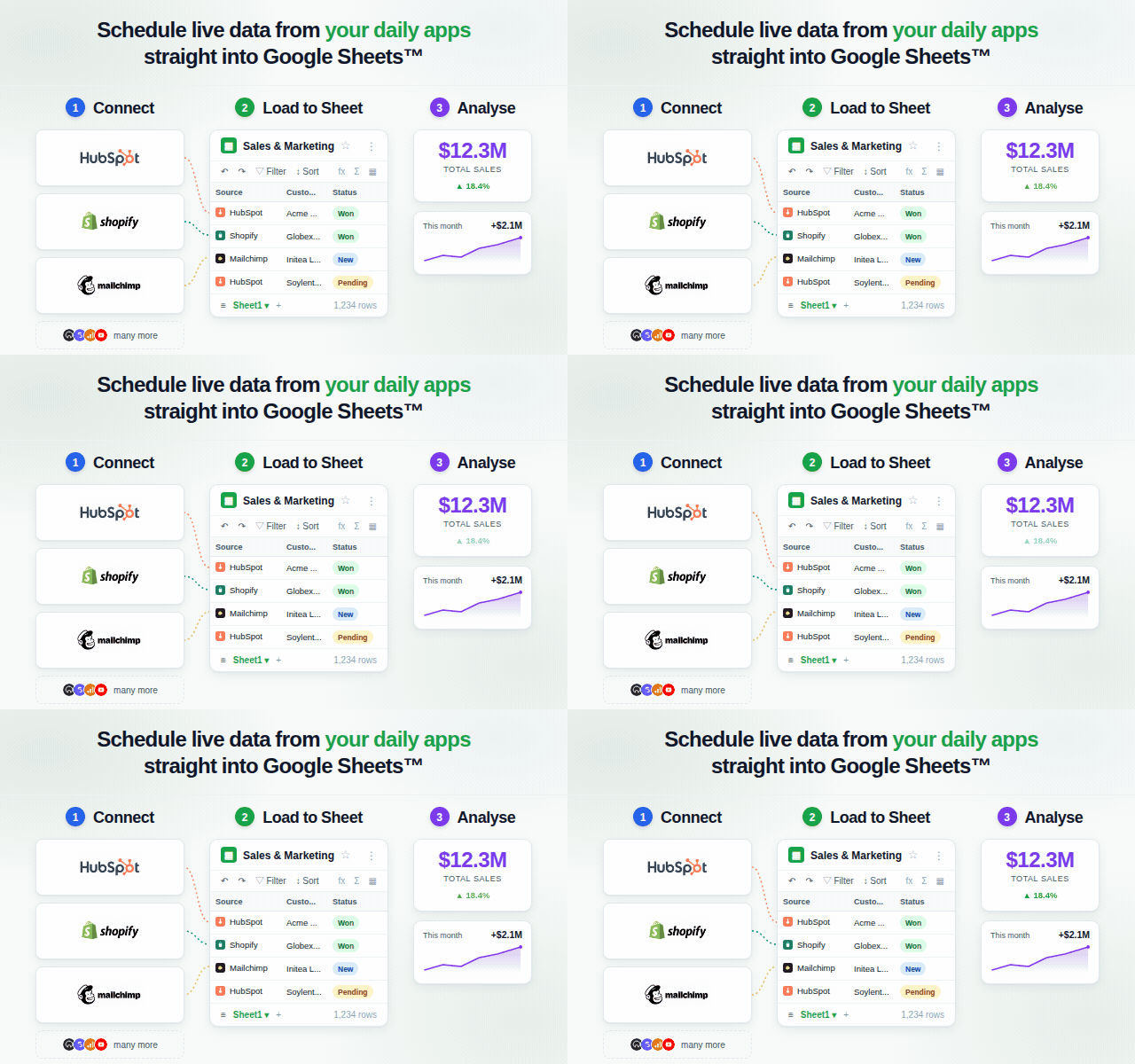
API Import for Google Sheets™ se conecta a cualquier app o API, y la IA hace la configuración completa por ti. Describes lo que quieres. La IA selecciona el endpoint correcto, construye los parámetros de consulta, gestiona los encabezados de autenticación y administra la paginación. No necesitas tocar la documentación de la API.

Una vez que tus datos están en Sheets™, los Flows te permiten establecer condiciones y activar acciones automáticamente. Recibe un email cuando se supera un umbral, o usa un disparador Scout AI: escribe una condición en lenguaje natural como "¿Cayeron los ingresos más de un 20%?" y la IA evalúa la respuesta completa de la API en cada ejecución.

CÓMO FUNCIONA

1. Conectar — haz clic en Conectar para proveedores OAuth; pega una clave de API para APIs basadas en clave. Las credenciales se almacenan de forma segura y se reutilizan en cada ejecución.
2. Solicitar — describe lo que quieres en lenguaje natural. La IA elige el endpoint, construye los parámetros, gestiona los encabezados de autenticación y la paginación — sin configuración manual.
3. Obtener datos — los resultados llegan fila a fila en tu Google Sheet™. Guarda el flujo de trabajo o prográmalo para que se actualice automáticamente.
4. Configurar un Flow (opcional) — adjunta un disparador y una acción a tu flujo de trabajo. Usa un disparador de umbral numérico, un disparador de siempre activar, o un disparador Scout AI: escribe una condición en lenguaje natural y la IA evalúa la respuesta completa de la API en cada ejecución, devolviendo verdadero/falso y una razón que puedes usar en el cuerpo del email de alerta.

CARACTERÍSTICAS PRINCIPALES

• Configuración completa de solicitudes por IA — la IA selecciona el endpoint, ensambla los parámetros de consulta, añade encabezados de autenticación y gestiona la paginación. Escribe una frase; ella escribe la llamada a la API.
• Disparadores Scout AI — escribe una condición en lenguaje natural como "¿Cayeron los ingresos más de un 20%?" o "¿Hay nuevas reseñas de 1 estrella?". La IA evalúa la respuesta completa de la API y devuelve activado: verdadero o falso más una razón breve. Usa {{trigger.reason}} en el cuerpo de tu email de alerta.
• Flows: pares condición-acción automatizados — adjunta un Flow a cualquier flujo de trabajo guardado. Cuando el flujo de trabajo se ejecuta, el Flow evalúa su disparador y activa la acción si se cumple. Tipos de disparador: Siempre, Umbral (numérico), Scout (IA). Tipos de acción: Enviar email vía Resend, Enviar mensaje de Slack, Escribir en pestaña de hoja.
• Solicitudes en lenguaje natural — describe tu consulta en lenguaje natural; el complemento elige el endpoint correcto, los parámetros y gestiona la paginación automáticamente.
• Conectores incluidos — Shopify, HubSpot, YouTube Data API™, Google Analytics 4™, Google Search Console™, GitHub, Mailchimp y REST API Genérica.
• Más allá del límite de 1.000 filas — la integración de Google Search Console™ consulta la API directamente, devolviendo hasta 25.000 filas en lugar del límite de 1.000 filas de la interfaz web de GSC™.
• Resultados directamente en la hoja — sin copiar y pegar, sin exportaciones CSV; los datos llegan exactamente donde los necesitas.
• Flujos de trabajo guardados — guarda cualquier solicitud como un flujo de trabajo reutilizable y ejecútalo de nuevo con un clic.
• Actualización programada — establece horarios por hora, diarios o personalizados para mantener tus datos actualizados automáticamente.

HABILIDADES DE API INTEGRADAS

Shopify · HubSpot · YouTube Data API™ · Google Analytics 4™ · Google Search Console™ · GitHub · Mailchimp · REST API Genérica

La REST API Genérica puede usarse para endpoints REST públicos o personalizados.

PARA QUIÉN ES

• Equipos de ventas que extraen negocios de HubSpot y actividad de CRM en informes de hojas de cálculo en vivo.
• Operadores de e-commerce que monitorean pedidos, inventario e ingresos sin exportaciones CSV.
• Equipos de contenido que extraen métricas de canales y videos de YouTube™ en informes existentes.
• Analistas de marketing que importan informes de tráfico de GA4™ y datos de palabras clave de Search Console™ más allá del límite de 1.000 filas de la interfaz.
• Email marketers que rastrean el crecimiento de audiencia de Mailchimp, el rendimiento de campañas y datos de suscriptores.
• Equipos de desarrollo y producto que monitorean issues de GitHub, pull requests, commits y actividad de releases.
• Analistas y operadores que construyen pipelines de datos ligeros sin escribir ni mantener código.

CÓMO EMPEZAR

1. Instala el complemento desde Google Workspace™ Marketplace.
2. Abre cualquier Google Sheet™ y haz clic en Extensiones → API Import for Google Sheets™.
3. Selecciona Shopify, HubSpot, YouTube Data API™, Google Analytics 4™, Google Search Console™, GitHub, Mailchimp o REST API Genérica.
4. Escribe tu primera solicitud y presiona Ejecutar.

Se crea una cuenta gratuita automáticamente en el primer uso. No se requiere tarjeta de crédito.

ACCESO DE LANZAMIENTO GRATUITO INCLUYE

• Shopify, HubSpot, YouTube Data API™, Google Analytics 4™, Google Search Console™, GitHub, Mailchimp y REST API Genérica.
• Configuración completa de solicitudes por IA — sin configuración manual de endpoints o parámetros.
• Flows: disparadores de umbral, disparadores de siempre y disparadores Scout AI.
• Acciones de notificación por email y Slack, acciones de escritura en hoja.
• Flujos de trabajo guardados y actualizaciones programadas.

Más información en apiimport.comInformación adicional
sell
PrecioSin coste
code
Desarrollador
email
Asistencia
lock
Política de privacidad
description
Términos del Servicio
flag
DenunciarMarcar como inapropiada




Búsqueda
Borrar búsqueda
Cerrar búsqueda
Aplicaciones de Google
Menú principal