
Google Workspace Marketplace


API Import for Google Sheets™
AI builds any API request for you. Pull Shopify, HubSpot, GA4, YouTube™, GitHub, Mailchimp and more into Google Sheets™. Set conditions to trigger email or Slack alerts automatically.
Gawa ng:
Na-update ang listing noong:Hunyo 3, 2026
Gumagana sa:
Walang review
63


Pangkalahatang-ideya
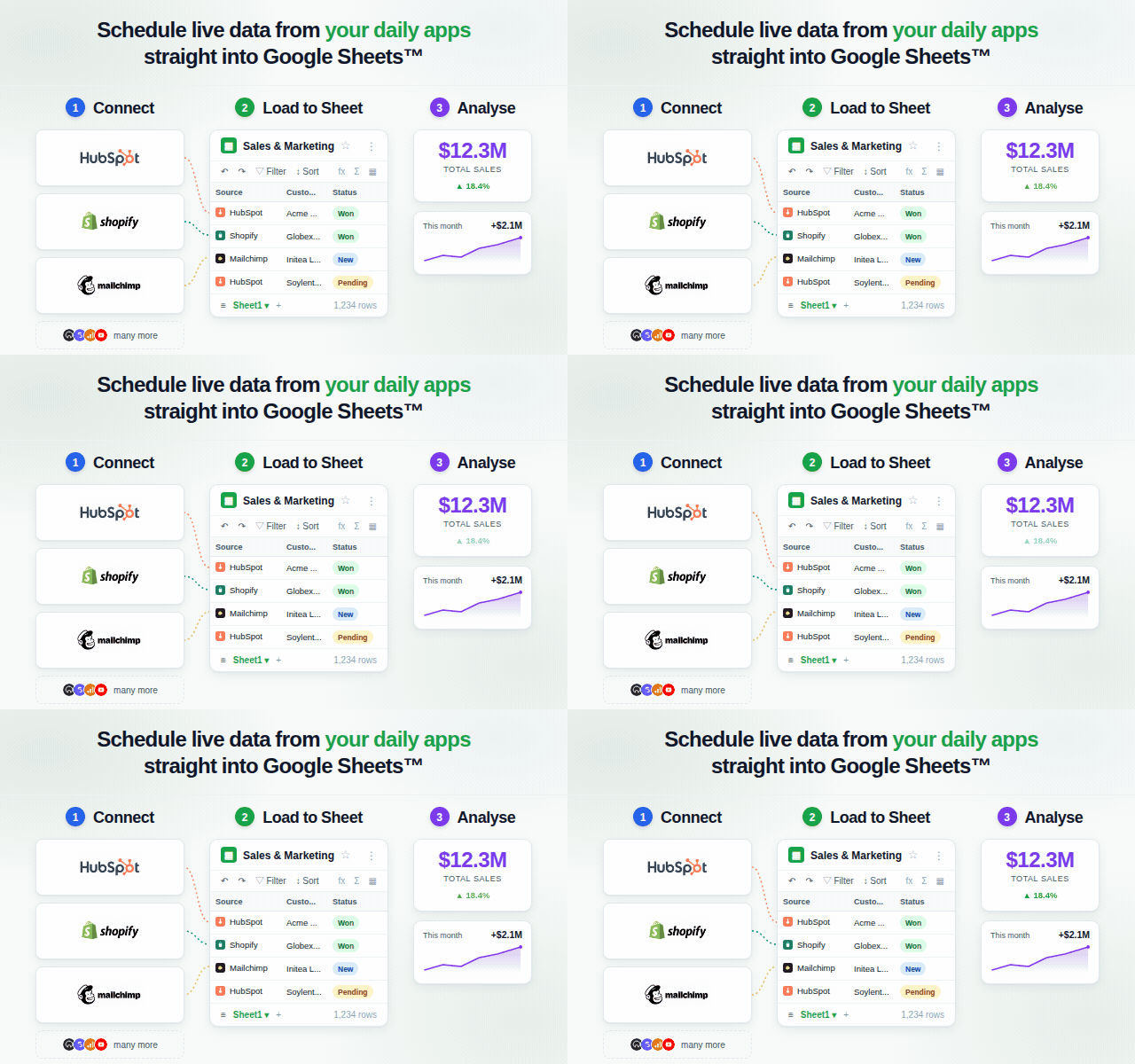
API Import for Google Sheets™ connects to any app or API — and the AI does the full configuration for you. You describe what you want. The AI picks the right endpoint, builds the query parameters, handles auth headers, and manages pagination. You don't touch the API documentation.

Once your data is in Sheets™, Flows let you set conditions and trigger actions automatically. Get an email when a threshold is crossed, or use a Scout AI trigger: write a plain-English condition like "Has revenue dropped more than 20%?" and the AI evaluates the full API response on every run.

HOW IT WORKS

1. Connect — click Connect for OAuth providers; paste an API key for key-based APIs. Credentials are stored securely and reused on every run.
2. Prompt — describe what you want in plain English. The AI picks the endpoint, builds parameters, handles auth headers and pagination — no configuration required.
3. Get data — results land row by row in your Google Sheet™. Save the workflow or schedule it to refresh automatically.
4. Set a Flow (optional) — attach a trigger and action to your workflow. Use a numeric threshold trigger, an always-fire trigger, or a Scout AI trigger: write a plain-English condition and the AI evaluates the full API response every run, returning true/false and a reason you can use in an alert email body.

KEY FEATURES

• Full AI request configuration — the AI selects the endpoint, assembles query parameters, adds auth headers, and handles pagination. You write a sentence; it writes the API call.
• Scout AI triggers — write a plain-English condition like "Did revenue drop more than 20%?" or "Are there any new 1-star reviews?". The AI evaluates the full API response and returns fired: true or false plus a short reason. Use {{trigger.reason}} in your alert email body.
• Flows: automated condition-action pairs — attach a Flow to any saved workflow. When the workflow runs, the Flow evaluates its trigger and fires the action if met. Trigger types: Always, Threshold (numeric), Scout (AI). Action types: Send email via Resend, Send Slack message, Write to sheet tab.
• Natural language requests — describe your query in plain English; the add-on picks the right endpoint, parameters, and handles pagination automatically
• Launch connectors — Shopify, HubSpot, YouTube Data API™, Google Analytics 4™, Google Search Console™, GitHub, Mailchimp, and Generic REST API
• Beyond the 1,000-row limit — the Google Search Console™ integration queries the API directly, returning up to 25,000 rows instead of the 1,000-row cap in the GSC™ web interface
• Results directly to sheet — no copy-paste, no CSV exports; data lands exactly where you need it
• Saved workflows — save any prompt as a reusable workflow and run it again with one click
• Scheduled refresh — set hourly, daily, or custom schedules to keep your data current automatically

BUILT-IN API SKILLS

Shopify · HubSpot · YouTube Data API™ · Google Analytics 4™ · Google Search Console™ · GitHub · Mailchimp · Generic REST API

Generic REST API can be used for public or custom REST endpoints.

WHO IT'S FOR

• Sales teams pulling HubSpot deals and CRM activity into live spreadsheet reports
• E-commerce operators monitoring orders, inventory, and revenue without CSV exports
• Content teams pulling YouTube™ channel and video metrics into existing reports
• Marketing analysts importing GA4™ traffic reports and Search Console™ keyword data beyond the 1,000-row UI limit
• Email marketers tracking Mailchimp audience growth, campaign performance, and subscriber data
• Developer and product teams monitoring GitHub issues, pull requests, commits, and release activity
• Analysts and operators building lightweight data pipelines without writing or maintaining code

GETTING STARTED

1. Install the add-on from the Google Workspace™ Marketplace
2. Open any Google Sheet™ and click Extensions → API Import for Google Sheets™
3. Select Shopify, HubSpot, YouTube Data API™, Google Analytics 4™, Google Search Console™, GitHub, Mailchimp, or Generic REST API
4. Type your first prompt and hit Run

A free account is created automatically on first use. No credit card required.

FREE LAUNCH ACCESS INCLUDES

• Shopify, HubSpot, YouTube Data API™, Google Analytics 4™, Google Search Console™, GitHub, Mailchimp, and Generic REST API
• Full AI request configuration — no manual endpoint or parameter setup
• Flows: threshold triggers, always triggers, and Scout AI triggers
• Email and Slack notification actions, write-to-sheet actions
• Saved workflows and scheduled refreshes

Learn more at apiimport.comKaragdagang impormasyon
sell
PagpepresyoLibre
code
Developer
email
Suporta
lock
Patakaran sa privacy
description
Mga tuntunin ng serbisyo
flag




Search
I-clear ang paghahanap
Isara ang paghahanap
Mga app ng Google
Pangunahing menu