
Google Workspace Marketplace


Auto Gmail™: ChatGPT™ Inbox Assistant
AI-powered email assistant for Gmail. Generate automatic replies, draft emails in seconds, and manage inbox efficiently. Use ChatGPT for productivity and time-saving in business communication!
Listing updated:১৫ নভেম্বর, ২০২৪
Works with:
৩২৮


এক নজরে
Auto-Gmail: The Ultimate AI Email Assistant for Gmail™ - Save Time and Boost Productivity with Automatic Email Drafting

Experience the future of email management with **Auto-Gmail**, your comprehensive **AI email assistant** powered by ChatGPT. Designed specifically for **Gmail users** and available as a **Chrome extension and Gmail add-on**, Auto-Gmail takes email communication to the next level. Automatically generate full-length replies, summarize threads, draft responses in multiple languages, and manage your inbox efficiently. Ideal for business communication, productivity, and time-saving, Auto-Gmail is here to make your daily email tasks seamless and professional.

**Why Auto-Gmail is the Perfect Choice for You**
With its advanced **AI-powered email drafting and management features**, Auto-Gmail understands the need for efficient and accurate communication. The tool is packed with capabilities that streamline **email replies** and boost productivity for busy professionals and teams. Whether you’re in customer support, executive management, or freelance work, Auto-Gmail helps save valuable time by automating routine tasks while ensuring quality and personalization.

**Key Features**
- **Automatic Reply Generation**: Instantly draft context-aware, full-length emails with a single click.
- **AI-Powered Personalized Tone**: Auto-Gmail tailors replies to sound like you, adapting to your unique writing style.
- **Grammar and Spelling Perfection**: Say goodbye to errors and typos with Auto-Gmail’s built-in grammar correction.
- **Customizable AI Templates**: Save time with reusable email templates generated by AI for various scenarios.
- **Multilingual Support**: Reply to emails in multiple languages, making Auto-Gmail the ideal solution for global communication needs.
- **Secure Data Handling**: Privacy is at the core of Auto-Gmail’s design, with minimal permissions and no third-party tracking.

**Get Started in Just Minutes**
1. Install **Auto-Gmail** from the Google Workspace Store.
2. Open Gmail and start a new email or reply to an existing one.
3. Click on the Auto-Gmail icon to automatically draft a response based on your input or the previous email.
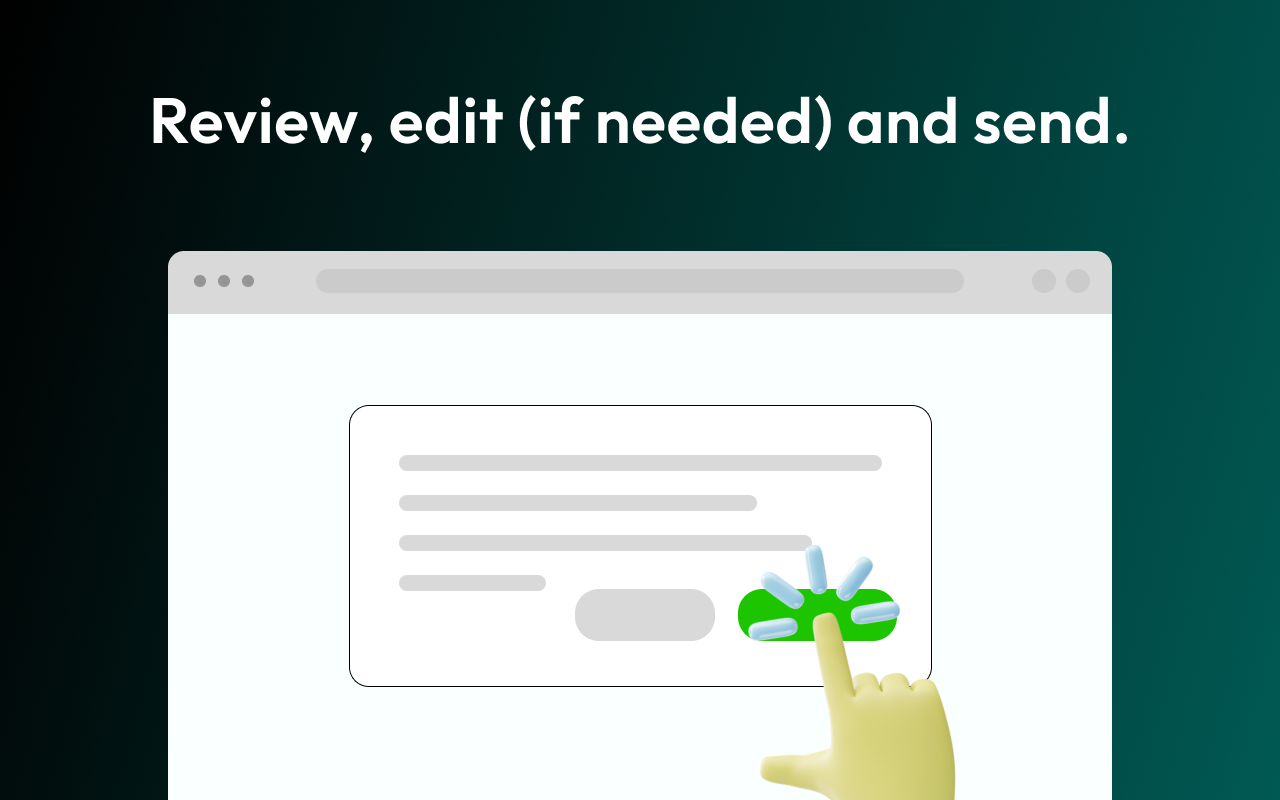
4. Review and send!

**Perfect for Various Use Cases**
- **Busy Professionals**: Manage email overload with quick, accurate, and tailored replies, saving time for more critical tasks.
- **Customer Support Teams**: Respond to inquiries with speed and consistency, boosting customer satisfaction.
- **Executives and Managers**: Summarize email threads and respond confidently with context-aware, professional replies.
- **Freelancers and Remote Workers**: Maintain clear communication with clients and build relationships with efficient, timely responses.

**Privacy & Security**
With Auto-Gmail, **data security and privacy** are a priority. The app only accesses necessary permissions and avoids ads, cookies, or third-party trackers. Auto-Gmail only uses the minimum required data to craft responses, ensuring that your information stays safe.

**FAQ**
**Q: How does Auto-Gmail handle my data?**
A: Auto-Gmail respects your privacy by sending only the user prompt or relevant email text required for AI processing. Sensitive information can be edited before sending.

**Q: Is Auto-Gmail compatible with other browsers?**
A: Auto-Gmail works seamlessly with all **Chromium-based browsers** like Chrome, Brave, and Edge.

**Experience the Future of Email with Auto-Gmail**
Revolutionize the way you communicate with **AI-powered email replies, drafting, and management**—all directly in Gmail. Perfect for anyone looking to save time, improve productivity, and enhance email quality, Auto-Gmail is the go-to tool for modern professionals. Install today and take your **Gmail experience** to the next level with Auto-Gmail!
Additional information
sell
PricingFree of charge trial
code
Developer
email
সমর্থন
lock
গোপনীয়তা নীতি
description
পরিষেবার শর্তাদি
flag
রিপোর্ট করুনFlag as inappropriate



সার্চ করুন
সার্চ মুছুন
সার্চ বন্ধ করুন
Google অ্যাপ্লিকেশানগুলি
প্রধান মেনু