
Google Workspace Marketplace


Auto Layout & Grid: Align, Distribute, Resize
Align, distribute, resize and arrange objects in rows, columns or a grid. Equal spacing, matched sizes and reusable layout presets for clean slides.
Listing updated:August 31, 2026
Works with:
280


Overview
Auto Layout & Grid is a Google Slides™ add-on that aligns, distributes, resizes, rotates, and arranges objects on a slide with the precision you would expect from a real design tool. Select a few shapes, images, or text boxes, open the side panel, and clean up the whole slide in a couple of clicks.

Ever spent five minutes nudging a row of boxes so the gaps look even? One card sits two pixels too far left, the spacing between items is never quite equal, and lining things up by eye turns into a guessing game. Auto Layout & Grid does the math for you, so everything snaps into place.

WHAT YOU CAN DO

Align and distribute
• Align objects left, right, top, bottom, or center, both horizontally and vertically.
• Distribute objects evenly so the spacing between them is exactly equal.

Auto Layout
• Arrange any selection into a clean row or column with a fixed gap.
• Choose an anchor point on a 3x3 grid so your objects grow from the corner or edge you want.
• Use a negative gap when you want elements to overlap on purpose, the way you would in a design tool.

Grid Layout
• Divide the slide into a grid and place your selection in exactly the region you want: half the slide, one third, a corner, any custom zone.
• Pick the target cells in a visual selector that matches your slide's real proportions.
• Images are fitted without distortion, and multi-object selections are scaled uniformly and recentered, so nothing ever gets stretched.
• Save your favorite grids as named presets and reuse them across every deck.

Rotate and flip
• Rotate the selection 90 degrees, or type an exact angle.
• Flip horizontally or vertically to mirror any object.

Match sizes
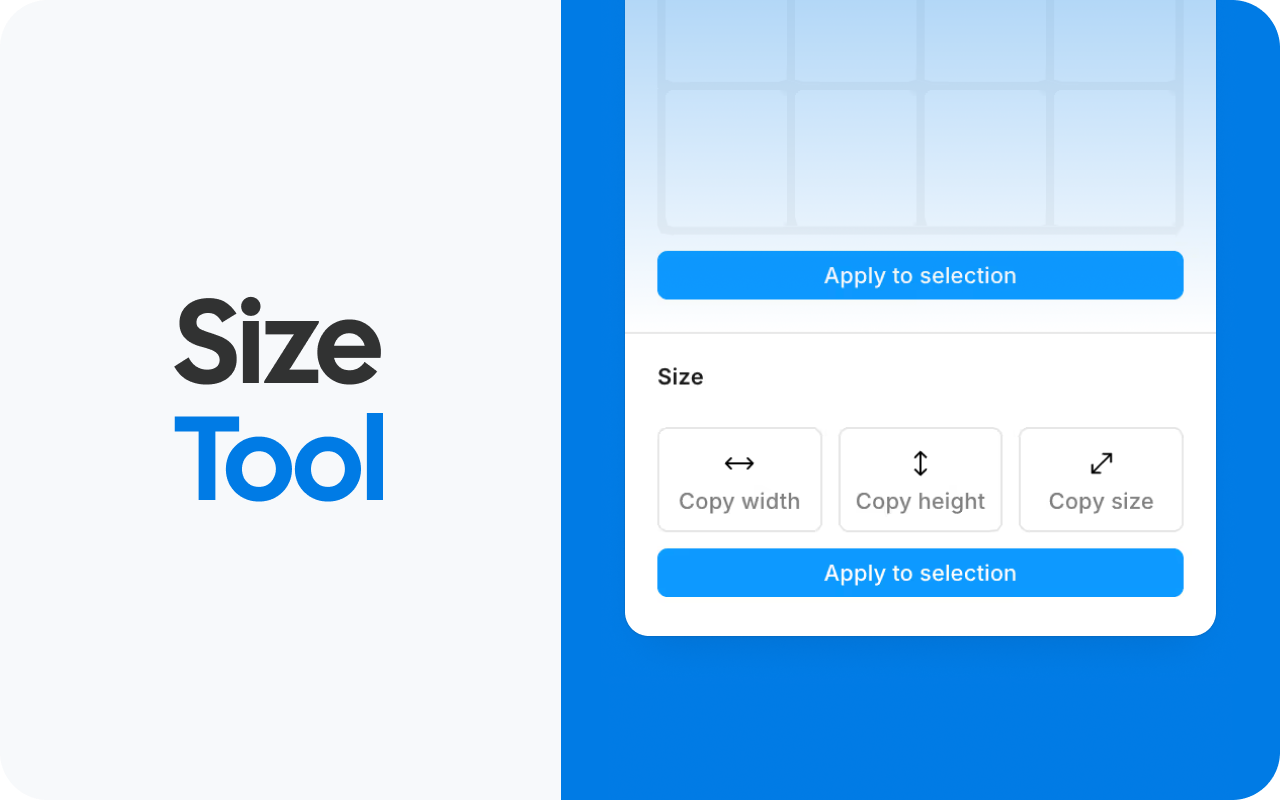
• Copy the width, the height, or both from one object and apply it to others.
• Make a group of shapes or images the same size in one click.

Spacing scale
• Save your own spacing values, for example 16, 24, and 32, as reusable tokens.
• The active token sets the default gap for Auto Layout, so spacing stays consistent across every slide in your deck.

WHO IT IS FOR

Anyone who cares how a deck looks. Sales and marketing teams building pitch decks, teachers and students cleaning up lesson slides, consultants and analysts shaping reports, and designers who want pixel-level control without leaving Google Slides™.

HOW IT WORKS

1. Install the add-on, then open it from Extensions, Auto Layout & Grid, Open panel.
2. Select the objects you want to organize on the slide.
3. Click an alignment, distribution, grid, sizing, or layout control and watch the slide tidy itself.

FREQUENTLY ASKED QUESTIONS

Is my data safe?
Yes. Auto Layout & Grid only accesses the presentation it is open in, using Google's most restrictive Slides permission. It cannot see your other files or your Drive, and your slide content is never stored or sent anywhere.

How do I align objects evenly in Google Slides™?
Select two or more objects, then choose an edge or center to align on, and use distribute to make the gaps between them identical.

How do I arrange objects in a grid in Google Slides™?
Open Grid Layout, pick the cells that define your target zone, and the selected objects are moved and resized to fit that region of the slide, no manual math required.

Can I make several objects the same size?
Yes. Copy the width, height, or both from one object and apply it to the rest of your selection.

Does it change my content?
No. It only moves, rotates, resizes, or arranges the objects you select. Your text and images stay intact.

Stop dragging objects around and eyeballing the gaps. Install Auto Layout & Grid and give every slide clean, consistent spacing in seconds.
Additional information
sell
PricingFree of charge
code
Developer
Non-trader
email
Support
lock
Privacy policy
description
Terms of service
flag
ReportFlag as inappropriate





Search
Clear search
Close search
Google apps
Main menu