
Google Workspace Marketplace


Automatic Calendar Invites
Using this Add-on, whenever someone RSVPs to an event via Google Forms™, they will receive an automatic Google Calendar™ invitation for that event in their email.
Deweloper:
Pozycja zaktualizowana:11 lutego 2025
Współpracuje z:
70

Omówienie
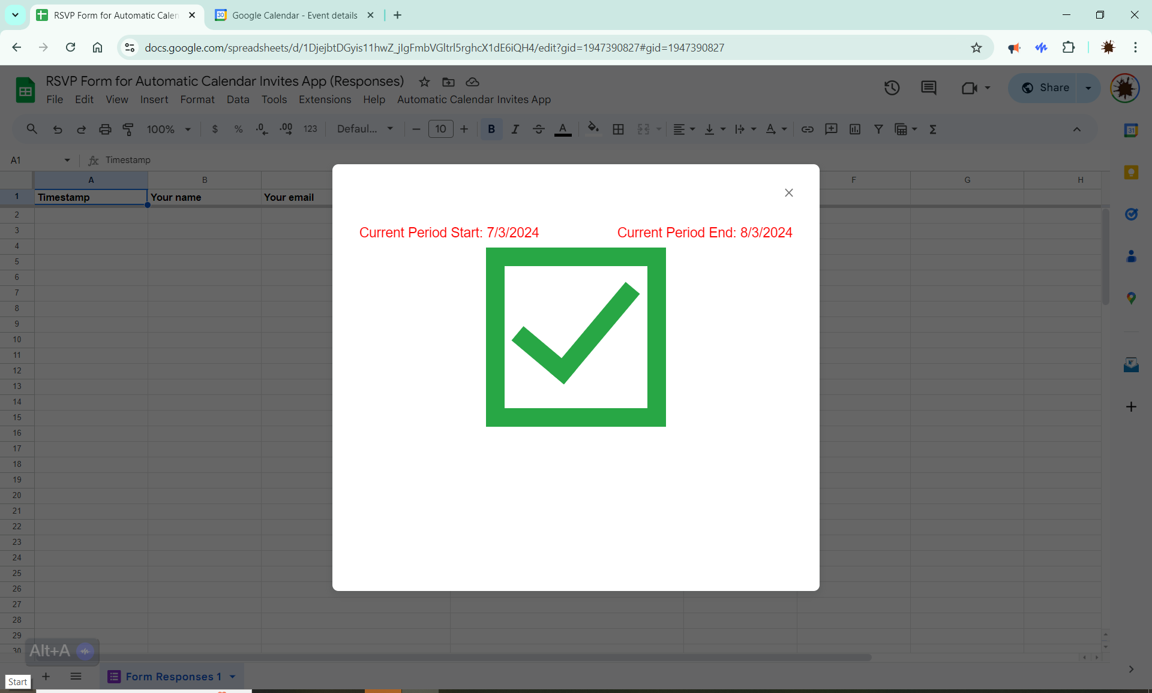
This add-on provides a powerful integration between Google Forms™ and Google Calendar™, designed to streamline event management. Whenever a respondent RSVPs to an event using a Google Form, the add-on automatically sends them a Google Calendar™ invitation for that event. This ensures that the event is added to their calendar immediately, helping to avoid scheduling conflicts and reducing the manual work required by event managers.

Key Features:
- Automatic Calendar Invitations: Instantly sends a Google Calendar™ invitation to respondents after they submit their RSVP through Google Forms™, making sure the event is added to their calendar right away.
Prevent Scheduling Conflicts: By securing the event time in respondents' calendars as soon as they RSVP, this add-on helps prevent double-booking and other scheduling conflicts.
- Time-Saving Automation: Event managers no longer need to manually send calendar invitations to each respondent, saving time and reducing the risk of errors.
- Seamless Integration: Works directly within Google Forms™ and Google Calendar™ without the need for additional software or complex setup processes.
- Email Notifications: Respondents receive an email with the Google Calendar™ invitation attached, ensuring they have all the details they need in one place.
- Peace of Mind:   The app allows the event manager to send a test invitation to ensure it's working properly.

Why Use This Add-On?
Managing events can be time-consuming, especially when it comes to sending out calendar invitations to all participants. This add-on simplifies the process by automating the task, ensuring that all respondents have the event added to their Google Calendar™ without any extra effort from the event manager. It’s perfect for anyone who regularly organizes meetings, webinars, conferences, or any other events where scheduling is critical.

For additional details, support, and FAQs, please visit our website at https://www.autoinviteapp.com/
Dodatkowe informacje
sell
CenyAplikacja płatna
code
Deweloper
Osoba niebędąca przedsiębiorcą
email
lock
Polityka prywatności
description
Warunki korzystania z usługi
flag




Szukaj
Wyczyść wyszukiwanie
Zamknij wyszukiwanie
Aplikacje Google
Menu główne