
Google Workspace Marketplace


Bezala — Expense Receipts Forwarding
Automatically forward receipt emails from Gmail™ to Bezala for expense processing.
Listing updated:May 11, 2026
Works with:
146



Overview
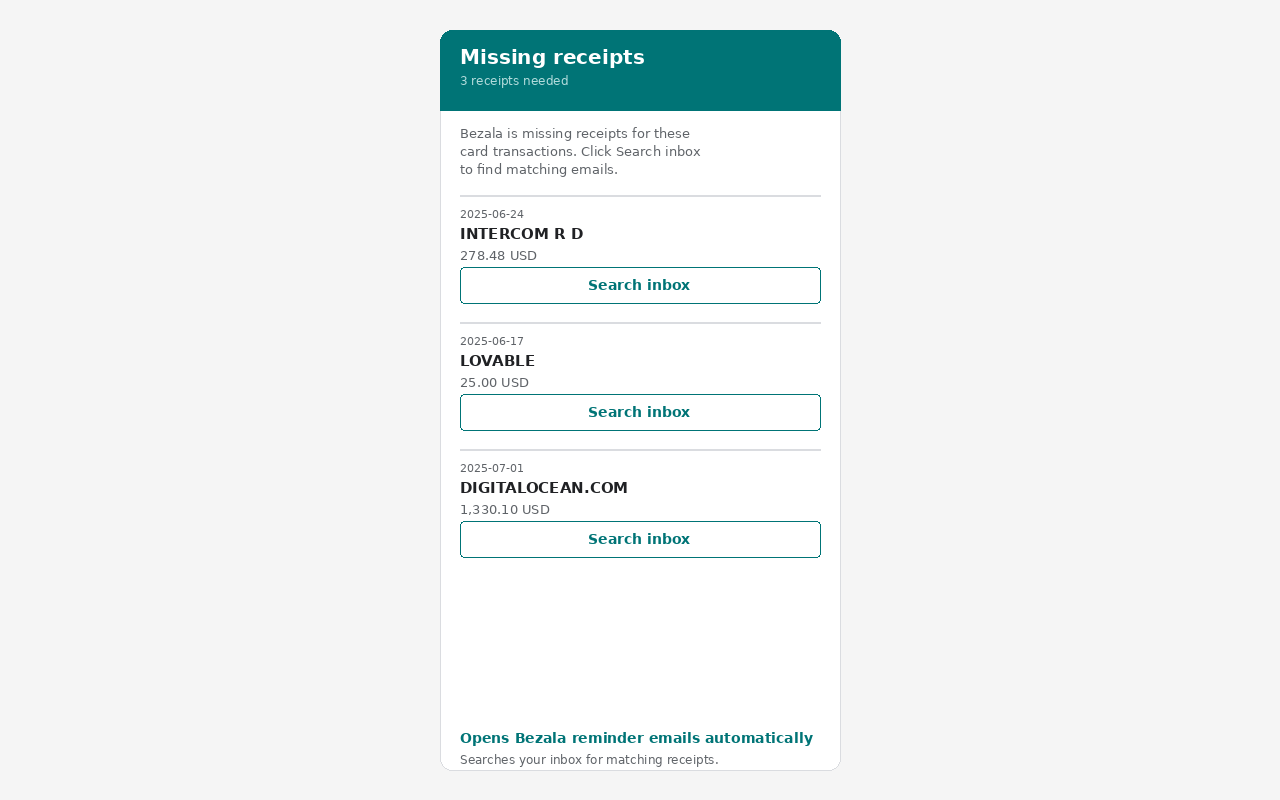
Bezala's Gmail™ add-on automatically detects and forwards receipt emails to your Bezala expense management account. Set it up once — paste your Bezala receipt email, click Connect — and it runs in the background. Receipts are identified by sender, subject, attachments, and currency amounts. Forwarded emails are labeled "Bezala" in Gmail™ to prevent duplicates. When you open a Bezala missing receipts reminder, the add-on searches your inbox for matching emails and lets you forward them with one click.
Additional information
sell
PricingFree of charge
code
email
Support
lock
Privacy policy
description
Terms of service
flag
ReportFlag as inappropriate



Search
Clear search
Close search
Google apps
Main menu