
Google Workspace Marketplace


Bitbucket for Google Chat
Get updates and take action on your Bitbucket repositories!
Listing updated:2025 m. gruodžio 17 d.
Works with:
290 tūkst.+


Apžvalga
Bitbucket for Google Chat allows you to get updates and take action on your code repositories without leaving Google Chat!
Examples of customizable updates you get include:
 - Pull Requests created, updated
 - Pull Requests approved
 - Comments on your Pull requests
 - Commits to your repositories
 - And more!

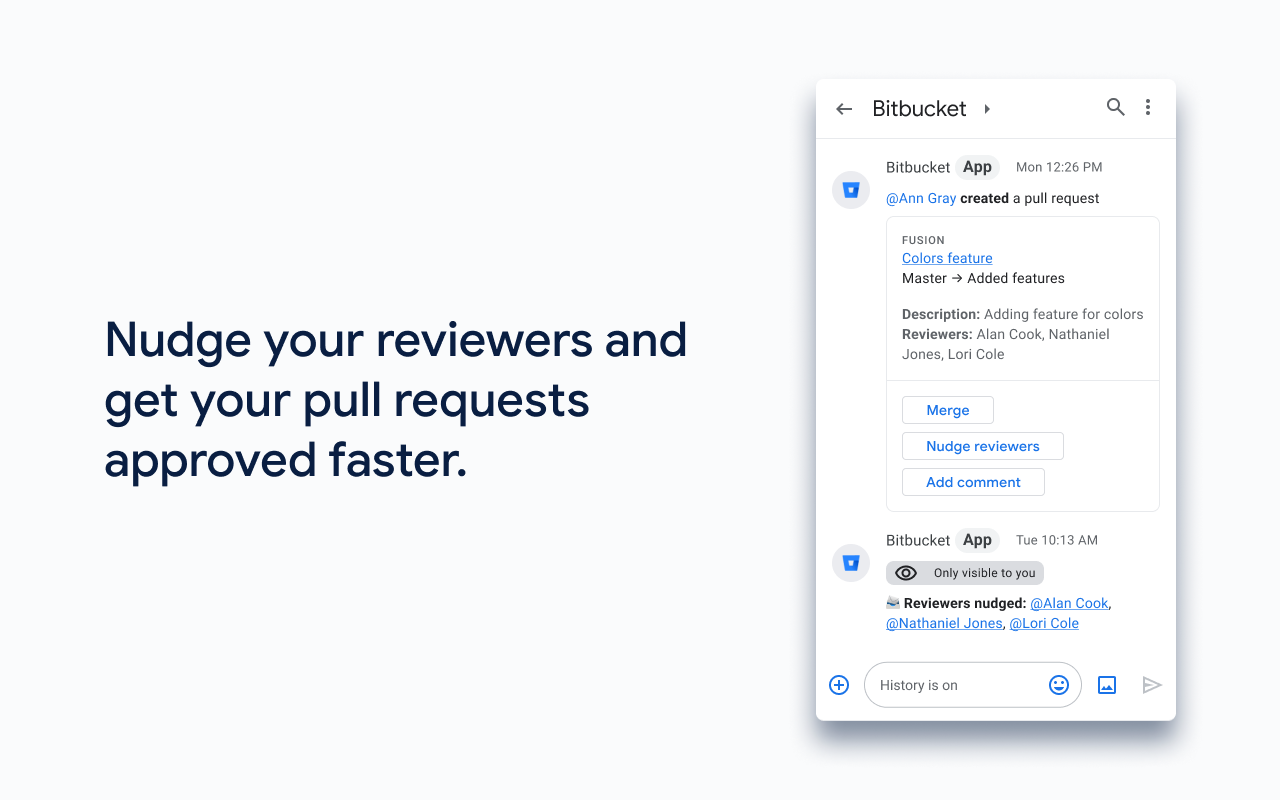
You can also take action on your repository updates, including replying to comments, merging pull requests and even nudging reviewers to review your pull requests, all without leaving Google Chat!

Note: In order to connect Bitbucket with Google Chat, a Bitbucket admin will also need to install the  Google Chat app for Bitbucket</a> in Bitbucket Marketplace. https://bitbucket.org/account/addon-directory?addon=googlechat-bitbucket-bot
Additional information
sell
PricingNeužsiėmęs (-usi)
code
Developer
email
Palaikymas
lock
Privatumo politika
description
Paslaugos teikimo sąlygos
flag
PraneštiFlag as inappropriate


Paieška
Išvalyti paiešką
Uždaryti paiešką
Google Apps
Pagrindinis meniu