
Google Workspace Marketplace


対応デバイス:
687万+



概要
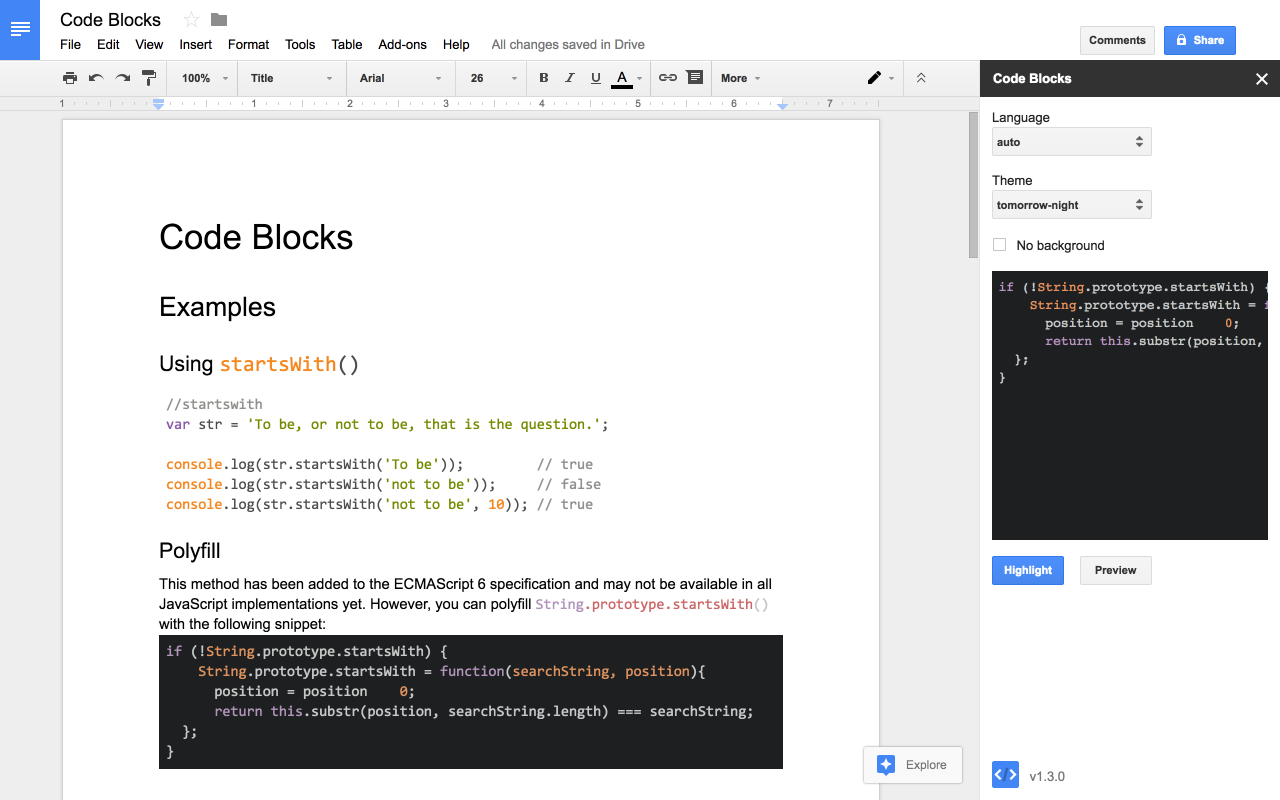
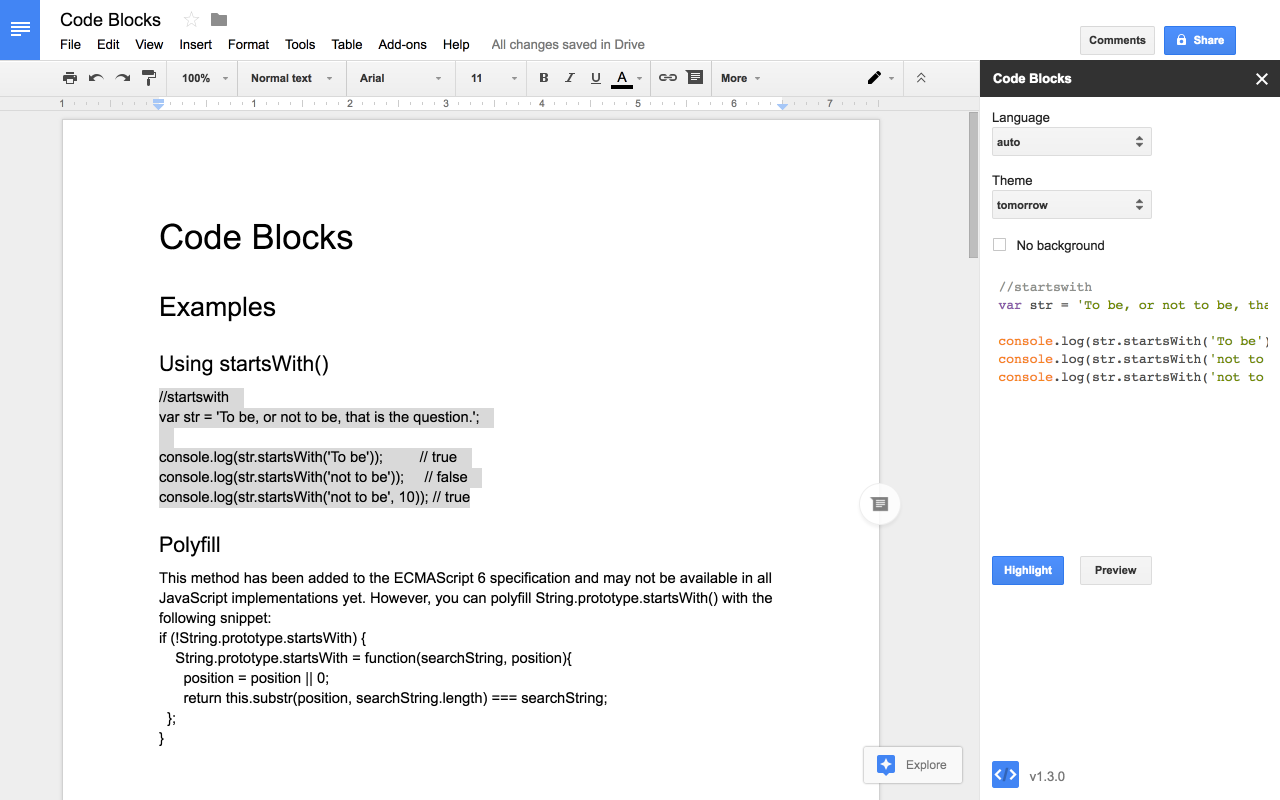
Code Blocks makes it easy to put your code into Google Docs™. Simply select some text, click the "Format" button, and it will be formatted with the color theme of your choice.

Features:
• One-click syntax highlighting
• Automatic language detection (or choose it yourself)
• Lots of color themes
• Format code inline or as blocks (1x1 tables)
• Preview changes before updating your document

Enjoy!

ℹ️ Code Blocks does not provide real-time syntax highlighting or code formatting. To get these features, you will need to use a dedicated code editor.
詳細情報




検索
検索をクリア
検索を終了
Google アプリ
メインメニュー