
Google Workspace Marketplace


Connect More!
Want to provide feedback without opening every student presentation? Now use Connect More! to extract slides from an assignment folder, provide feedback, and then push that feedback to the students.
Listingan diperbarui:26 Agustus 2026
Berfungsi dengan:
Tidak ada ulasan
63 rb+

Ringkasan
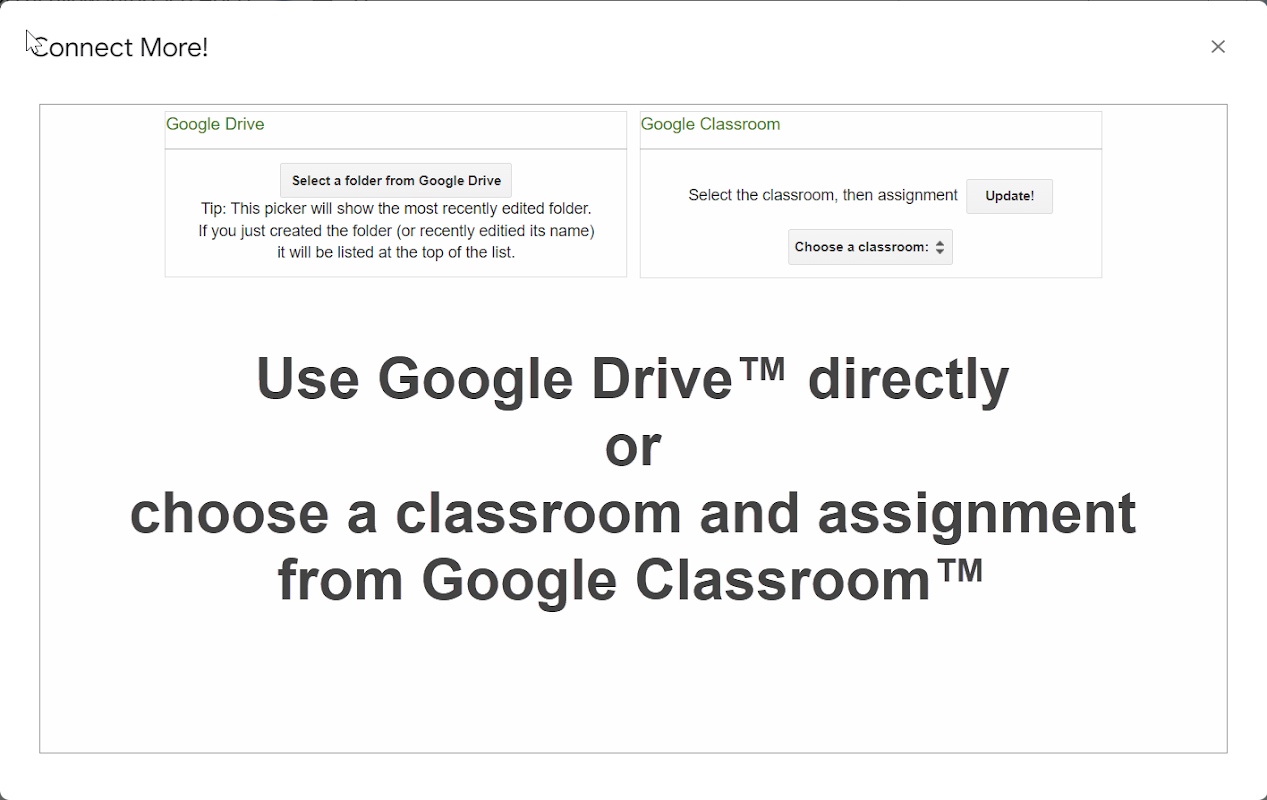
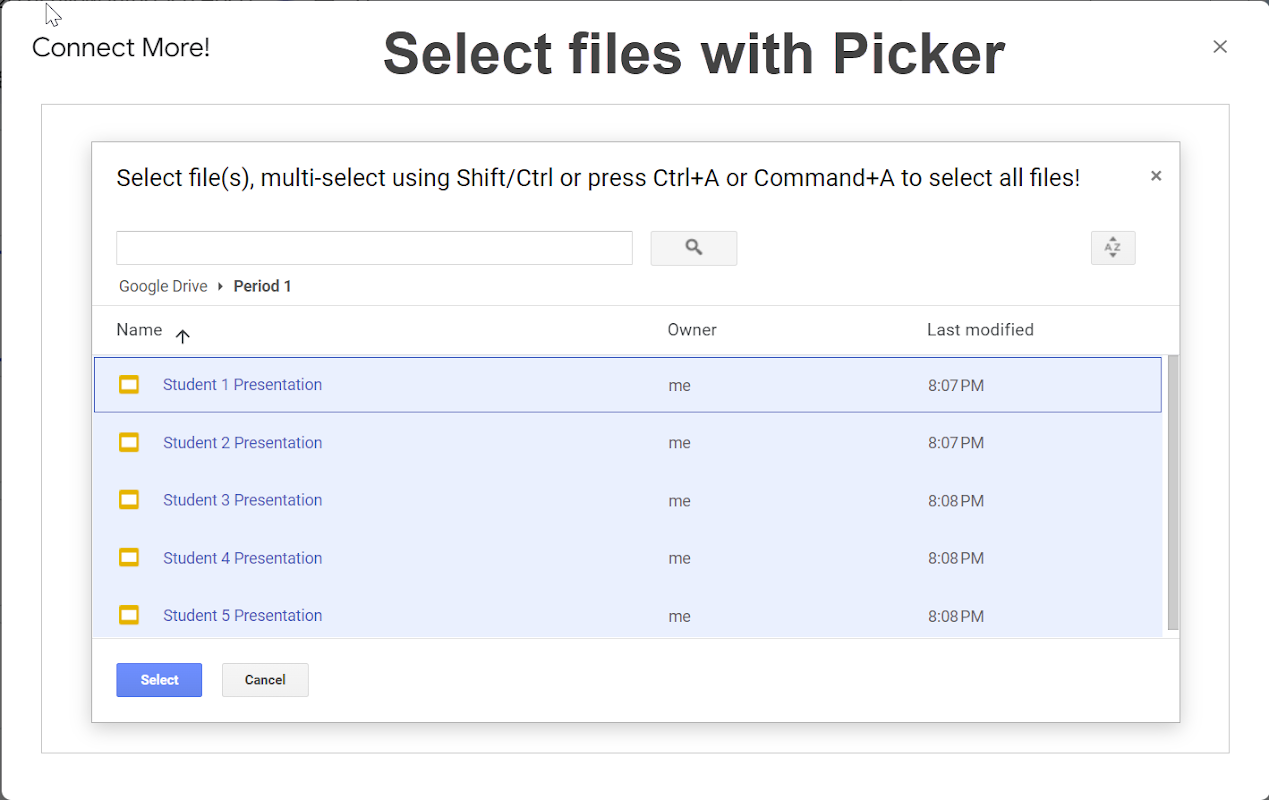
Connect More! now integrates with Google Classroom™ or Google Drive™ and is the perfect tool to allow teachers to retrieve student slide(s) for formative assessment (ie. daily check-in, progress check on a project, …) , and/or as a tool to collect student work, provide teacher feedback, and to send that feedback back into the student’s Google Slides™ presentation. Connect More! can work on its own with pre-designed presentations, or can be used in partnership with Slip-in-Slide allowing for a more dynamic use.  The slipping features of Slip-in-Slide and pulling/pushing features of Connect More! provides many opportunities for teachers.

Connect More! provides 3 modes to pull slides from student presentations:
1) Pulling slides by Name allows the teacher to pull slides with the same title.  This can be a slide that we pre-designed in the assignments presentation template, or a new slide could be slipped to the students on the fly using OTT-o-matic Slip-in-Slide. This option is the most versatile in retrieving exactly what the teacher wants to view based on the slide title.  Note: this method will pull all slides with that title allowing students to expand on their answer or to provide multiple points of feedback.
2) Pulling slides by Number allows the teacher to pull any slide number, perfect for a pre-designed presentation.
3) Pull ALL slides allows teachers to gain access to all student presentations in a single parent presentation.  This is the most comprehensive option, though it does generally take more time to pull all the slides.

Once the files have been pulled, the add-on provides options to update those slides and send personalized feedback to each slide.  These steps can be done one slide at a time or to all slides at once.

No PII (personally identifiable information) collected except for personal subscription.  District domain level purchases are authenticated at the domain level and is COPPA, FERPA and GDPR compliant with no student data collected!

This product includes a 3-day full access trial!

Note: Installation may require approval by your Admin.  If installation fails, contact your IT department.

Google Classroom™, Google Slides™, and Google Drive™ are a trademark of Google LLC
Informasi tambahan
sell
HargaUji coba tanpa biaya
code
Developer
email
Dukungan
lock
Kebijakan privasi
description
Persyaratan layanan
flag
LaporkanTandai sebagai tidak pantas




Telusuri
Hapus penelusuran
Tutup penelusuran
Aplikasi Google
Menu utama