
Google Workspace Marketplace


DeftPDF PDF Tools
Translate, summarize, convert, OCR, protect, organize, compress, merge PDFs, and turn Google Drive™ images into PDFs.
정보 업데이트:2026년 9월 3일
호환 기기:
리뷰 없음
36



개요
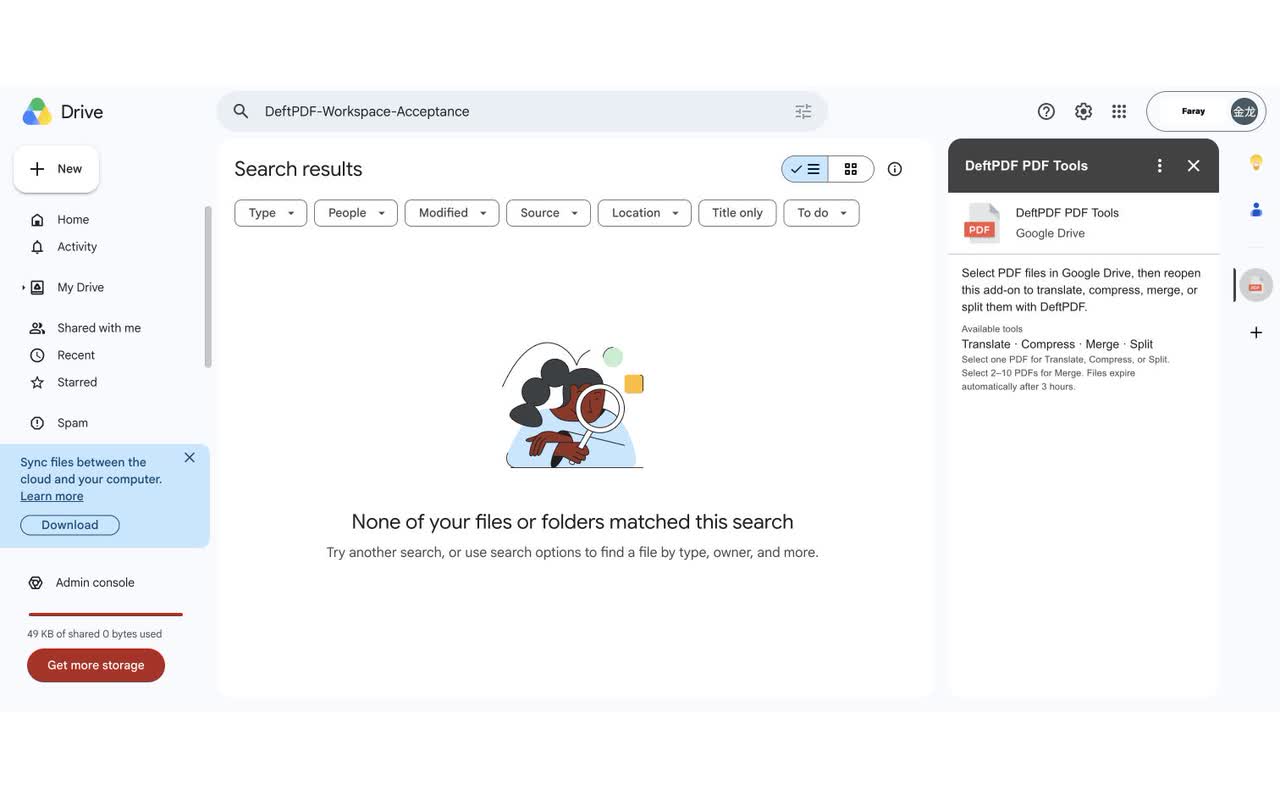
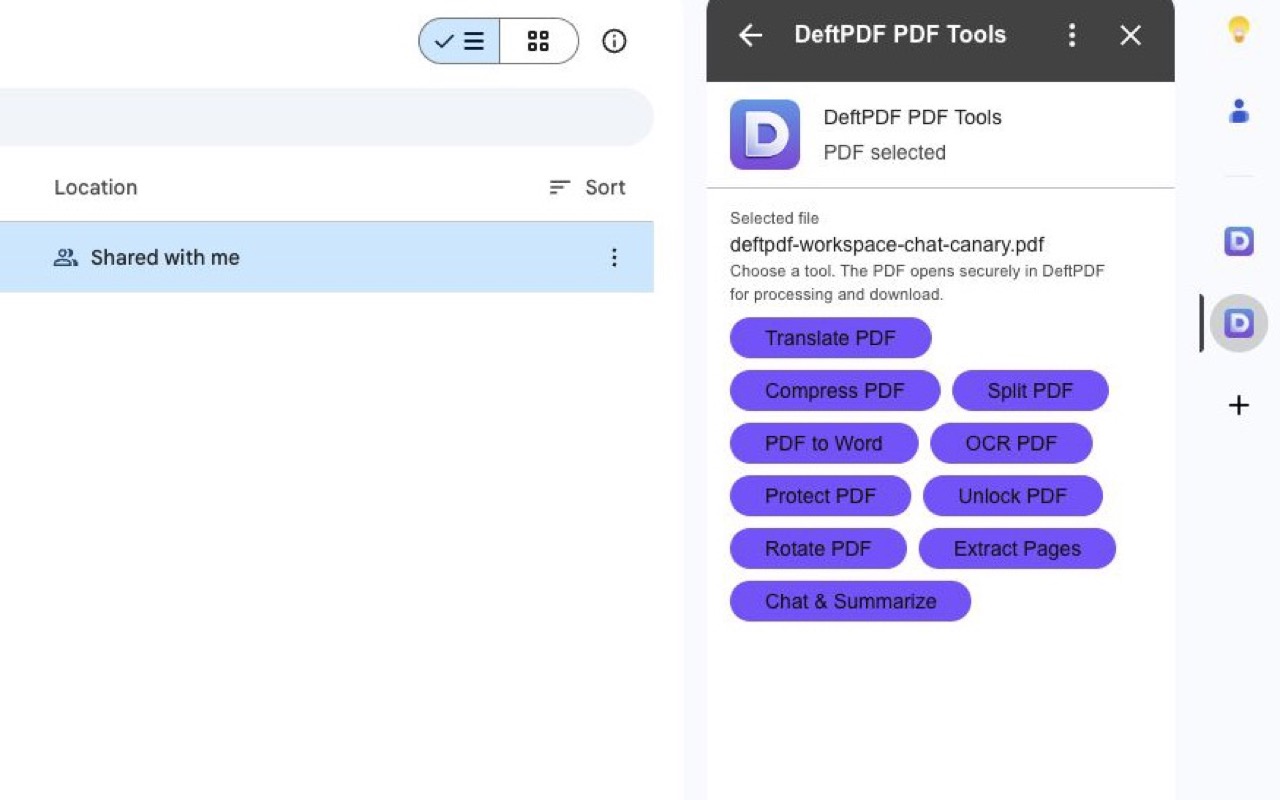
DeftPDF PDF Tools adds thirteen practical PDF and image actions to Google Drive™. Select one PDF to translate, chat with and summarize, convert to Word, recognize text with OCR, protect, unlock, rotate, extract pages, compress, or split. Select supported images to convert them to PDF; JPEG and PNG also support OCR. Select 2–10 compatible PDFs or images to merge them, or select 2–10 PDFs to translate them as a batch. The add-on requests granular access only to files you explicitly select. Chat & Summarize requires DeftPDF sign-in and separate affirmative consent before the selected PDF is sent to OpenAI. Batch Translate shows one combined page-based quote and reports every PDF independently. Unstarted temporary Google Workspace™ imports are scheduled for deletion after 3 hours. A confirmed or paid batch retains its sources and results for up to 24 hours to complete delivery, with automatic refunds for unfinished paid items. A successfully created authenticated Chat PDF source and conversation remains until the user deletes it. Results download from DeftPDF and are not written back to Google Drive™ automatically. See DeftPDF's Privacy Policy for OpenAI, Microsoft Azure AI Translator, CloudConvert, and OCR.Space provider, purpose, and retention details. Google Drive™ is a trademark of Google LLC.
추가정보



검색
검색어 지우기
검색 닫기
Google 앱
기본 메뉴