
Google Workspace Marketplace


Digital Samba
Schedule your Digital Samba video meetings from within Google Calendar™
बनाने वाली कंपनी:
लिस्टिंग को पिछली बार अपडेट किया गया:27 नवंबर 2023
इनके साथ काम करता है:
82


अवलोकन
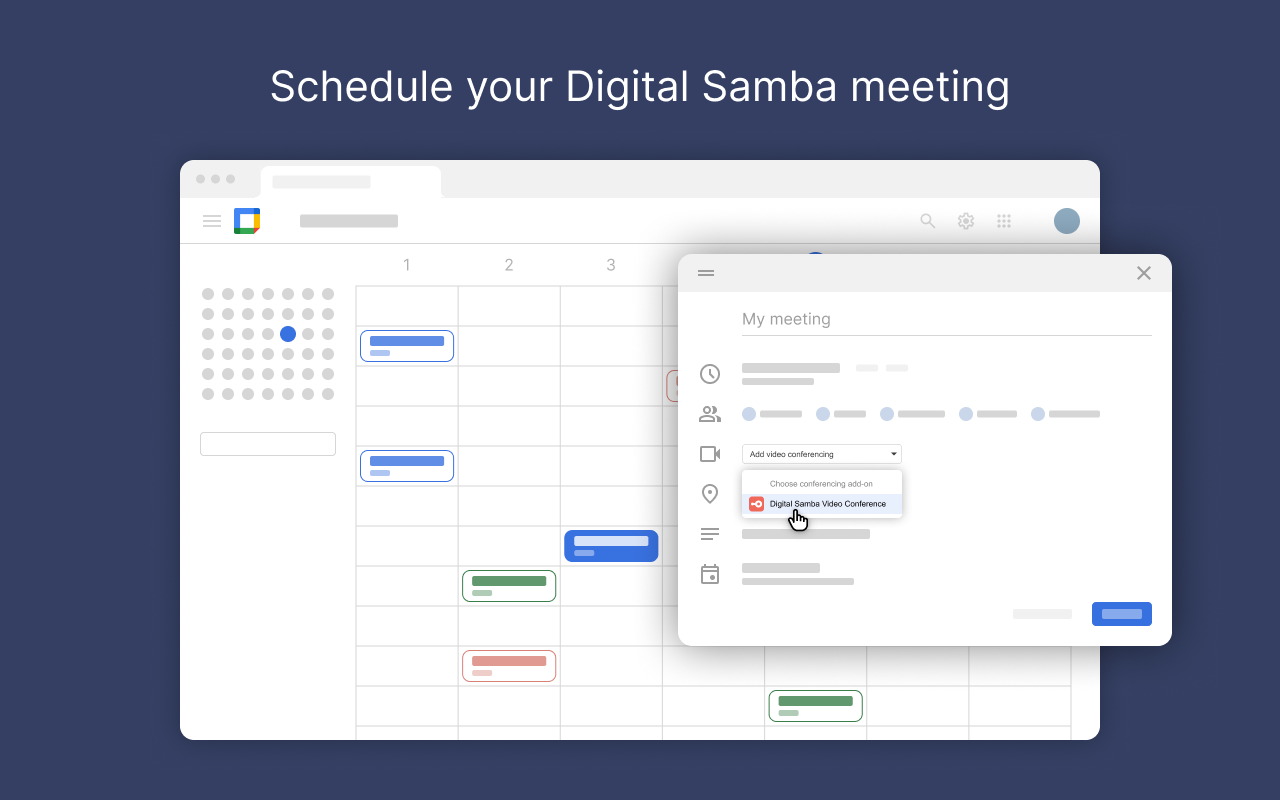
Enhance your scheduling efficiency and streamline your virtual meetings with Digital Samba's Google Calendar Plugin. Seamlessly embed it into your daily workflow. The Digital Samba Google Calendar Plugin eliminates the need for additional downloads and tool-switching. With just a single click, you can schedule and join meetings, offering convenience and reliability to both hosts and participants.

Host large meetings or 1-1 video conferences in HD, add branding to your meeting rooms, and let participants collaborate using whiteboard, hand raise, group chat, cloud recordings, and other embedded interactivity features.

The Digital Samba Google Calendar Plugin uses WebRTC for high-quality video and audio across devices, even on low-bandwidth connections.

Enjoy the powerful and versatile video conferencing experiences within your vertical-specific use cases from the moment you sign up with Digital Samba.

In-Room Experience Amenities/ Key Features :

- Brand your meetings with customised logos, colours, and virtual backgrounds for a professional and branded touch.

- Enjoy a focused and customisable view during your meetings, allowing the pinning of essential participants.

 - Customise roles and permissions for streamlined collaboration within your workspace.

- Enable visual collaboration with our whiteboard feature using intuitive drawing and mark-up tools during video calls.

- Enable seamless turn-taking in discussions with our hand raise feature without disrupting the flow of your sessions.

 - Receive meeting analytics for insightful data on session performance and participant engagement.

- Manage audio and video settings effortlessly for a controlled meeting environment.

- Store and access meeting recordings securely on the cloud for future reference.

- Ensure a smooth meeting flow with a waiting area for participants before the session begins.

- Facilitate communication through group chat and collaborative screen sharing.

- Send instant, real-time meeting invitations using the dashboard or directly during the video conference for prompt participation.

- GDPR-compliant Digital Samba Video Conferencing platform ensures complete confidentiality and security using end-to-end encryption, token-based security, and anonymised user IDs.


Embrace a smoother, more integrated approach to browser-based video conferencing with Digital Samba.
अतिरिक्त जानकारी
sell
कीमतबिना किसी शुल्क के
code
डेवलपर
email
सहायता
lock
निजता नीति
description
सेवा की शर्तें
flag
शिकायत करेंआपत्तिजनक ऐप्लिकेशन की शिकायत करें





खोजें
खोज हटाएं
खोज बंद करें
Google ऐप
मुख्य मेन्यू