
Google Workspace Marketplace


Doc Variables
Workplace automation: variables anywhere, GPT content, bulk merges from Sheets, easy PDF export.
Listing updated:27 април 2026 г.
Works with:


196 хил.+



Общ преглед
Now with AI (ChatGPT): turn prompts into on‑brand content right inside your templates.

Doc Variables lets you add smart variables to Google Docs™, Slides™, and Sheets™ to build reusable templates. Declare variables in the title, body, header, or footer—then launch the add‑on to get an auto‑generated form for you or your team to fill. Use it for contracts, invoices, proposals, statements of work, monthly reports, and more.

Key features

- Variables anywhere: title, body, headers, footers, and across tabs
- AI writing: use GPT prompts to generate or refine content
- Template forms: auto‑generated form for all variables in a doc
- Doc Merge: merge rows from Sheets to create multiple personalized docs
- Images & files: import images or embed other Docs by ID/URL
- Lists: bulleted, numbered, or paragraphs from arrays
- Integrations: Salesforce and HubSpot variable sources
- PDF export: create PDFs from your filled templates
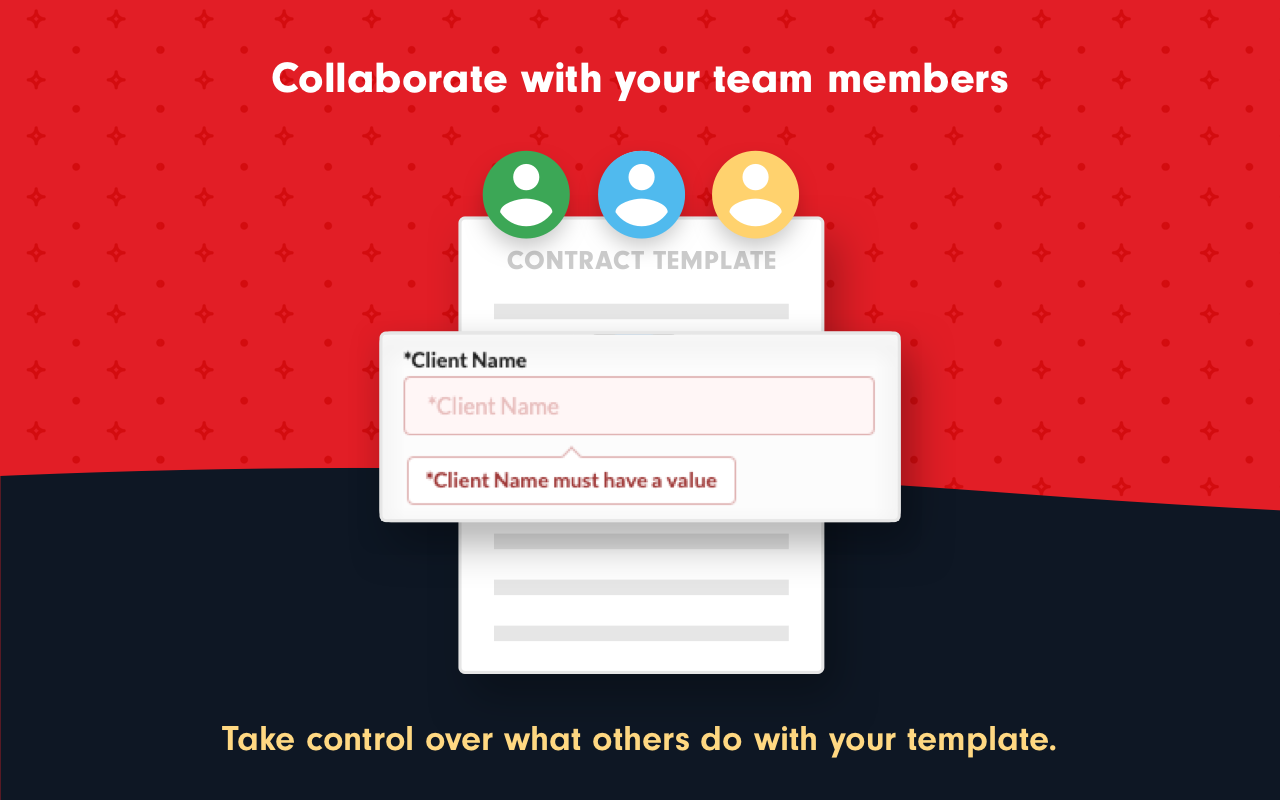
- Team‑friendly: share templates; set defaults to guide teammates

Popular use cases

- Sales proposals, NDAs, MSAs, SOWs, invoices, onboarding packets
- Client reports with dynamic charts/text, letters, certificates
- Account plans using Salesforce/HubSpot fields

Example variable syntaxes

${Variable Name}
${Variable Name::~Default Value} — prefill with “Default Value”
${Textarea Name::textarea::~Add default content}
${Select Variable::options::One,~Two,Three} — selects “Two”
${Other Doc::file} — imports a separate Google Doc
${Logo::image::width=200} — inserts/resizes an image
${AI::gpt::~write a 3‑bullet agenda} — generates GPT content

Getting started

1) Install the add‑on and open a Google Doc™
2) Type variables as shown above
3) Open Add‑ons → Doc Variables → Start
4) Fill the form and click Replace to generate your document
5) Export to PDF or run Doc Merge from Google Sheets

Plans

Free tier available. Pro unlocks Doc Merge, Salesforce/HubSpot, images/files, and higher usage limits. Team and Business plans support shared templates and domain installs.Additional information
sell
PricingFree of charge trial
code
Developer
Нетърговец
email
Поддръжка
lock
Декларация за поверителност
description
Общи условия
flag
Подаване на сигналFlag as inappropriate




Търсене
Изчистване на търсенето
Затваряне на търсенето
Приложения на Google
Главно меню