
Google Workspace Marketplace


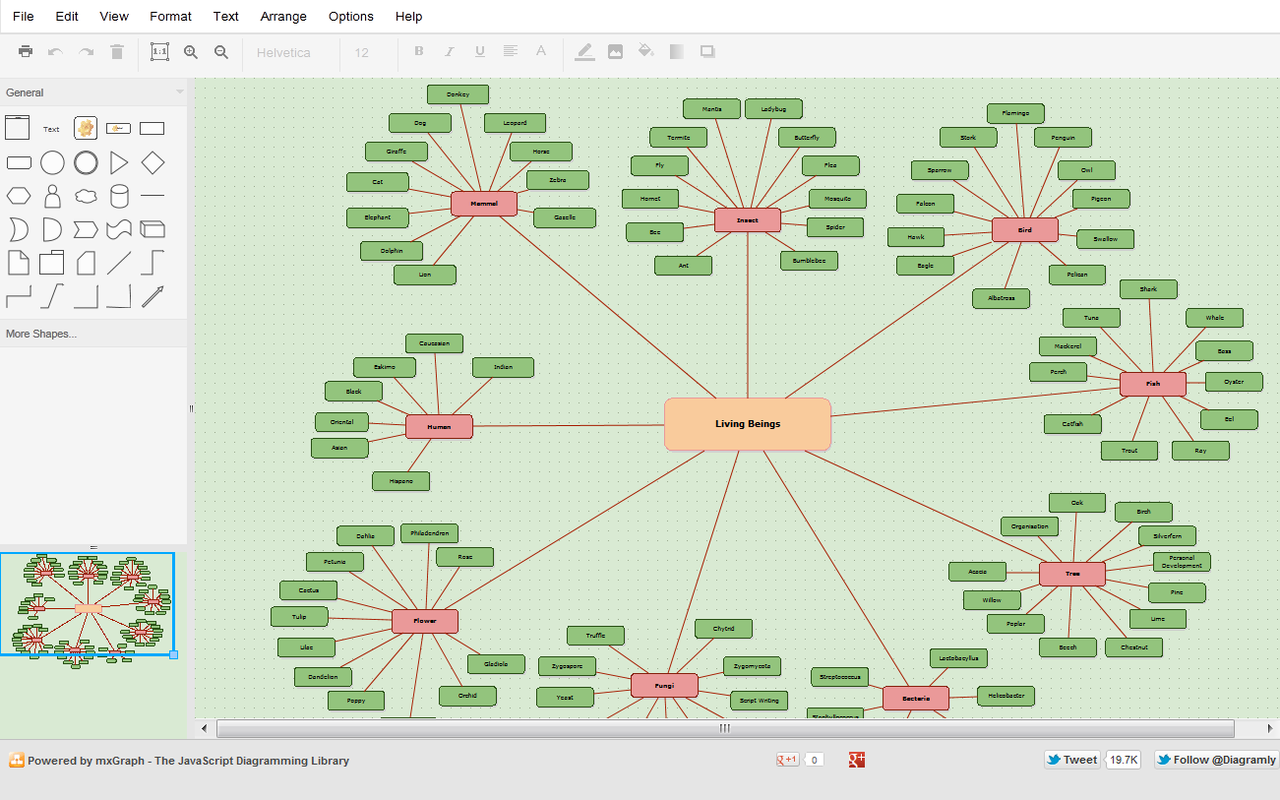
draw.io for Documents
Insert draw.io diagrams into documents, and keep them up to date.
วันที่อัปเดตข้อมูล:28 กันยายน 2569
ใช้งานได้กับ
4M+


ภาพรวม
Add diagrams made with draw.io to your documents as images, and refresh them after you edit them.

• Insert Diagrams: pick one or more draw.io diagrams from your cloud storage and choose the page to insert at the cursor.
• Update Selected / Update All: re-render inserted diagrams after they change in draw.io, keeping the width you set.
• Edit Selected: open the selected diagram in draw.io.
• New Diagram: create a diagram in draw.io, saved to your cloud storage.
• Diagrams panel: see every diagram in the document, which ones changed in draw.io, and update them in one click.

draw.io only reads the diagram files you pick. Diagrams are rendered by the draw.io export service, which doesn't store them.

Learn more: https://www.drawio.com/google-workspace/
ข้อมูลเพิ่มเติม
sell
ราคาไม่มีค่าใช้จ่าย
code
นักพัฒนาซอฟต์แวร์
email
การสนับสนุน
lock
นโยบายความเป็นส่วนตัว
description
ข้อกำหนดในการให้บริการ
flag



ค้นหา
ล้างการค้นหา
ปิดการค้นหา
แอป Google
เมนูหลัก