
Google Workspace Marketplace


draw.io for Documents
Insert draw.io diagrams into documents, and keep them up to date.
Nhà phát triển:
Đã cập nhật trang thông tin:28 tháng 9, 2026
Hoạt động với:
4 Tr+


Tổng quan
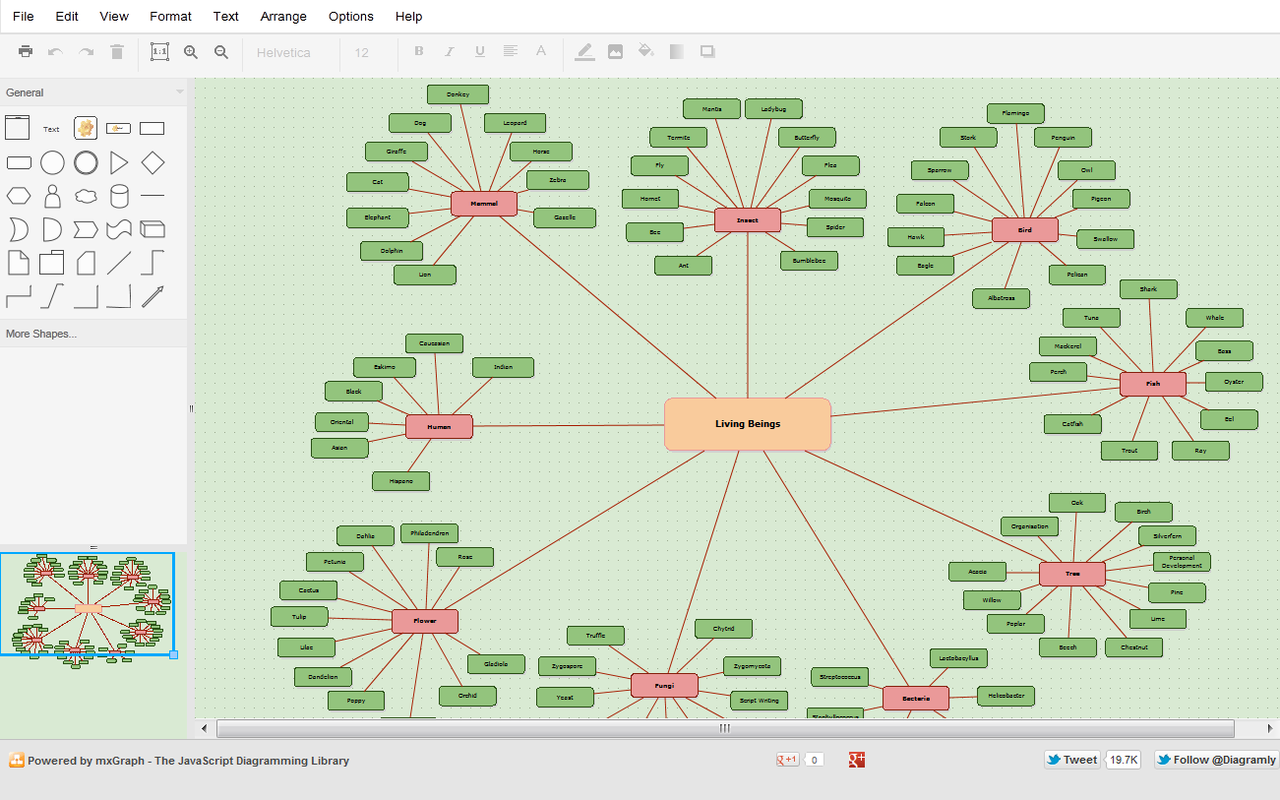
Add diagrams made with draw.io to your documents as images, and refresh them after you edit them.

• Insert Diagrams: pick one or more draw.io diagrams from your cloud storage and choose the page to insert at the cursor.
• Update Selected / Update All: re-render inserted diagrams after they change in draw.io, keeping the width you set.
• Edit Selected: open the selected diagram in draw.io.
• New Diagram: create a diagram in draw.io, saved to your cloud storage.
• Diagrams panel: see every diagram in the document, which ones changed in draw.io, and update them in one click.

draw.io only reads the diagram files you pick. Diagrams are rendered by the draw.io export service, which doesn't store them.

Learn more: https://www.drawio.com/google-workspace/
Thông tin bổ sung
sell
GiáKhông tính phí
code
Nhà phát triển
email
Hỗ trợ
lock
Chính sách quyền riêng tư
description
Điều khoản dịch vụ
flag
Báo cáoĐánh dấu là không phù hợp



Tìm kiếm
Xóa nội dung tìm kiếm
Đóng tìm kiếm
Các ứng dụng của Google
Trình đơn chính