
Google Workspace Marketplace


Email Signature Management for Google Workspace
Google Workspace email signature management used by over 1.2 Million clients. Centralized, automated, and secure, company-wide email signatures.
デベロッパー:
リスト更新日:2026年2月1日
151万+



概要
Leading email signature manager for Google Workspace admins. Manage and deploy professional email signatures across your organization, without the manual headache. Get centralized control, domain-wide deployment, and policy-based enforcement with a one-time setup. Ensure every employee has a secure, compliant, and on-brand email signature.

✅ Easy, One-Time Setup
One-time setup via Google Workspace API or directory sync, with an additional Chrome Extension option, as well. Fully secure, with no access to email content, as well as admin-controlled, no ongoing management required.

✅ Professional Signatures for Every Team
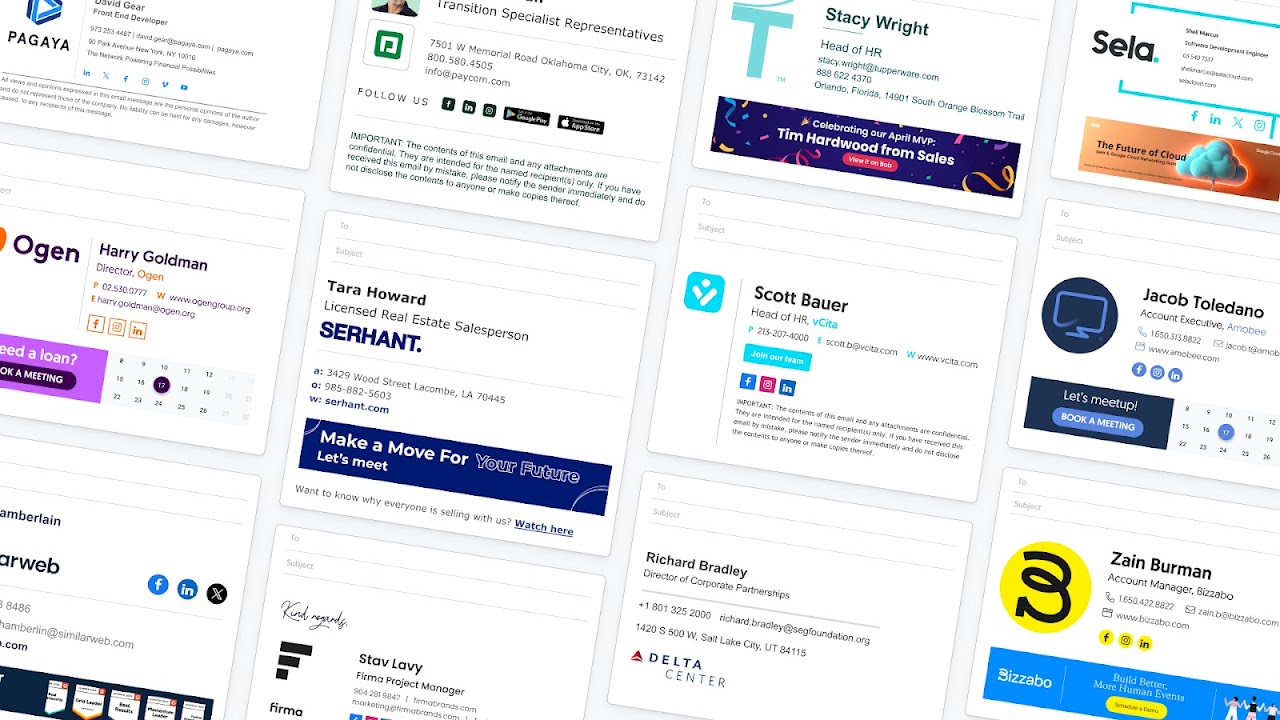
Design stunning email signatures for every department with ready-made templates. Assign by role, region, or language. No HTML or design skills needed.

✅ Control, Customize, and Automate
Centralize all signature management. Lock fields, set editing permissions, and deploy company-wide updates instantly. Automatically syncs with the employee life cycle.

✅ Unlock a Powerful Marketing Channel
Add campaign banners, custom CTAs, and track performance. Turn daily emails into brand touchpoints that boost demos and meetings, webinar signups, link clicks, conversions, and more.

✅ Employee-Friendly and IT-Approved
Employees can update personal details like pronouns and working hours (with permissions) in their dedicated Employee Hub, while IT maintains full control of data, domains, and compliance.

✅ Enterprise-Grade Security & Compliance
We never store or access your email content. WiseStamp is SOC 2 Type II and ISO 27001-certified, GDPR-compliant, and trusted by global enterprises.
詳細情報




検索
検索をクリア
検索を終了
Google アプリ
メインメニュー