
Google Workspace Marketplace


E-Tabs Selector
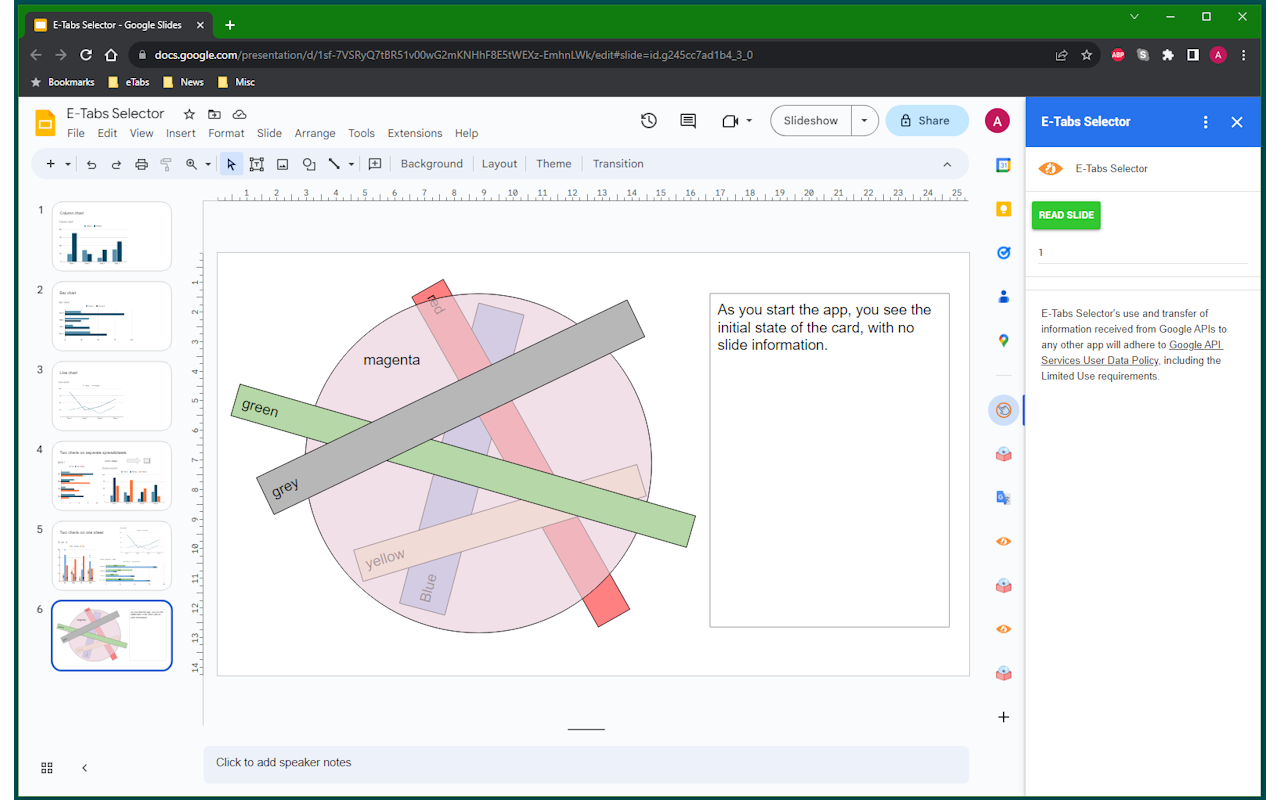
Do you struggle to select the correct objects on your slide, or always rearranging the objects on your slide when they are overlapping? If so, this is the app for you!
Fiche mise à jour le :1 août 2023
Compatible avec :
43


Présentation
With E-Tabs Selector, we can read all the objects on the slide and list them in the slide order. The user can then select the object from the list and it will temporarily bring the object to the front of the slide, you are then free to edit the object however you like. When you have finished editing simply click the object in the list to send it back to the original position in the slide order.

Please note, if you use the Alt text title (right click object), you can give your objects more meaningful names so that you can identify the objects you want to select much quicker.
Informations supplémentaires
sell
TarifsSans frais
code
Développeur
email
Assistance
lock
Règles de confidentialité
description
Conditions d'utilisation
flag
SignalerSignaler comme inappropriée



Recherche
Effacer la recherche
Fermer le champ de recherche
Applications Google
Menu principal