
Google Workspace Marketplace


ExpenseBot for Google Workspace™
Capture receipts from Gmail™, organize books in Sheets™, and keep your files in Google Drive™.
Fortegnelse opdateret:12. september 2026
384




Oversigt
Turn the receipts already in Google Workspace into organized books your team and accountant can review.

ExpenseBot finds receipts in Gmail, extracts the merchant, date, amount, currency, and tax, and writes organized records to Google Sheets. Photos, PDFs, Google Photos, and Google Drive cover receipts that do not arrive by email. The spreadsheets, receipt files, and reports ExpenseBot creates are stored in your Google Drive under your Google account's access controls.

WHAT EXPENSEBOT HELPS YOU DO

- Capture receipts from Gmail automatically, or add photos and PDFs when needed.
- Review expenses and income together in Google Sheets.
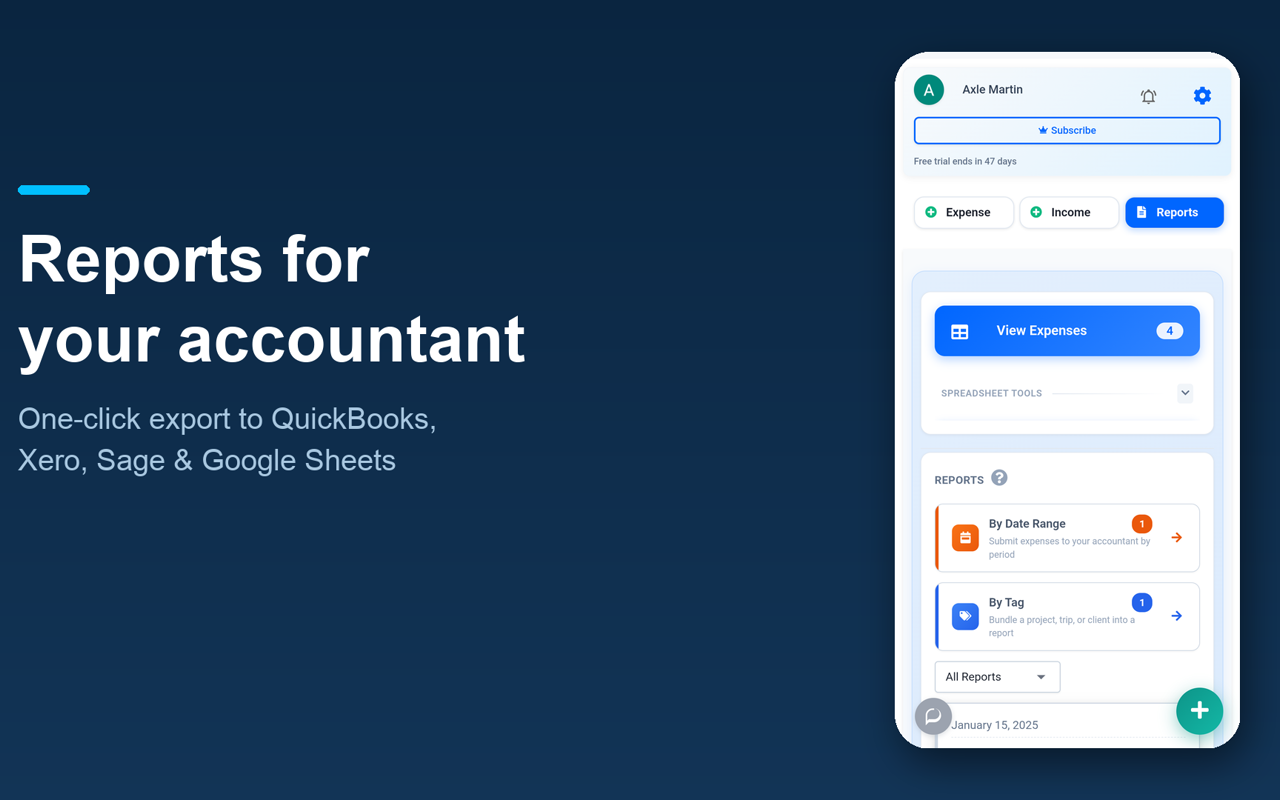
- Group spending by client, project, or trip and create expense reports.
- Reconcile bank and credit-card activity against recorded receipts.
- Share reports with an accountant or finance team; accountant access is free.
- Prepare reviewed handoffs for QuickBooks, Xero, and other supported accounting workflows.
- Deploy for yourself or, where your Workspace policy permits, make ExpenseBot available to your organization.

SECURITY AND CONTROL

ExpenseBot uses Google sign-in and requests only the Google permissions shown on this listing. Drive files created or selected through ExpenseBot remain in the user's Google Drive. ExpenseBot has completed a CASA Tier 2 security assessment. See the linked privacy policy for how data is processed.

FROM A PRACTISING ACCOUNTANT

“As an accountant juggling a dozen clients' books, ExpenseBot is the first tool that fits how I actually work — I move between each client's account, their receipts land straight in their own Google Sheet, and it all exports cleanly into QuickBooks. It's taken the receipt-chasing out of my month.”
— Laura Ciotti, Owner, Ciotti Consulting Services, LLC

Start with a 60-day free trial; no credit card is required. The trial includes 10 team licenses and usage limits described on the ExpenseBot pricing page. A paid subscription is required to continue paid features after the trial.
Yderligere oplysninger
sell
PrisPrøveperiode uden beregning
code
Udvikler
Ikke-forhandler
email
lock
Privatlivspolitik
description
Servicevilkår
flag
RapportRapportér som upassende




Søgning
Ryd søgning
Luk søgning
Google-apps
Hovedmenu