
Google Workspace Marketplace


FluidMath
FluidMath is a smart piece of math paper for collaborative and individual teaching and learning.
Fiche mise à jour le :8 avril 2026
Compatible avec :
Aucun avis
11 k+




Présentation
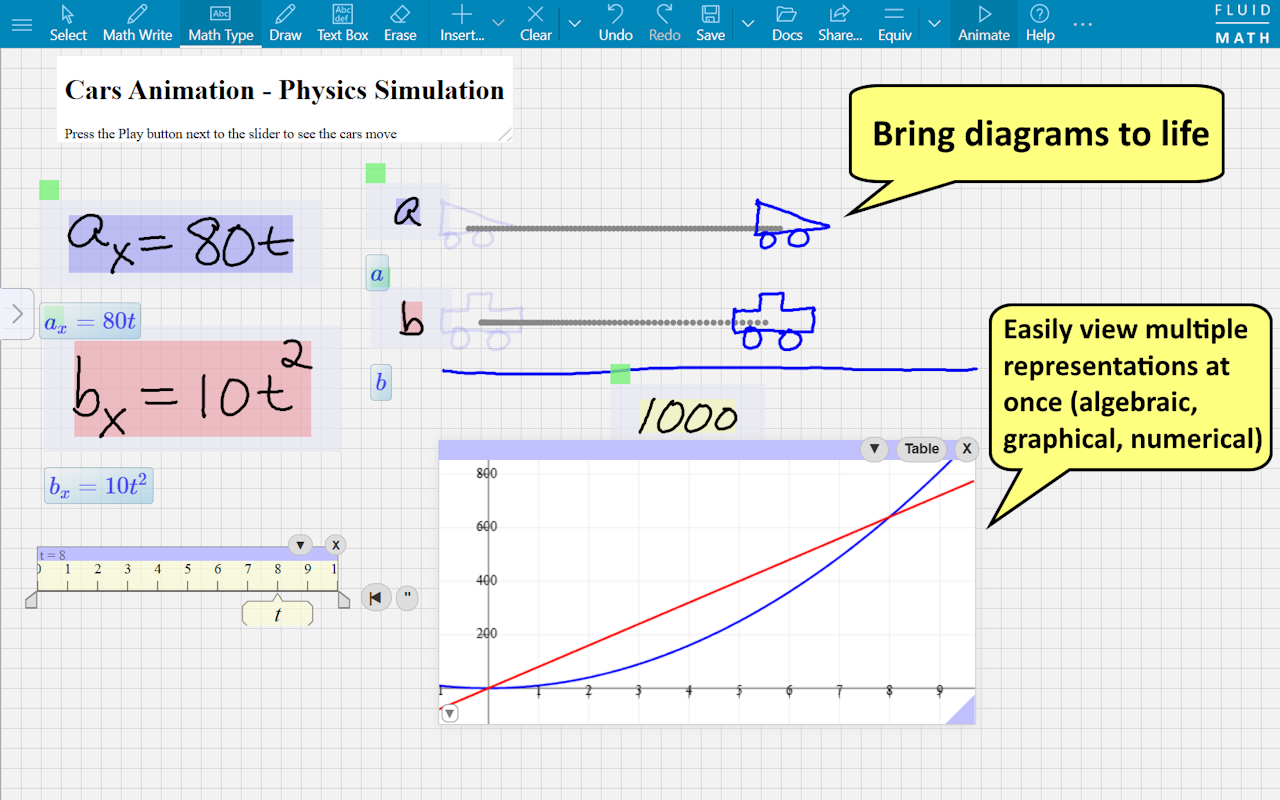
Bring your handwritten math to life with FluidMath!

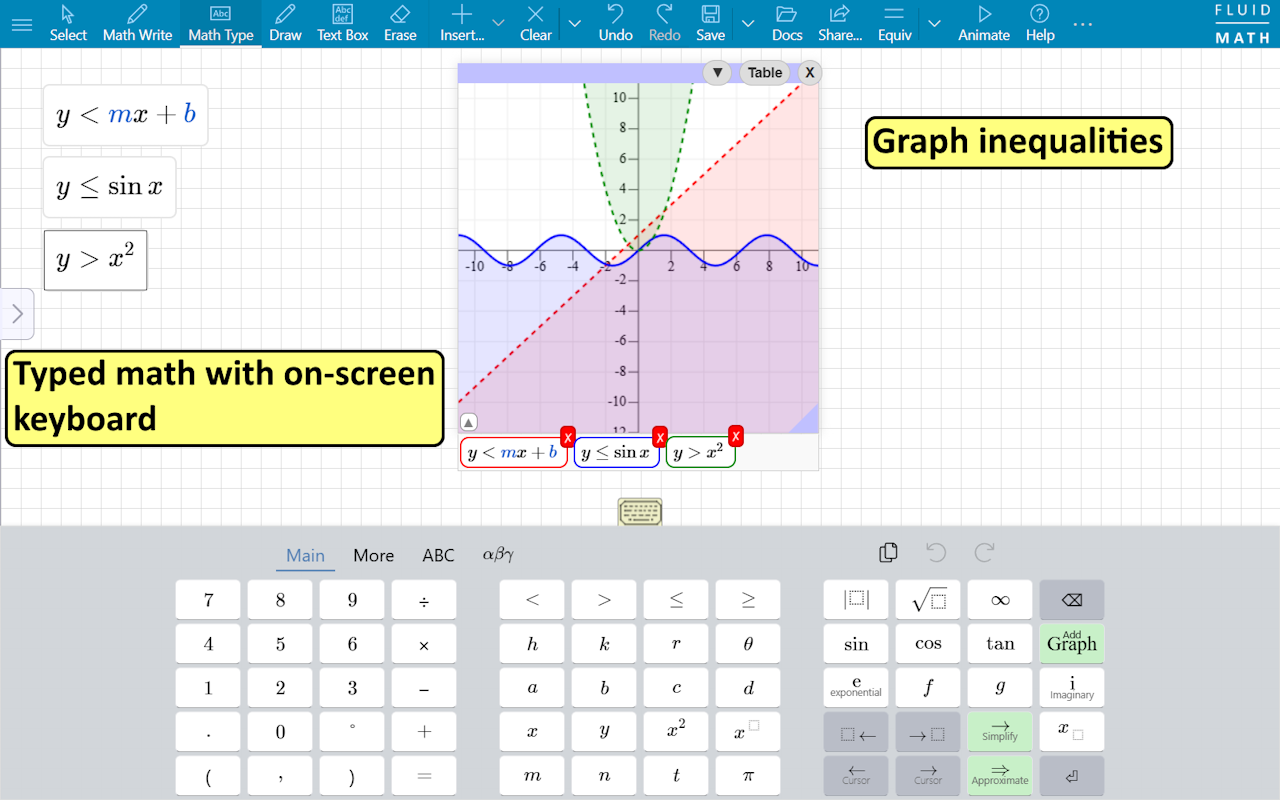
Learning math is about seeing connections between things. With FluidMath, all your representations of the same problem stay in the same workspace, interactively connected to one another: handwritten and typed math expressions, symbolic and numeric calculations, graphs, hand-drawn animated simulations, drawings, rich text descriptions, quizzes and worksheets, and videos.

Students can see if they are on the right track in step-by-step problems by highlighting equivalent expressions on the page.

Give life to existing worksheets and quizzes by dragging and dropping PDFs and images to form page backgrounds which can then be annotated. Can be used for chemistry, physics, or even non-math-related courses.

 • from fractions to calculus
 • values can be manipulated interactively
 • calculations update dynamically as inputs on the page change
 • the use of a few simple gestures minimizes switching modes
 • automated interactive checking of students' answers
 • collaborators see updates immediately
 • researched, developed, and tested in consultation with teachers over 10 years with support from NSF, NIH, and U.S. Dept. of Ed.

Fluidity Software, Inc. makes innovative educational software aimed at revolutionizing the way people learn.
Informations supplémentaires
sell
TarifsEssai sans frais
code
Développeur
email
Assistance
lock
Règles de confidentialité
description
Conditions d'utilisation
flag
SignalerSignaler comme inappropriée



Recherche
Effacer la recherche
Fermer le champ de recherche
Applications Google
Menu principal