
Google Workspace Marketplace


Form Builder
Build your Google Form by importing from Forms, Sheets, Docs, Slides, PDFs, MS Word/ Powerpoint, Images, etc.
דף האפליקציה עודכן בתאריך:1 בספטמבר 2026
האפליקציה פועלת עם:
+11M





סקירה כללית
🔥  It is official 🔥 Form Builder now works with non-native files like PDFs, MS Word, MS Powerpoint, and image files too from Drive™. Also automatically and intelligently identifies images in questions as well as answer options.

“Form Builder” helps you to build Google Forms™ in a very simple and fast way by importing fields/ questions/ quizzes from existing Google Sheets™, Google Docs™, Google Slides™, Google Forms™, Google Drive™, PDFs, MS Word, MS Powerpoint, image files, etc.


FEATURES

►  Import from any source: Google Forms™, Google Sheets™, Google Docs™, Google Slides™, Google Drive™, PDFs, MS Word, MS Powerpoint, Image files, etc.

►  Automagically and intelligently identify and parse questions, options, and images for questions & options.

►  Importing questions, question & answers and quizzes into Google Forms™ including images.

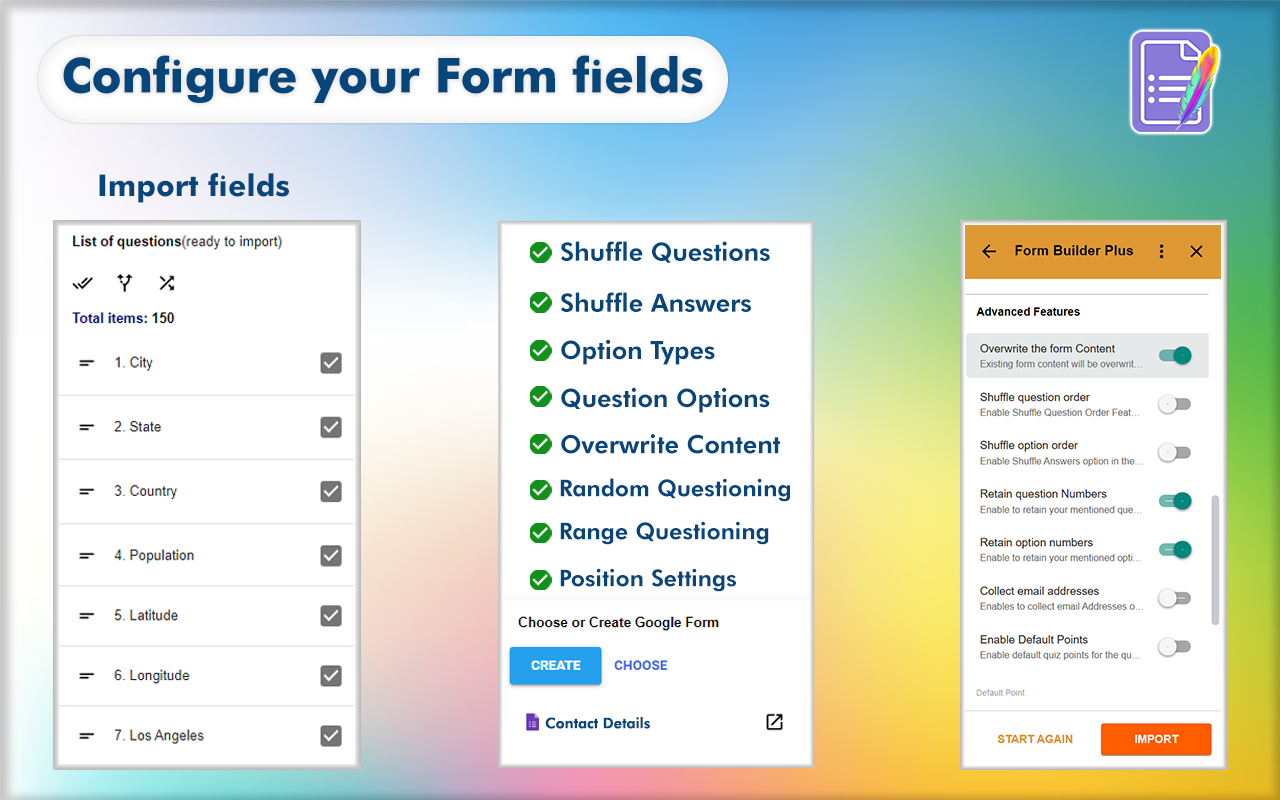
►   Easily select and import all or necessary fields/ questions/ quizzes into the Google Forms™.

►  Provides comprehensive customization of the configuration (type, options, etc) while importing.

►  Lists all fields/ questions/ quizzes from the source files as a preview before importing.

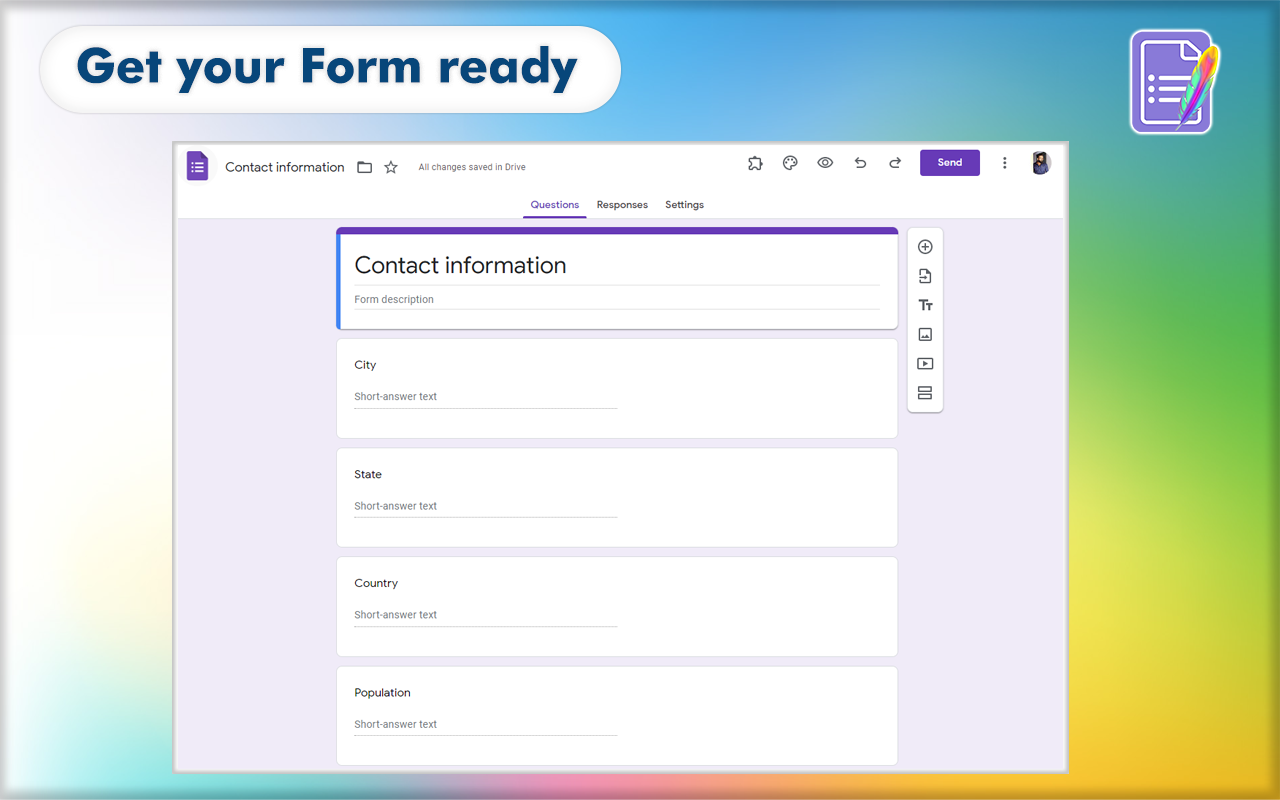
►  Preview the form and adjust as you want using the feature-rich Preview application - drag to move, merge, split, edit, delete, set points, mark as required or not, and much more.

►  Position the importing to bottom, top, after/before a selected field

►  Shuffle (randomize) questions and answers before importing them into the form

►  Automatically map data with a built-in intelligence engine to match user expectations.

►  Pre-curated templates to reference and quickly start your form building.

► Create questions/questionnaires easily with the help of AI, There is a wide variety of gateway present in Form Builder like Chat-GPT, Gemini, Claude, Mistral

►  and many more features


Read more at https://formbuilder.jivrus.com/features


VARIANTS

There are four variants of the same Form Builder add-on that work from different workspace apps: Google Forms™, Google Sheets™, Google Docs™, Google Calendar™, Gmail™, and Google Drive™.
Paid users can use the same license for all variants and use any variant as per their convenience and need.

1. This add-on works from Google Forms™

2. Form Builder Plus add-on that works on Google Forms™, Google Sheets™, Google Calendar™, Gmail™, Google Drive™ can be seen in https://workspace.google.com/marketplace/app/form_builder_plus/235019714744

3. Form Builder for Docs add-on that works on Google Docs™ can be seen at https://workspace.google.com/marketplace/app/form_builder_for_docs/725512574241

4. Form Builder for Sheets add-on that works on Google Sheets™ can be seen at https://workspace.google.com/marketplace/app/form_builder_for_sheets/463417060578

Read more at https://formbuilder.jivrus.com/features/form-builder-variants


PRICING

Form Builder comes with free and paid plans. The basic or free plan will have a limited quota to help users to familiarize themselves with the use cases.
Paid plans come with enhanced features and quotas for educational, professional, and business users.


Read more at https://formbuilder.jivrus.com/pricing


SUPPORT
For more details refer to https://formbuilder.jivrus.com/support
Contact us at https://formbuilder.jivrus.com/support/contact-us or email support@jivrus.com for any query or feature request.


Built with 🔥 & 💚 by Jivrus Technologies.
מידע נוסף
sell
תמחורבחינם עם תכונות בתשלום
code
email
lock
מדיניות הפרטיות
description
תנאים והגבלות
flag
דיווחסימון כבלתי הולמת










חיפוש
ניקוי החיפוש
סגירת החיפוש
אפליקציות Google
התפריט הראשי