
Google Workspace Marketplace


Form Builder for Google Sheets™
Build your Google Forms™ straight from any Google Sheets™
Gawa ng:
Na-update ang listing noong:Setyembre 1, 2026
Gumagana sa:
1M+
Pangkalahatang-ideya
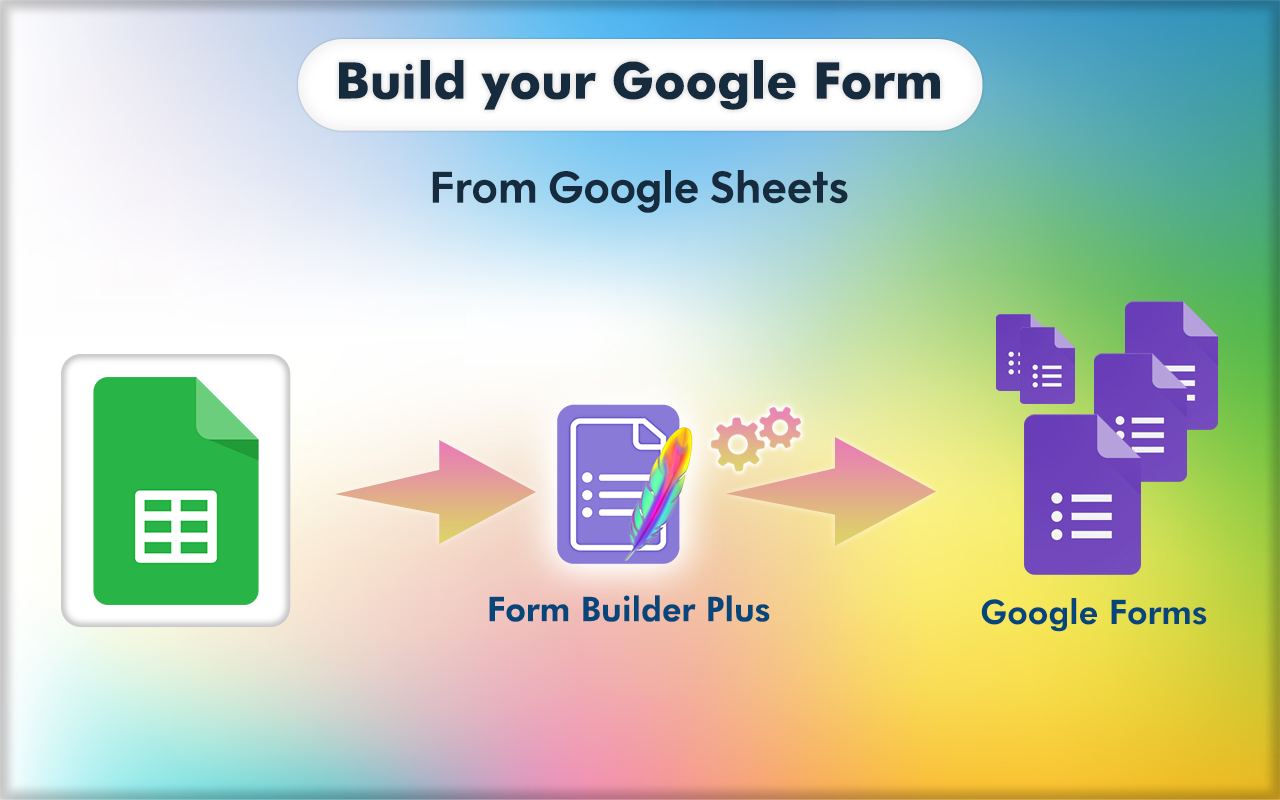
“Form Builder for Google Sheets™” helps you to build Google Forms™ in an effortless and fast way by importing fields/questions/quizzes from existing Google Sheets™.


FEATURES

►  Supports importing questions, question & answers and quiz from Google Sheets™ into Google Forms™

►  Lists all fields/ questions/quizzes from the Google Sheets™. Automatically map data with a built-in intelligence engine to match user expectations.

►   Easily select and import all or necessary fields/ questions/quizzes into existing or new Google Forms™.

►  Provides comprehensive customization of the configuration (type, options, etc.) while importing.

►  Preview the form and adjust as you want using the feature-rich Preview application - drag to move, merge, split, edit, delete, set points, mark as required or not, and much more.

►  Position the importing to bottom, top, after/before a selected field

►  Quick mass change of Multiple Choice, Checkbox, and Dropdown types

►  Shuffle (randomize) questions and answers before importing them into the form

►  Automatically map data with a built-in intelligence engine to match user expectations.

► Create questions/questionnaires easily with the help of AI, There is a wide variety of gateway present in Form Builder like Chat-GPT, Gemini, Claude, Mistral

►  and many more features


Read more at https://formbuilder.jivrus.com/features

VARIANTS

Form Builder is available in multiple variants designed for different Google Workspace™ applications. This variant specifically works with Google Sheets™ and helps users create and manage Google Forms™ directly from spreadsheets.

Read more about variants at https://formbuilder.jivrus.com/features/form-builder-variants


PRICING

Form Builder comes with free and paid plans. The primary or free plan will have a limited quota to help users familiarize themselves with the use cases.
Paid plans come with enhanced features and quotas for educational, professional, and business users.


Read more at https://formbuilder.jivrus.com/pricing


SUPPORT
For more details refer to https://formbuilder.jivrus.com/support
Contact us at https://formbuilder.jivrus.com/support/contact-us or email support@jivrus.com for any query or feature request.

Built with 🔥 & 💚 by Jivrus Technologies
Karagdagang impormasyon
sell
PagpepresyoLibre na may mga bayad na feature
code
Developer
email
Suporta
lock
Patakaran sa privacy
description
Mga tuntunin ng serbisyo
flag






Search
I-clear ang paghahanap
Isara ang paghahanap
Mga app ng Google
Pangunahing menu