
Google Workspace Marketplace


Form Builder Plus
Build your Google Form from anything - Sheets™, Docs™, Slides™, PDFs, MS Word/Powerpoint, Images, Forms™, Drive™, Gmail™, Calendar™ etc.
Listing updated:1 септември 2026 г.
Works with:






4 млн.+



Общ преглед
🔥  It is official 🔥 Form Builder Plus now works with non-native files like PDFs, MS Word, MS Powerpoint, and image files too from Drive™. Also automatically and intelligently identifies images in questions as well as answer options.

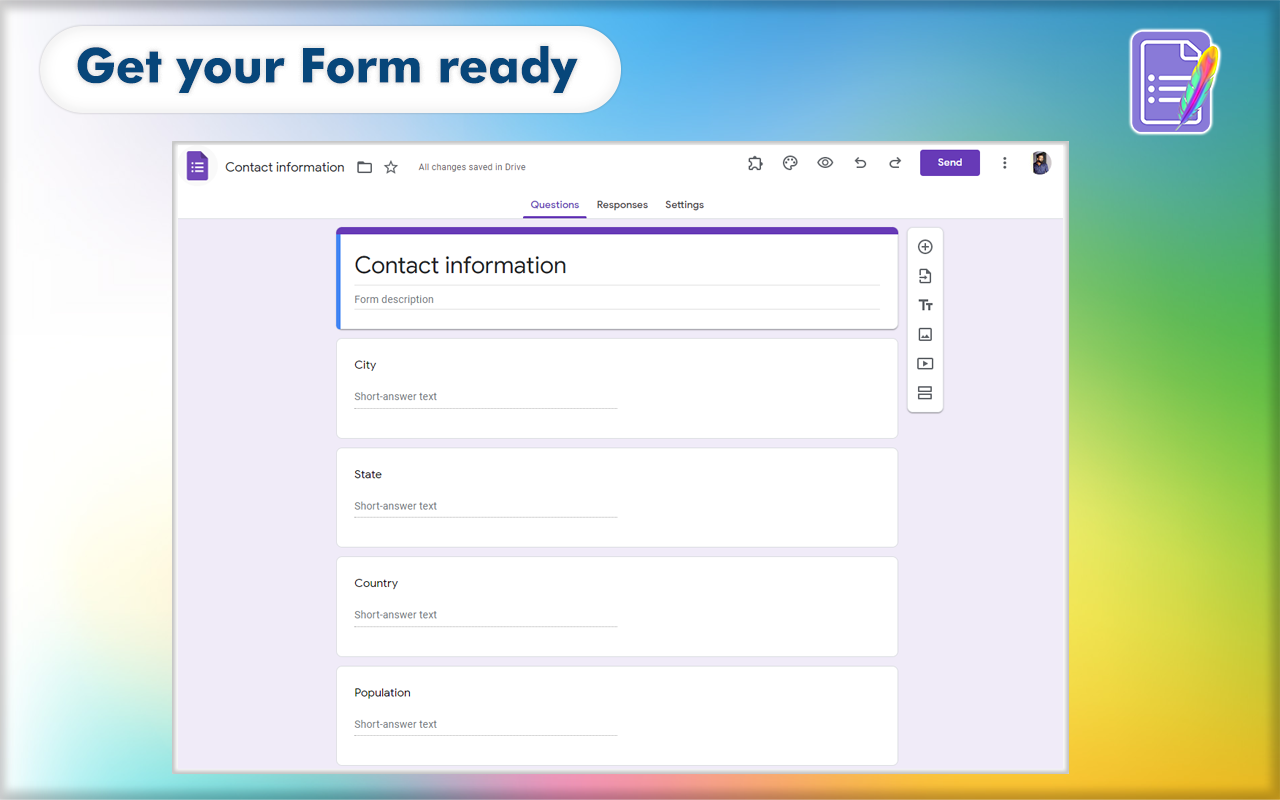
“Form Builder Plus” helps you to build Google Forms™ in a very simple and fast way by importing fields/ questions/ quizzes from existing Google Sheets™, Google Docs™, Google Slides™, Google Forms™, Google Drive™, Google Calendar™ events, Gmail™ messages, and Google Chat™ interactions.


FEATURES

►  Import from any source: Google Forms™, Google Sheets™, Google Docs™, Google Slides™, Google Drive™, PDFs, MS Word, MS Powerpoint, Image files, Google Calendar™, Gmail™, etc.

►  Automagically and intelligently identify and parse questions, options, and images for questions & options.

►  Importing questions, question & answers and quizzes into Google Forms™ including images.

►   Easily select and import all or necessary fields/ questions/ quizzes into the Google Forms™.

►  Provides comprehensive customization of the configuration (type, options, etc) while importing.

►  Lists all fields/ questions/ quizzes from the source files as a preview before importing.

►  Preview the form and adjust as you want using the feature-rich Preview application - drag to move, merge, split, edit, delete, set points, mark as required or not, and much more.

►  Position the importing to bottom, top, after/before a selected field

►  Shuffle (randomize) questions and answers before importing them into the form

►  Automatically map data with a built-in intelligence engine to match user expectations.

►  Pre-curated templates to reference and quickly start your form building.

► Create questions/questionnaires easily with the help of AI, There is a wide variety of gateway present in Form Builder like Chat-GPT, Gemini, Claude, Mistral

►  and many more features


Read more at https://formbuilder.jivrus.com/features


WORKS WITH ALL GOOGLE WORKSPACE APPS


Form Builder Plus is an all-in-one and one-in-all add-on that works on all available Google Workspace apps to build Google Forms™ automatically.

✅ Form Builder Plus for Google Forms™ - runs on the sidebar along with Google Forms™ and helps you to build Google Forms™ in a very simple and fast way by importing fields/ questions/quizzes from existing Google Forms™, Google Sheets™, Google Docs™, Google Slides™, Google Drive™ files, PDFs, MS Word/ Powerpoint, Image files.


✅ Form Builder Plus for Google Sheets™ - runs on the sidebar along with Google Sheets™ to help you build Google Forms™ in a very simple and fast way by importing fields/ questions/quizzes from the Google Sheets™ contents.


✅ Form Builder Plus for Google Docs™ -  runs on the sidebar along with Google Docs™ to help you build Google Forms™ by automatically identifying fields/ questions/quizzes from the Google Docs™ contents.


✅ Form Builder Plus for Google Slides™  - runs on the sidebar along with Google Slides™ to help you build Google Forms™ by automatically identifying fields/ questions/quizzes from the Google Slides™ contents.


✅ Form Builder Plus for Google Drive™ - runs on the sidebar along with Google Drive™ and helps you to build Google Forms™ in a very simple and fast way by importing fields /questions/quizzes from existing Google Forms™, Google Sheets™, Google Docs™, and Google Slides™.


✅ Form Builder Plus for Google Calendar™ - runs on the sidebar along with Google Calendar™ and helps you to build Google Forms™ by importing fields/ questions/quizzes from Google Calendar™ events.


✅ Form Builder Plus for Gmail™ - runs on the sidebar along with Gmail™ and helps you to build Google Forms™ by importing fields/ questions/quizzes from Gmail™ messages.


VARIANTS

There are four variants of the same Form Builder add-on that work from different workspace apps: Google Forms™, Google Sheets™, Google Docs™, Google Calendar™, Gmail™, and Google Drive™.
Paid users can use the same license for all variants and use any variant as per their convenience and need.

1. This add-on works from Google Docs™, Google Sheets™, Google Docs™, Google Calendar™, Gmail™, and Google Drive™

2. Form Builder add-on that works on Google Forms™ can be seen at https://workspace.google.com/marketplace/app/form_builder/133781775166

3. Form Builder for Docs add-on that works on Google Docs™ can be seen at https://workspace.google.com/marketplace/app/form_builder_for_docs/725512574241

4. Form Builder for Sheets add-on that works on Google Sheets™ can be seen at https://workspace.google.com/marketplace/app/form_builder_for_sheets/463417060578

Read more at https://formbuilder.jivrus.com/features/form-builder-variants


PRICING

Form Builder Plus comes with free and paid plans. The basic or free plan will have a limited quota to help users to familiarize themselves with the use cases.
Paid plans come with enhanced features and quotas for educational, professional, and business users.

You can use a single subscription across all Google Workspace applications.

Read more at https://formbuilder.jivrus.com/pricing


SUPPORT
For more details refer to https://formbuilder.jivrus.com/support
Contact us at https://formbuilder.jivrus.com/support/contact-us or email support@jivrus.com for any query or feature request.


Built with 🔥 & 💚 by Jivrus Technologies.
Additional information
sell
PricingFree of charge with paid features
code
Developer
email
Поддръжка
lock
Декларация за поверителност
description
Общи условия
flag
Подаване на сигналFlag as inappropriate






Търсене
Изчистване на търсенето
Затваряне на търсенето
Приложения на Google
Главно меню