
Google Workspace Marketplace


FormFlow - Approval Workflow for Google Forms™
Route a Google Forms™ submission to a reviewer, send an approve/reject email, and track the decision status in the linked Google Sheets™ response file.
Listing updated:21 octombrie 2026
Works with:
No reviews
1 K+



Prezentare generală
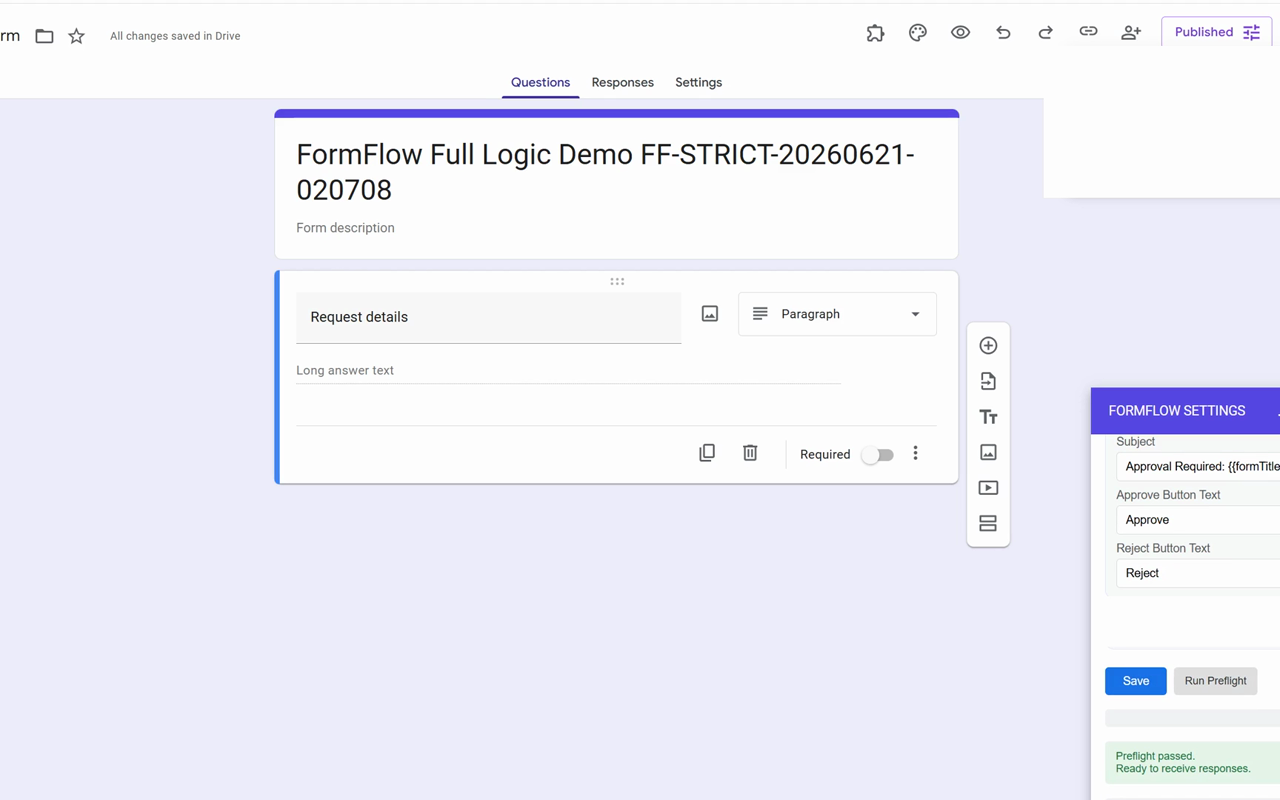
FormFlow adds a lightweight approval path to Google Forms™ submissions. Link the response spreadsheet, add one internal reviewer, run Preflight, and complete one internal test response before using the workflow with real respondents.

BEST FIRST TEST
1. Create or copy a Google Forms™ request form and link it to a Google Sheets™ response file.
2. Open FormFlow and select the linked response spreadsheet.
3. Add one internal reviewer.
4. Save the setup and run Preflight.
5. Submit one internal test response.
6. Confirm the reviewer receives the approval email, records Approve or Reject, and that the linked Sheet shows the resulting status.

WHAT YOU CAN DO
- Route a configured Google Forms™ submission to a reviewer.
- Send reviewer email with Approve and Reject actions.
- Check setup with Preflight before sharing the form.
- Track approval status next to the response row in the linked Google Sheets™ file.
- Review the approval history for the response workflow.

BEST FIT
- Internal request intake where one reviewer needs to approve or reject a submission.
- School, operations, and small-team workflows that benefit from a status record next to the response.
- Teams that want to test one clear decision path before launch.

IMPORTANT LIMITS
FormFlow is a lightweight Google Forms™ workflow. It is not an enterprise procurement platform, expense-management system, compliance workflow, ticketing system, CRM, legal approval platform, or a substitute for formal records controls. For workflows where an external owner must write a decision back, the form owner may need to open FormFlow and sync pending decisions before checking the linked Sheet status.

FIRST-RUN GUIDE
https://formsuite.dev/formflow/test-google-forms-approval-workflow-before-launch.html

SUPPORT AND PERMISSIONS
https://formsuite.dev/formflow/support.html
https://formsuite.dev/formflow/permissions.html

Currently free to install and use.

Google Forms™, Google Sheets™, Google Workspace™, and Google Workspace Marketplace™ are trademarks of Google LLC. FormFlow is not affiliated with or endorsed by Google.
Additional information
sell
PricingLiber(ă)
code
Developer
Non-comerciant
email
Asistență
lock
Politica de confidențialitate
description
Condiții de furnizare a serviciilor
flag
RaporteazăFlag as inappropriate





Căutare
Șterge căutarea
Închide căutarea
Aplicații Google
Meniu principal