
Google Workspace Marketplace


FormGuard - Response Limits for Google Forms™
Limit signups per Google Forms™ choice for class sessions or volunteer roles. Test quotas and owner alerts on a copied form before launch.
Listing updated:October 18, 2026
Works with:
No reviews
101

Overview
FormGuard helps Google Forms™ owners manage per-choice signup quotas and owner alerts. Start with a copied form and synthetic responses before changing a live workflow.

WHEN TO USE IT
Google Forms already provides a native closing date/time and total response limit. Use those built-in controls when they meet your needs. Choose FormGuard when you need simple per-choice quotas, related owner alerts, or a tested close/reopen workflow.

FIRST QUOTA TEST
1. Copy a form with one multiple-choice, dropdown, or checkbox question.
2. Set a small per-choice quota, such as 2 for one class session.
3. Submit synthetic responses that select that option.
4. Open a fresh respondent preview and verify the full option is removed.
5. Check remaining choices and owner alerts before launching.

FEATURES
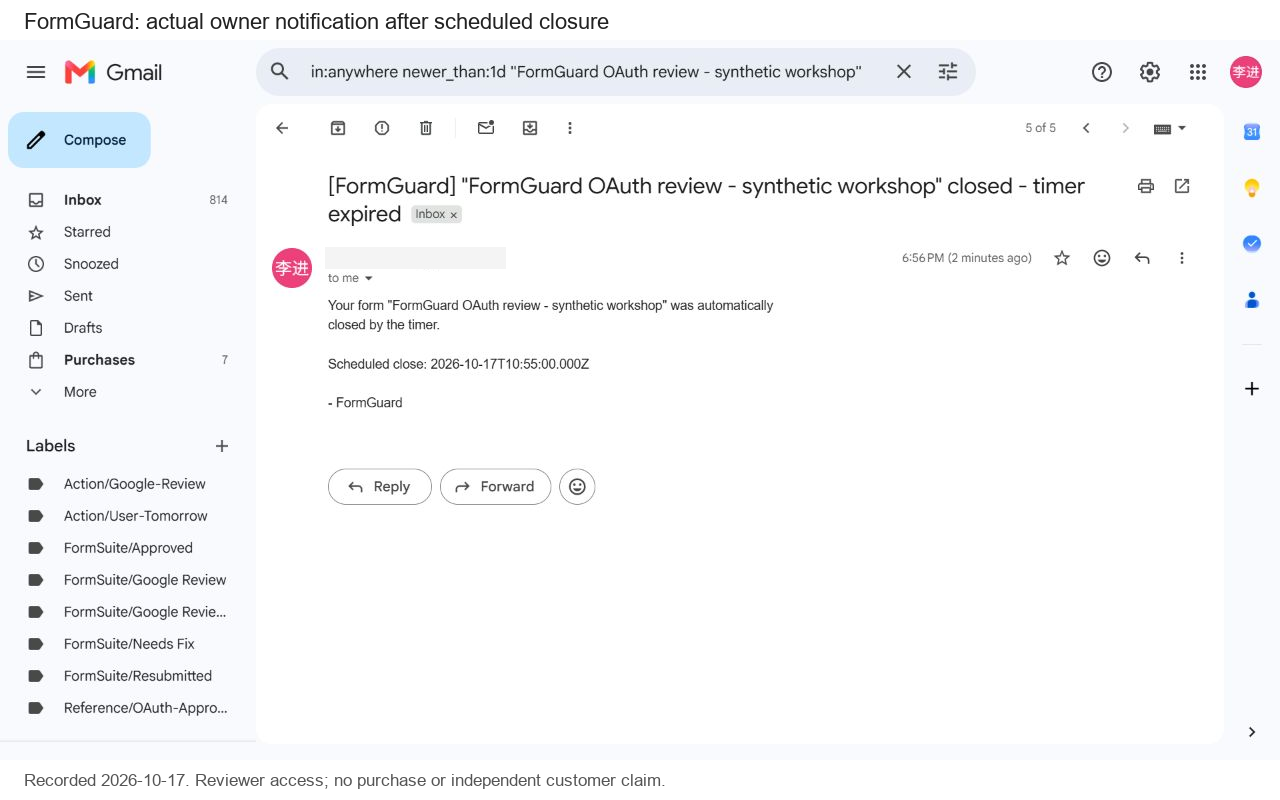
Per-choice quotas; response caps; custom closed messages; owner notifications; manual close/reopen. Eligible Pro candidates also support scheduled close/reopen, subject to Google trigger timing and quotas.

FREE AND OPTIONAL PRO
The updated paid build is in staged testing and Google review preparation. Confirm paid-build access with support before buying. In that build, Free covers up to 3 configured forms and 1 quota question per form. Pro costs $29 once for 12 months for one Google account, with no automatic renewal. Pro activation requires the same account as the purchase email. Existing early-supporter access is preserved.

IMPORTANT LIMITS
Quotas run after submission. Simultaneous respondents may exceed a target; this is not a guaranteed reservation, inventory, ticketing, payment, or waitlist system. Test your exact form and keep an owner available for exceptions.

PRIVACY AND SCHOOLS
Quota processing reads responses through Google services. Form questions and responses are not included in requests to our license service; optional paid-license checks send account email, signed license key, and product identifier. School pilot scope and procurement requirements must be agreed in writing. A signed privacy agreement does not imply district deployment or endorsement.

SUPPORT AND SETUP
https://formsuite.dev/formguard/support.html
https://formsuite.dev/formguard/pricing.html
https://formsuite.dev/formguard/permissions.html

Google Forms™ is a trademark of Google LLC. FormGuard is not affiliated with or endorsed by Google.
Additional information
sell
PricingFree of charge with paid features
code
Developer
Non-trader
email
Support
lock
Privacy policy
description
Terms of service
flag
ReportFlag as inappropriate




Search
Clear search
Close search
Google apps
Main menu