
Google Workspace Marketplace


Forms to Telegram
Send new Google Forms™ responses straight to your own Telegram bot — clean HTML formatting, pick and reorder fields, route to a chat or topic, delivery status. No third-party server in the path.
Ultimo aggiornamento scheda:4 agosto 2026
Compatibile con:
53



Panoramica
Forms → Telegram delivers each new Google Forms™ response to your own Telegram bot the moment it's submitted — cleanly formatted, and with no server of ours in between.

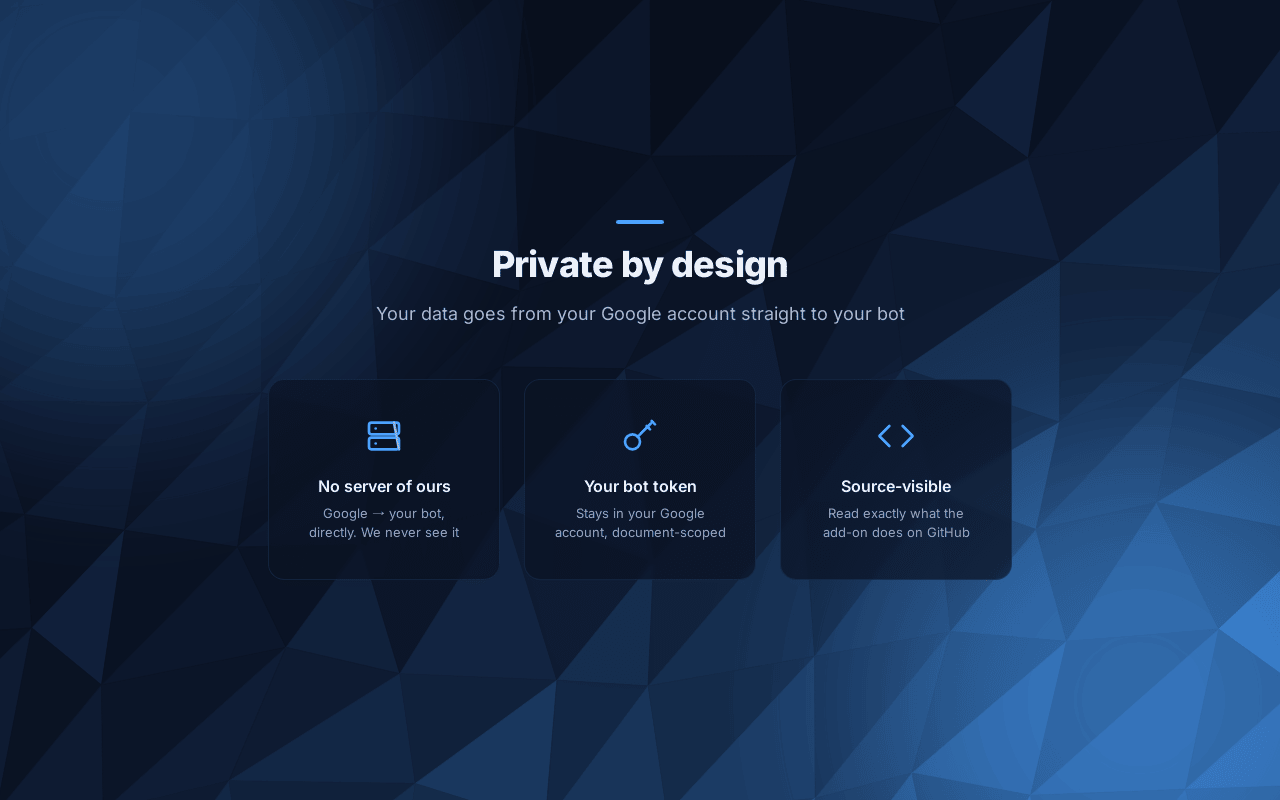
When someone submits your form, an installable Apps Script trigger runs inside your Google Account, reads that response, and calls the Telegram Bot API directly using your own bot token. Your data goes from your Google Account straight to your bot.

Telegram-native, not lowest-common-denominator:
• Real HTML formatting — bold labels and links, clean layout (not broken markdown).
• Template with placeholders — {{field:Question}}, {{form_title}}, {{timestamp}}, {{summary_url}}. Empty answers collapse instead of printing blanks.
• Pick and reorder which answers are sent.
• Topics — deliver into a specific forum thread.
• Reliable — retries on rate limits, plaintext fallback on markup errors, long responses split on tag boundaries, and a visible Last delivery status.
• Presets — start from a ready template (e.g. Contact request) in one click.

Privacy-first: your bot token is stored in the form's Apps Script document properties, inside your Google Account, and is only ever sent to Telegram. We never receive, store, or see your responses or your token.

You'll need a Telegram bot (create one in about a minute via @BotFather) and its token. Setup takes a few minutes — see the setup guide linked from the support page.

Built by 301.st. Not created or endorsed by Google. Google Forms™ is a trademark of Google LLC.Informazioni aggiuntive
sell
PrezziSenza costi
code
Sviluppatore
Non commerciante
email
Assistenza
lock
Norme sulla privacy
description
Termini di servizio
flag
SegnalaSegnala come inappropriata




Ricerca
Cancella ricerca
Chiudi ricerca
App Google
Menu principale