
Google Workspace Marketplace

Fylla
Next-gen AI without prompts. Extensions → Fylla → Fill the gaps to fill in what's missing.
デベロッパー:
リスト更新日:2026年6月15日
対応デバイス:
レビューはありません
11




概要
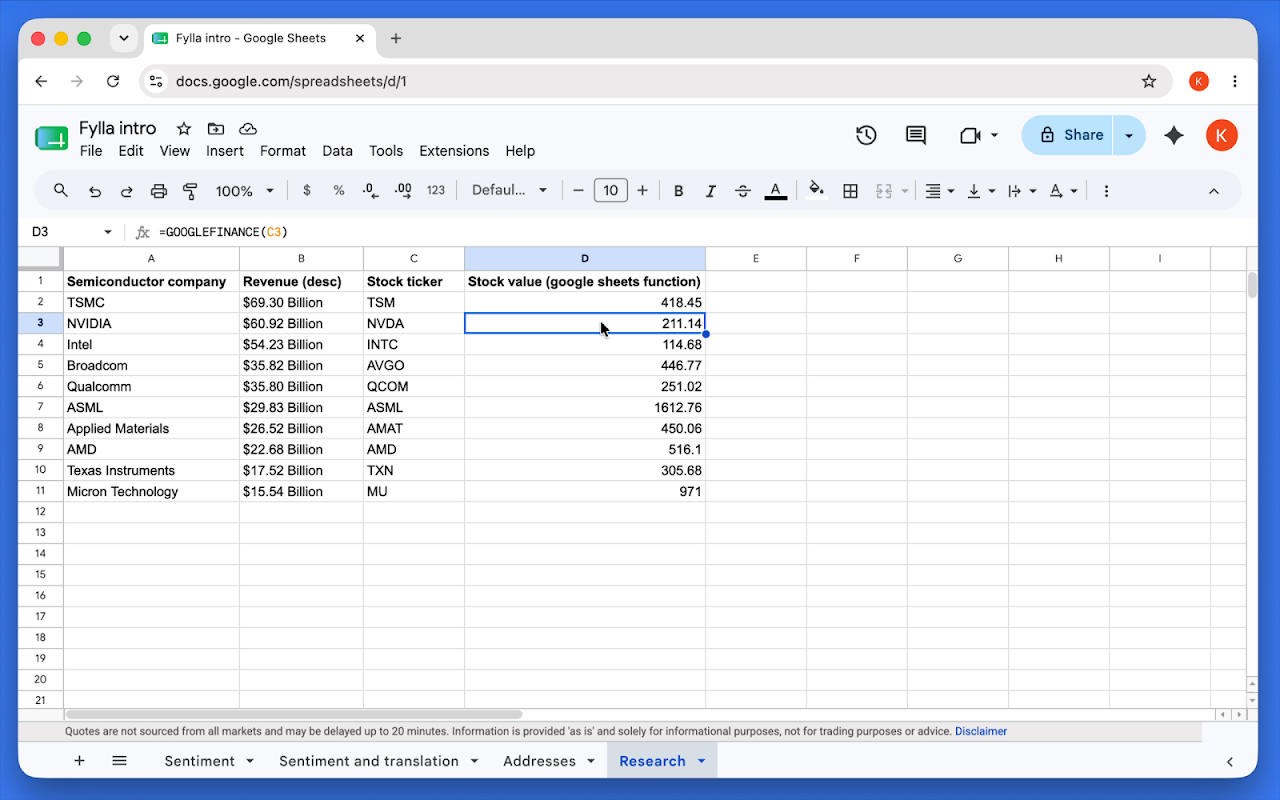
Next-gen AI for your table: Fylla fills blank cells from the structure you already have. No prompts and no sidebar. It reads column headers, optional example rows, and relationships across columns, then writes only to empty cells. Your existing values stay unchanged.

1. Set up a table in one block: column headers, and/or example rows (examples help but are not required; headers alone are often enough).
2. Leave the cells you want completed empty (or add blank rows to extend).
3. Click inside the table.
4. Extensions → Fylla → Fill the gaps.

Use cases: more productive work because you never tune prompts; set up columns once and fill. Split strings (e.g. addresses into street, city, state), sentiment labels, translation, fact research and ranking, marketing messaging, product ideation, feature comparisons, and homework (rankings, summaries, comparison lists).

Try it on any sheet with headers and a few blanks, then review results before production use.

Fylla uses proprietary inference technology and integrates world knowledge from Google Gemini™ models. Output may vary as models change. Review AI results on important data. Terms, Privacy, and Support links on this listing point to erland.ai. Free to install on your spreadsheets.

Google Gemini is a trademark of Google LLC.
詳細情報




検索
検索をクリア
検索を終了
Google アプリ
メインメニュー