
Google Workspace Marketplace


G-Connector | Salesforce Google Sheets™ Sync
Sync Salesforce to Google Sheets™, then edit and push updates back in bulk. Schedule automatic refresh, track historical changes, and keep teams aligned.
Fiche mise à jour le :31 mars 2026
Compatible avec :
344 k+





Présentation
Xappex's G-Connector unlocks the Salesforce data loading functionality of the popular Microsoft Excel add-on (XL-Connector) in the Google Drive™ environment.

Salesforce Group and Professional Edition support.

Save big on Salesforce licenses by providing your users with real-time view into Salesforce data by scheduling automatic refreshes of the previously pulled data and sharing the spreadsheet.

Flexible scheduler with the ability to pick separate tabs in your workbook and refresh them on demand, every hour, every 2 hours (odd or even), as well as 3, 6, or 12 hours. Daily and weekly schedules are also available.

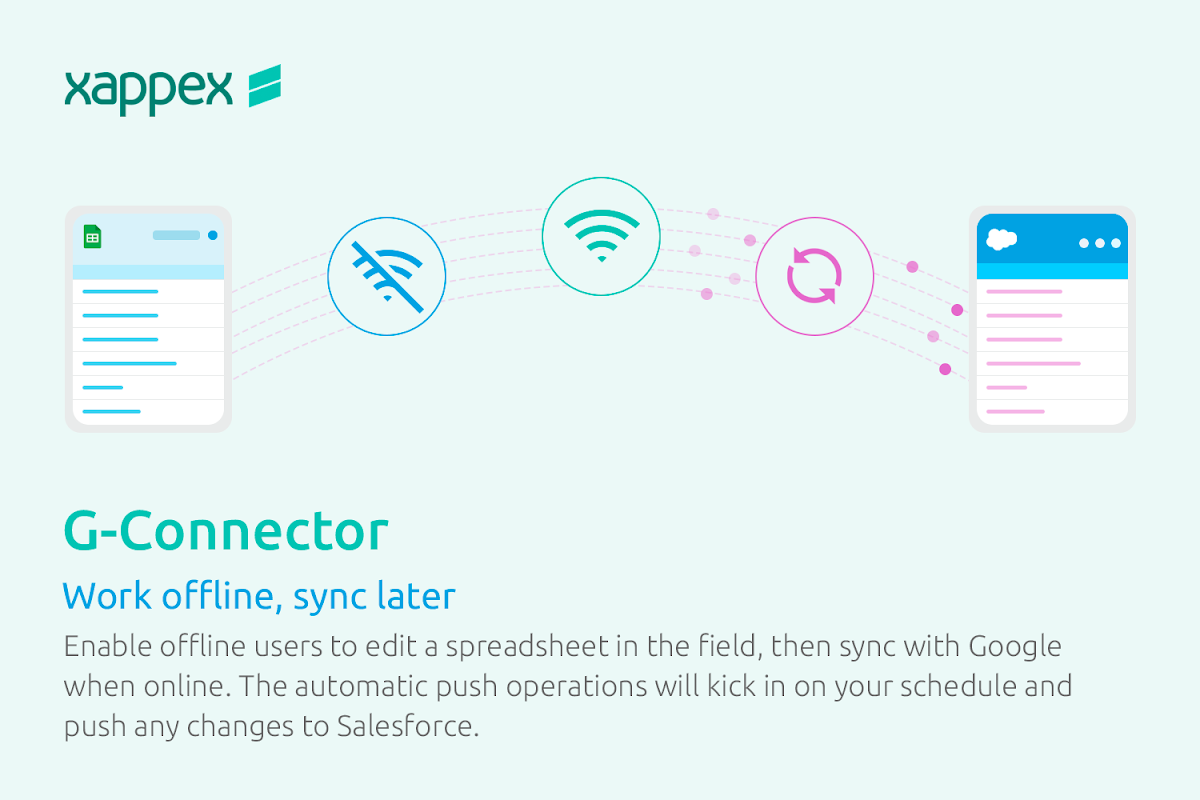
Enable your offline users with the ability to edit a spreadsheet in the field, then sync with Google when online. The automatic push operations will kick in on your schedule and push any changes to Salesforce.

Save a lot of time by doing Salesforce data loads, queries, mass updates and insert not from Salesforce, but directly from your Google Spreadsheets.

Pull data directly from Salesforce.com using a custom query or by simply pulling a report you'd previously created in Salesforce.com. No report row limitations, pull Salesforce reports of any sizes. Free feature.

Edit the data and push it back to Salesforce using Update command.

Import new data to Salesforce.com from your existing Google Sheets™ using the Insert command.

Automatically create snapshots of your spreadsheet and save it to Google Drive™ to capture historical data.

Monitor the data incoming from Salesforce in your Google Sheet™ and send notifications as it changes.

Convert your spreadsheets to XLSX and PDF formats and send it to any number of recipients on a schedule.
Unlike other add-ins (e.g. Coefficient), we solely focus on Salesforce CRM, so your data down- and uploads could be are fast, effective, and fully automated.
Informations supplémentaires
sell
TarifsSans frais avec des fonctionnalités payantes
code
Développeur
email
Assistance
lock
Règles de confidentialité
description
Conditions d'utilisation
flag
SignalerSignaler comme inappropriée




Recherche
Effacer la recherche
Fermer le champ de recherche
Applications Google
Menu principal