
Google Workspace Marketplace


Copy folder in Google Drive ™
Bulk copy entire folders in Google Drive™. Subfolders, files, and permissions included. Runs in the background. Email notification when done.
דף האפליקציה עודכן בתאריך:21 בנובמבר 2026
האפליקציה פועלת עם:
+659K


סקירה כללית
Copy entire folders in Google Drive™ in one click - including all
subfolders, files, and permissions. The fastest folder copying app
on the Marketplace. Runs in the background while you keep working.
You'll get an email when it's done.

Step 1: Select the folders and files you want to copy
Step 2: Choose a destination folder in Google Drive™
Step 3: Wait for your email - Awesome Files handles the rest

Key Features:
➤ Copy any folder or file including all subfolders and contents
➤ The fastest file copying app on the Google Workspace Marketplace
➤ Select files directly from the Google Drive™ interface
➤ Choose any Google Drive™ destination folder
➤ Keep or remove permissions on the copied folder
➤ Runs in the background - no waiting, no tab-watching

Use Cases:
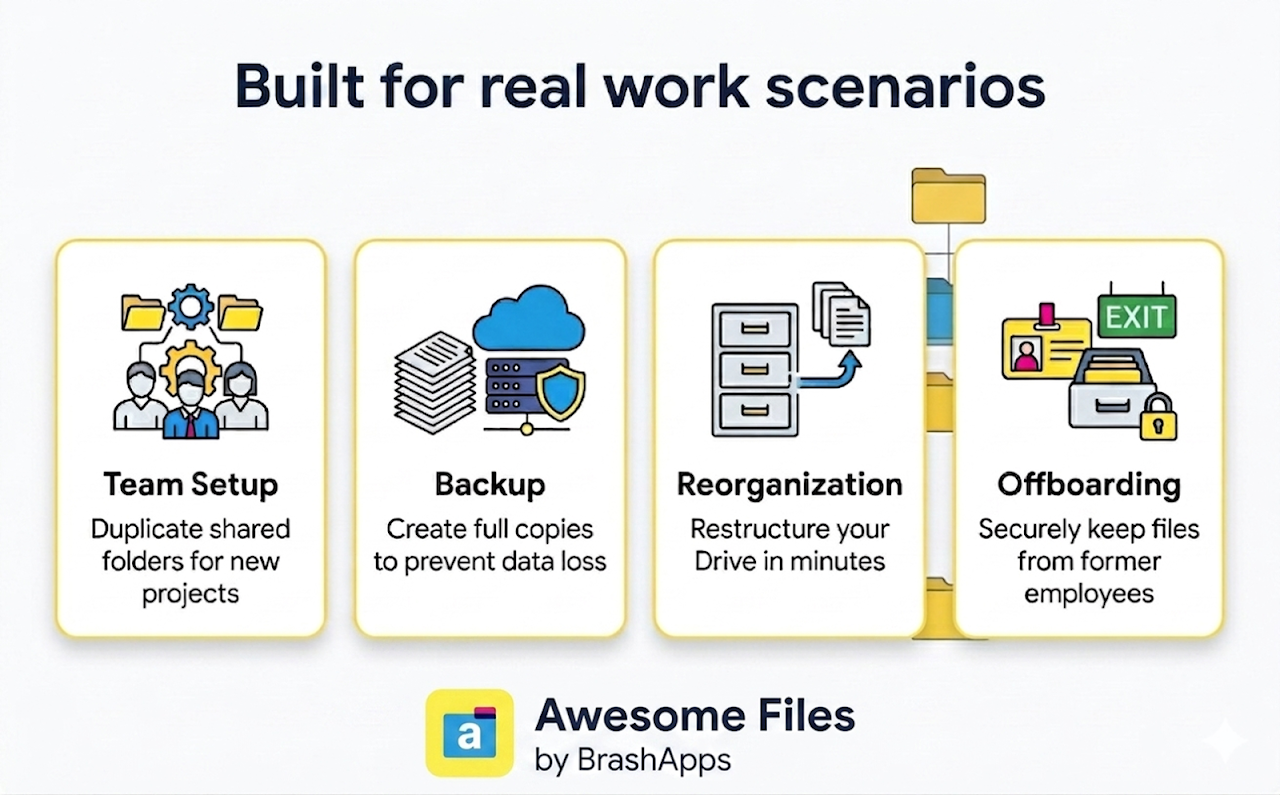
➤ Copy shared folders across teams or projects
➤ Create full folder backups for data recovery
➤ Reorganize and restructure your Drive layout
➤ Preserve files and access from departing employees
➤ Copy a template folder for every new project or client onboarding

Why Choose Us:
➤ 5+ years building and scaling products on Google Workspace Marketplace
➤ 3M+ installs across our add-on portfolio
➤ Multiple Editor's Choice selections on the Marketplace

Need help?
support@lincolnapps.co

#copy folder #copy a folder in Google Drive #copy shared folder
#make a copy of a folder #bulk copy #bulk transfer #duplicate folder
#clone folder #copy folder with permissions #folder backup
#template folder #copy files #move folders
מידע נוסף
sell
תמחורבחינם עם תכונות בתשלום
code
email
lock
מדיניות הפרטיות
description
תנאים והגבלות
flag
דיווחסימון כבלתי הולמת




חיפוש
ניקוי החיפוש
סגירת החיפוש
אפליקציות Google
התפריט הראשי