
Google Workspace Marketplace


GSecureSpace - Audit Tool For Google Drive
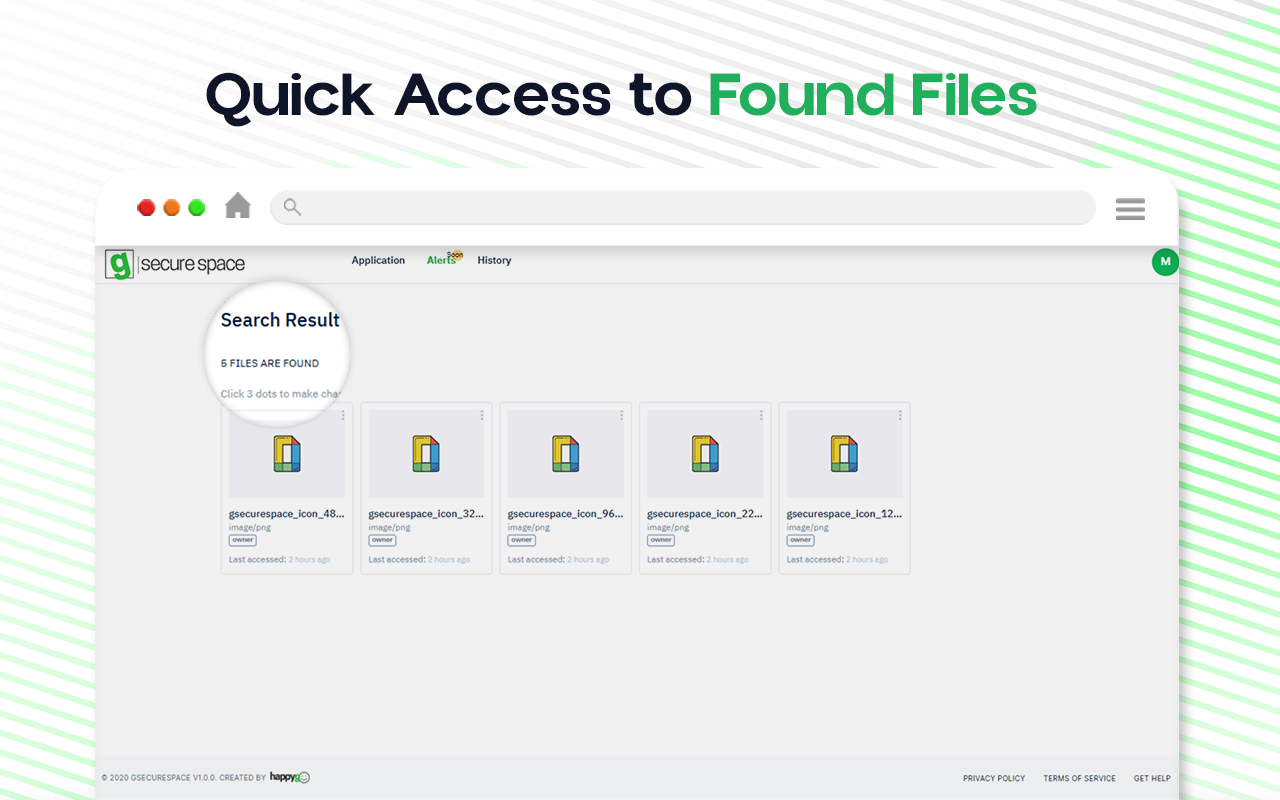
Effortlessly search and navigate files across all Google Drive™ within your organization. Exclusive to Google Workspace™ admins, this tool makes file searching and permission management efficient.
Listing updated:২৩ নভেম্বর, ২০২৪
৩১৮


এক নজরে
Introducing GSecureSpace , the ultimate solution for seamlessly navigating files across all Google Drive™ accounts within your organization. Designed specifically for Google Workspace™ administrators, GSecureSpace allows you to search for files across all Google Drive™ in your company effortlessly.

Imagine a company with 50 employees, each with their own Google Drive™. Traditionally, accessing and finding specific files across these individual drives can be challenging. GSecureSpace revolutionizes this process by enabling you to search all drives simultaneously, quickly locating and retrieving the files you need.

Additionally, GSecureSpace empowers administrators with the ability to modify permissions on the found files directly from the application. This ensures that sensitive information is accessible only to the right people, enhancing your organization's data security.

Our application is exclusively available to Google Workspace™ administrators, ensuring that only those with the appropriate authority can deploy and manage it across the domain. Simplify your file searches and enhance security with GSecureSpace, the essential tool for modern enterprises using Google Workspace™.
Additional information
sell
PricingPaid
code
Developer
email
সমর্থন
lock
গোপনীয়তা নীতি
description
পরিষেবার শর্তাদি
flag
রিপোর্ট করুনFlag as inappropriate




সার্চ করুন
সার্চ মুছুন
সার্চ বন্ধ করুন
Google অ্যাপ্লিকেশানগুলি
প্রধান মেনু