
Google Workspace Marketplace


Guru for Gmail
An AI-powered single source of truth that delivers instant, trusted answers—right in all of your Google tools.
개발자:
정보 업데이트:2025년 6월 11일
호환 기기:
1만+


개요
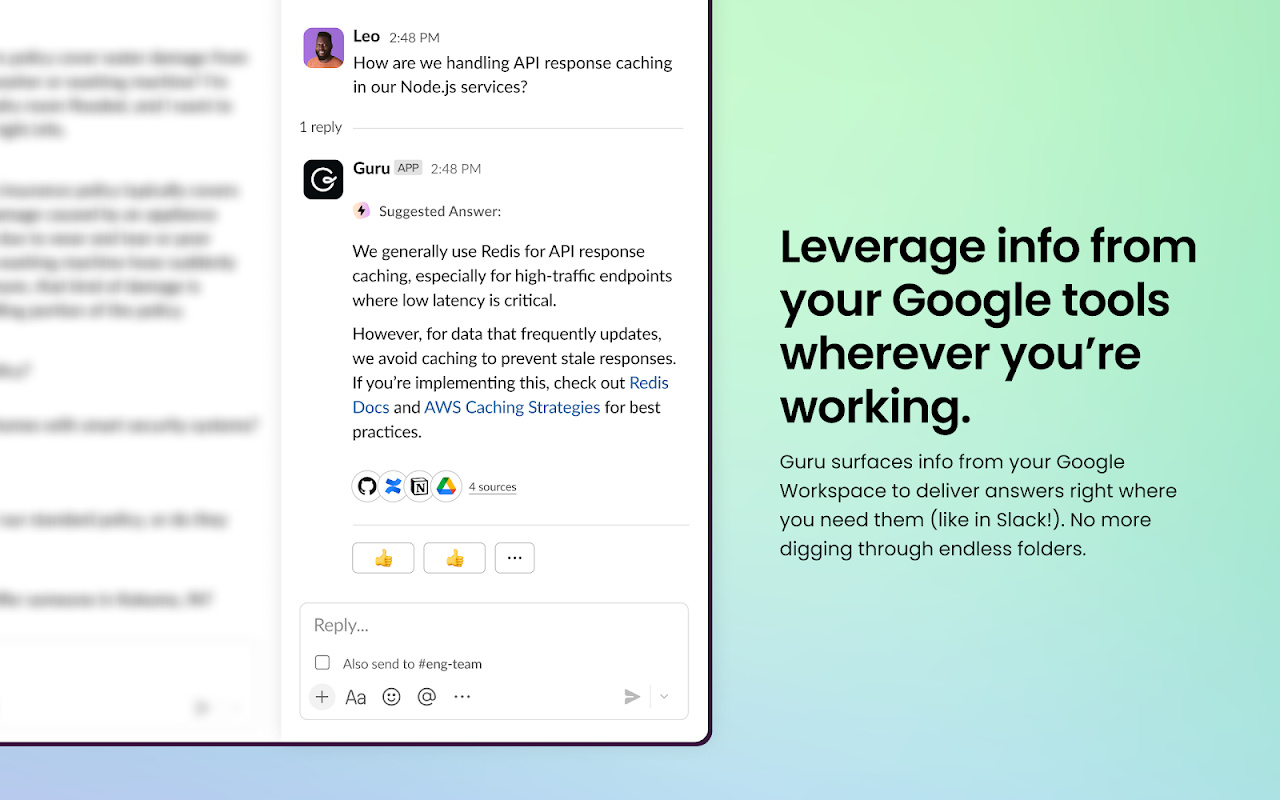
Guru’s AI-powered search Agents connect to all your team’s tools and deliver nuanced, context-rich answers to questions directly within your Google tools. Whether it’s through the Chrome extension or G Suite Add-On, your team can easily find, capture, share, and update company content without ever leaving their workflow. Guru ensures everyone gets the right information at the exact moment they need it.

About Guru
Guru is an AI-powered single source of truth that delivers accurate, personalized answers from your company’s apps, docs, chats, and emails—right where your team works. Instead of digging through disconnected tools and documents, employees can ask questions in tools like Gmail or Chrome and get instant, context-aware responses from AI agents trained on your organization’s trusted information. Guru doesn’t just find answers—it helps your team capture, improve, and reuse them, turning everyday workflows into opportunities for smarter, faster work. It replaces outdated wikis and intranets with a dynamic, always-up-to-date source of truth tailored to each person’s role, needs, and activity.

Watch an on-demand product demo video, or take a self-guided product tour at www.getguru.com/demo

G Suite Add-On
Guru’s G Suite Add-On for Gmail prevents information from getting lost in email chains by bringing knowledge capture right into Gmail. Your team can document email content directly into shareable knowledge without ever interrupting their workflow.

Guru & Google
Guru is knowledge management built for teams that run on Google. In addition to our Gmail Add-On, be sure to check out our additional Google integrations (getguru.com/integrations)
추가정보



검색
검색어 지우기
검색 닫기
Google 앱
기본 메뉴