
Google Workspace Marketplace


IEP Insight
Automated IEP data tracking for Special Education teachers. Log goals, calculate mastery, and generate progress reports in Google Sheets™.
정보 업데이트:2026년 4월 9일
호환 기기:
51




개요
IEP Insight: Special Education Data Tracker & Logbook
Stop doing IEP math on sticky notes.

IEP Insight transforms Special Education data collection from a chaotic mess of binders into a streamlined, automated workflow directly inside Google Sheets™. Designed to handle the unique demands of a SPED caseload, it manages the math, formatting, and graphing so you can focus on the student.

Why IEP Insight? Traditional methods like messy binders, lost tally sheets, and complex spreadsheets are prone to error. IEP Insight combines the flexibility of Google Sheets™ with the power of a dedicated caseload manager. With a single click, generate professional progress monitoring reports ready for your next IEP meeting, RTI review, or parent conference.

Key Features:

🚀 Instant "Logbook" Entry Forget scrolling through hundreds of rows. Open the Logbook to access a clean, distraction-free popup to record data for any student and any goal in seconds. Perfect for tracking Reading Fluency, Behavior Frequency, Duration, or Discrete Trial accuracy on the fly.

📊 Dynamic, Visual Reporting Turn raw data into clear, objective evidence.

Progress Over Time: View automated trend lines to see performance across the marking period.

Mastery Visualization: Automatically calculates status (e.g., "Met 3 of 4 recent trials") with color-coded bar charts.

Flexible Metrics: Works for Percentages, Whole Numbers, and Time-based goals.

🔒 Secure & Private by Design Your student data stays in your Google Drive™.

Zero PII Storage: We never see or store student records.

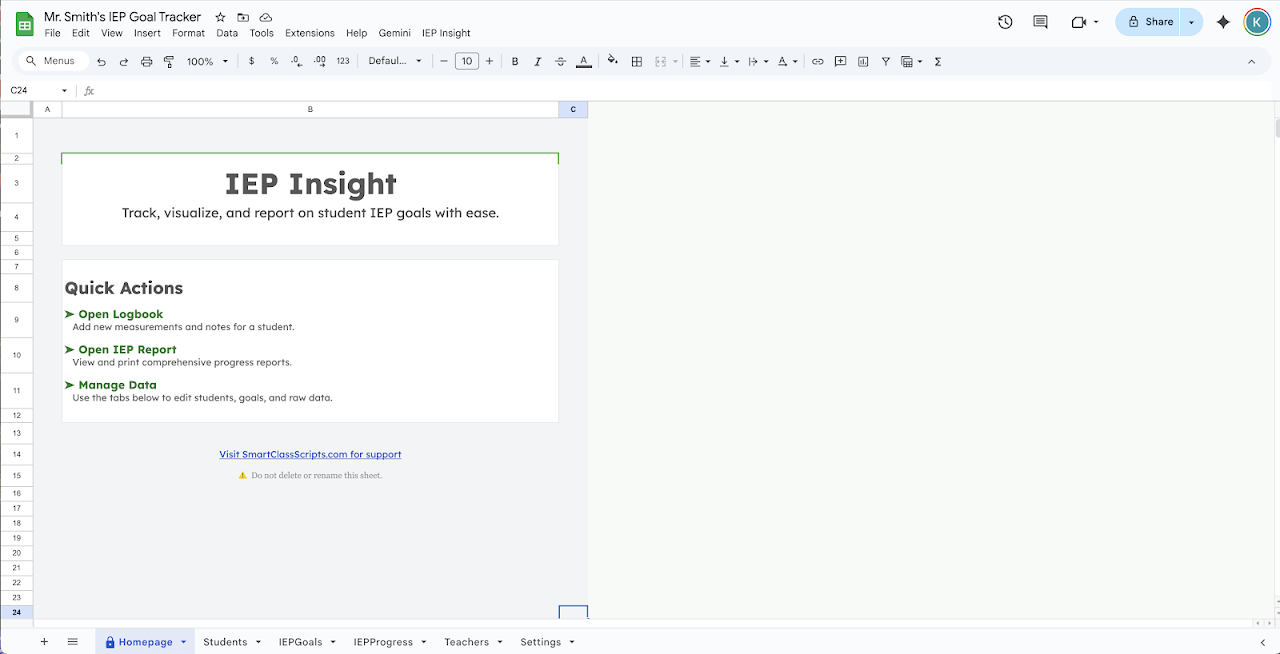
Privacy Shield: The add-on opens to a secure "Homepage," keeping sensitive names hidden when you project your screen in a classroom.

🤝 Built for the Classroom Team Keep your entire team on the same page. IEP Insight supports collaboration, allowing paraprofessionals, co-teachers, and therapists to log data into a single central sheet securely. Note: Each user logging data requires their own license key.

How it Works:

Install: One click generates a model Roster and Goal Bank template to get you started.

Define: Enter your own students and goals with custom criteria (e.g., "80% accuracy").

Log: Use the Logbook popup to enter scores instantly.

Report: Generate a PDF with graphs to visualize success.

Get IEP Insight today and bring clarity to your caseload.

Technical Requirements:

Requires a Google™ account (Workspace™ or Gmail™).

Requires a valid license key (purchased on Gumroad) to activate the Logbook and Reporting features.
추가정보



검색
검색어 지우기
검색 닫기
Google 앱
기본 메뉴