
Google Workspace Marketplace


Image Converter for Google Slides™
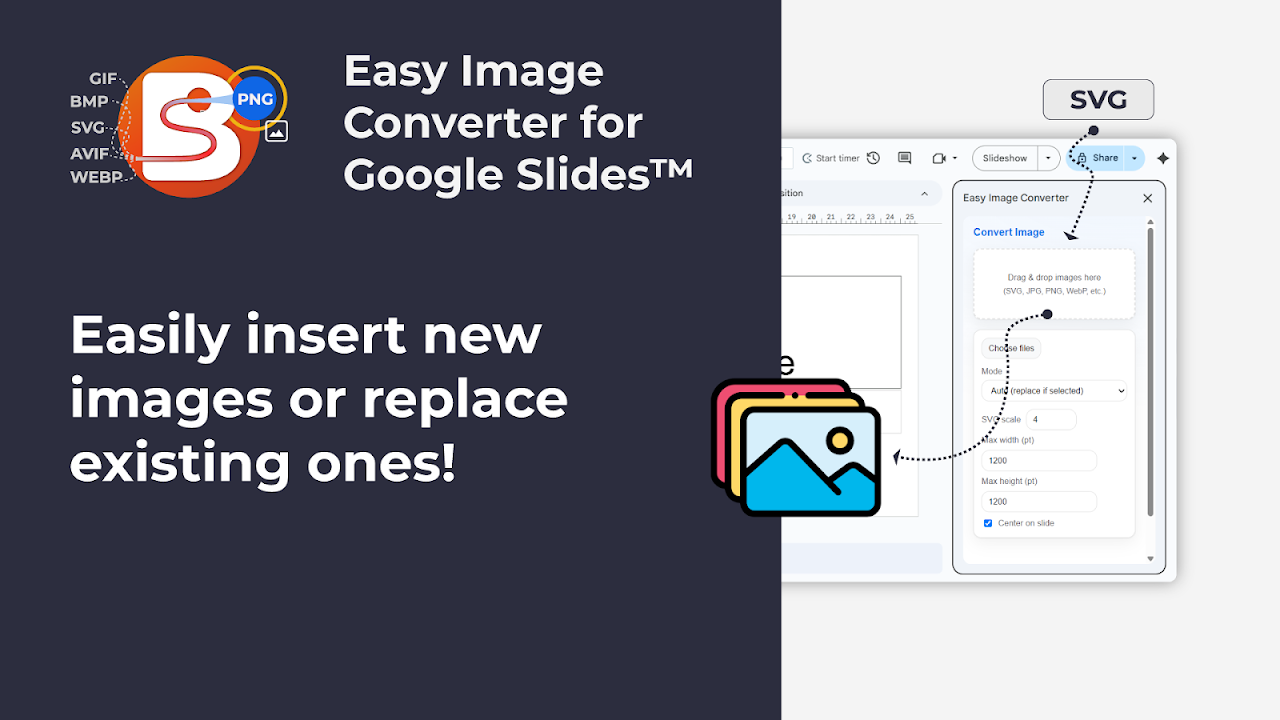
Convert and insert images in Google Slides™. Drag & drop SVGs, JPEGs, or WebP files, auto-converted to crisp PNGs instantly.
Listing updated:১২ নভেম্বর, ২০২৫
Works with:
১৮৪



এক নজরে
✨ Convert and insert images directly in Google Slides™

Image Converter for Google Slides™ makes it easy to work with any image format without leaving your presentation.
Simply drag and drop an image, and it’s converted to a high-quality PNG that fits perfectly in your slide.

⚙️ Key features:
• Convert SVG, JPG, JPEG, PNG, GIF, BMP, WEBP, and more to PNG
• Insert new images or replace existing ones without losing size, position, or mask shape
• Works entirely inside Google Slides™ — no extra software or uploads required
• Optional width and centering controls for consistent layouts
• Fast, secure, and simple to use

💡 Perfect for:
• Designers adding vector logos and icons
• Marketing teams updating brand assets
• Presenters working with different image formats
• Anyone who wants consistent, sharp images in Slides™

🖼️ Supported formats:
Input: SVG, JPEG, JPG, PNG, GIF, BMP, WEBP, ICO, TIFF
Output: PNG

🔒 Privacy and permissions:
This add-on runs entirely within Google Slides™ and does not store or share any user data.
It requires minimal permissions:
• Access to the current presentation (to insert or replace images)
• Permission to display the sidebar inside Slides

🚀 How to use:
1. Install the add-on.
2. Open a Google Slides™ presentation.
3. Go to *Extensions → Image Converter → Open converter*.
4. Drag and drop or select your image file.
5. The image is converted and inserted instantly.

⚡ Why you’ll love it:
Quick, reliable, and built for everyday workflows in Google Slides™.
No exporting, no file conversions — just a smooth way to get perfect PNGs into your deck.
Additional information
sell
PricingFree of charge trial
code
Developer
নন-ট্রেডার
email
সমর্থন
lock
গোপনীয়তা নীতি
description
পরিষেবার শর্তাদি
flag
রিপোর্ট করুনFlag as inappropriate



সার্চ করুন
সার্চ মুছুন
সার্চ বন্ধ করুন
Google অ্যাপ্লিকেশানগুলি
প্রধান মেনু