
Google Workspace Marketplace


Manager Metrics
BI for Everyone. Convert Sheets into custom web apps for efficient data processing and charting. Secure, quick, and user-friendly for all. Enhance team productivity and data-driven decision-making.
דף האפליקציה עודכן בתאריך:10 בפברואר 2026
האפליקציה פועלת עם:
אין ביקורות
43


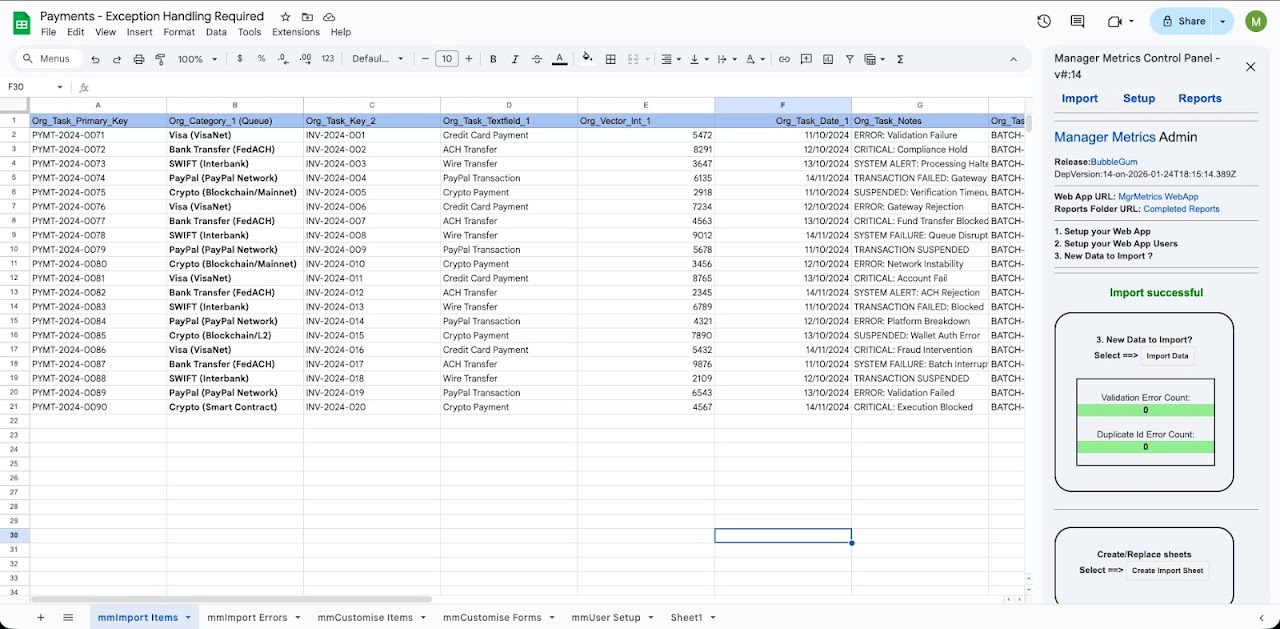
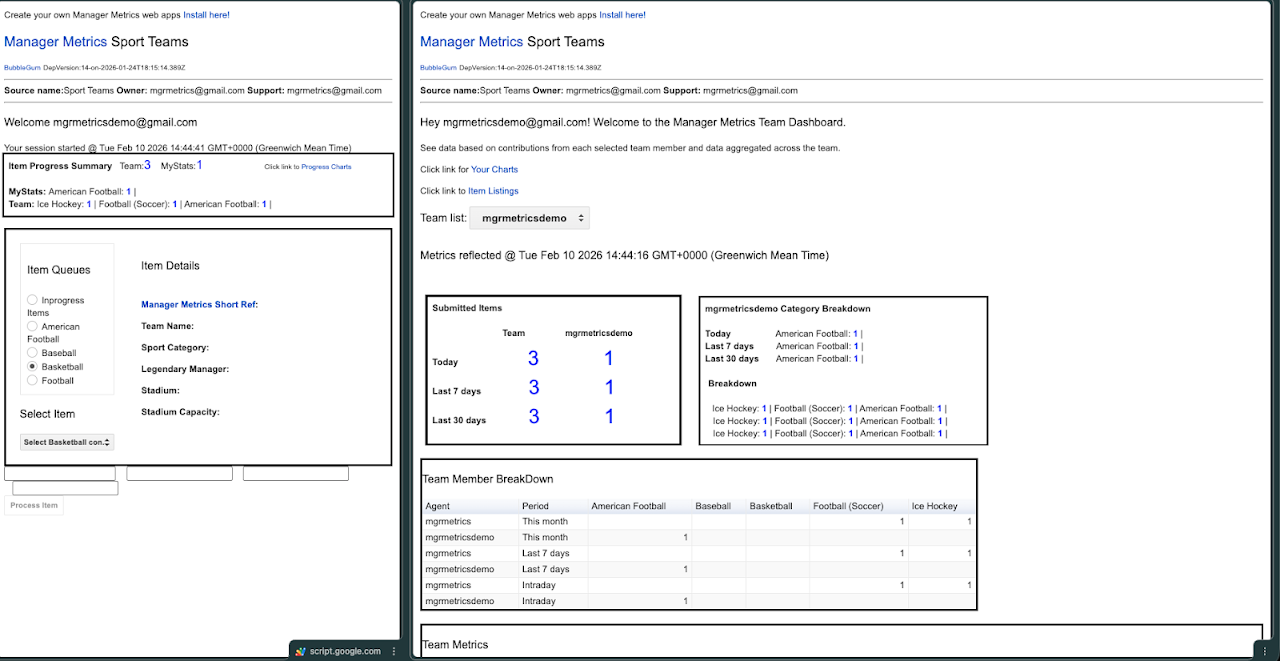

סקירה כללית
******Install via Google MarketPlace to test drive -  mgrmetrics@gmail.com for install support******

Manager Metrics - Business Intelligence for Everyone
Unlock the full potential of your data with ManagerMetrics—the ultimate Google Sheets workspace add-on that transforms your spreadsheets into dynamic web applications.

Business Intelligence for Everyone:

Instant Transformation: Convert your Google Sheets into custom web apps with ease, supporting processing and real-time charting.
Efficiency at Its Best: From spreadsheet to custom web app in minutes, not months.
Empower Your Team: Enable users of your web app to access and interact with the Sheets data you’ve meticulously organized.
Engage Seamlessly: Users complete custom forms, making data collection as simple as a click.
ManagerMetrics is not just a tool; it’s a revolution in project and operational management. See the difference today and propel your team into a future where data drives success. ManagerMetrics—where speed meets efficiency. 🚀

Discover how ManagerMetrics can elevate your project or operational needs. It’s quick, it’s easy, and it’s designed to get you and your team up to speed with the power of Business Intelligence.
מידע נוסף
sell
תמחורבחינם עם תכונות בתשלום
code
email
lock
מדיניות הפרטיות
description
תנאים והגבלות
flag
דיווחסימון כבלתי הולמת






חיפוש
ניקוי החיפוש
סגירת החיפוש
אפליקציות Google
התפריט הראשי