
Google Workspace Marketplace


Nearpod for Google Classroom™
Get more out of teaching with Google Classroom™ by adding in the power of Nearpod. Streamline tools, drive engagement, and create better learning experiences.
बनाने वाली कंपनी:
लिस्टिंग को पिछली बार अपडेट किया गया:22 अगस्त 2025
इनके साथ काम करता है:
कोई समीक्षा नहीं है
1 क॰+


अवलोकन
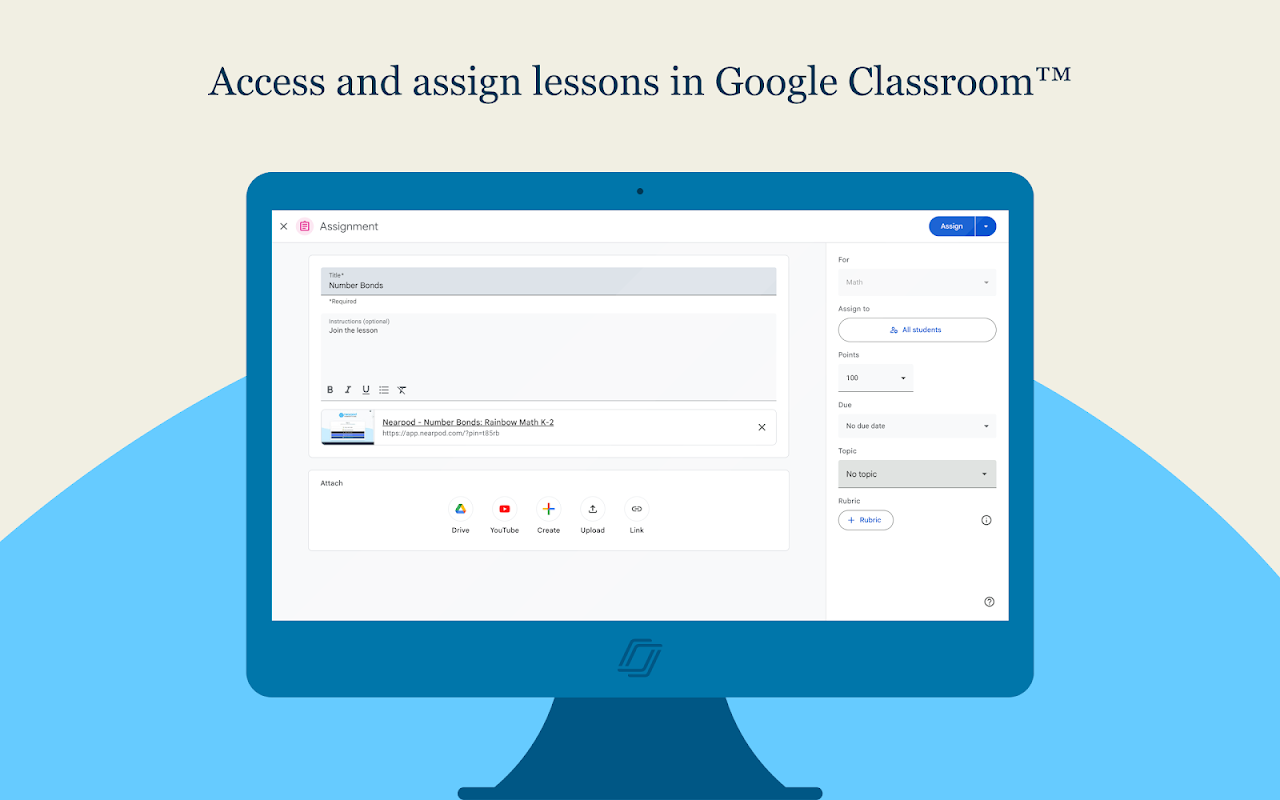
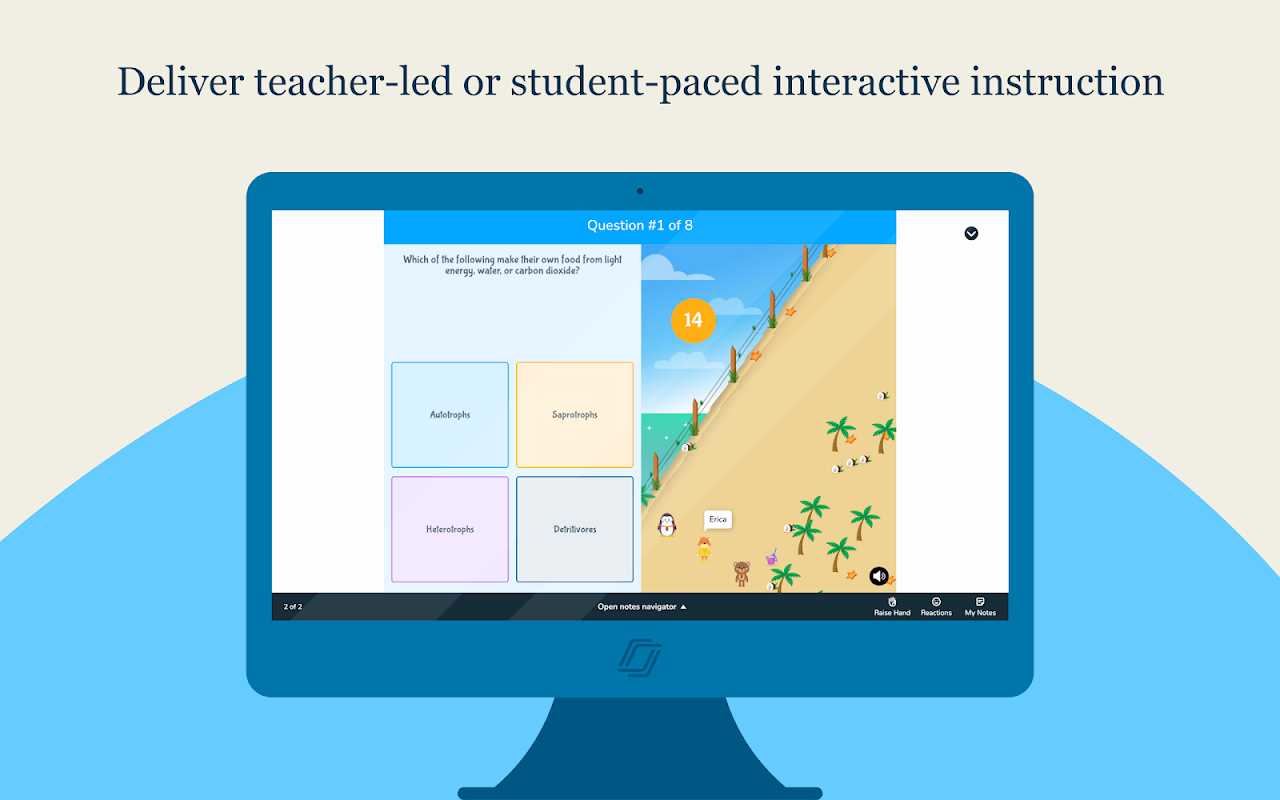
Make your lessons engaging and gain real-time insights into student understanding through interactive lessons, interactive videos, gamification, and activities. Nearpod’s 20+ rich media and assessment features are easily added into any lesson and boost engagement and collaboration in the classroom. Save time by assigning Nearpod lessons and reviewing lesson results, all within Google Classroom™.  To get started, use the Nearpod add-on to attach a Nearpod lesson to your assignment in Google Classroom™.  Students can join the Nearpod lesson from the assignment and submit their answers within the Google Classroom™ experience, all without needing a join code.  When the class is done, you can review their Nearpod work inside the Google Classroom™ gradebook.  It’s easier than ever to teach and learn with Nearpod and Google Classroom™!

The Nearpod Add-On for Google Classroom™ is available for all Nearpod subscription types and allows educators to:

* Access your Nearpod lessons and add as an assignment within Google Classroom™

* Assign Live or Student-Paced lessons directly in Google Classroom™

* Add important point values, due dates, or optional instructions for your students

* Allow students to join a Nearpod lesson by clicking on the provided link in Google Classroom™. Students will be brought directly to the lesson without needing to enter the standard Nearpod Join Code

* Grade Nearpod lessons in Google Classroom™

* View post-session reports in Google Classroom™

* Access in mobile and desktop for teachers and students

* Utilize Google Classroom’s™ copy feature

The Nearpod Add-On for Google Classroom™ is available for schools and districts that subscribe to Google’s Workspace for Education Teaching and Learning Upgrade or Education Plus editions. A Google Classroom™ site administrator must enable Nearpod as an Add-On before it is available for use by teachers and students.

This Nearpod Add-on is compatible with Google Classroom™.
Google Classroom™ is a trademark of Google LLC.
अतिरिक्त जानकारी
sell
कीमतइस ऑफ़र में कुछ सुविधाएं बिना किसी शुल्क के उपलब्ध हैं, जबकि कुछ सुविधाओं के लिए पैसे चुकाने होंगे
code
डेवलपर
email
सहायता
lock
निजता नीति
description
सेवा की शर्तें
flag
शिकायत करेंआपत्तिजनक ऐप्लिकेशन की शिकायत करें



खोजें
खोज हटाएं
खोज बंद करें
Google ऐप
मुख्य मेन्यू