
Google Workspace Marketplace


Nektar for Gmail™ and Google Calendar™
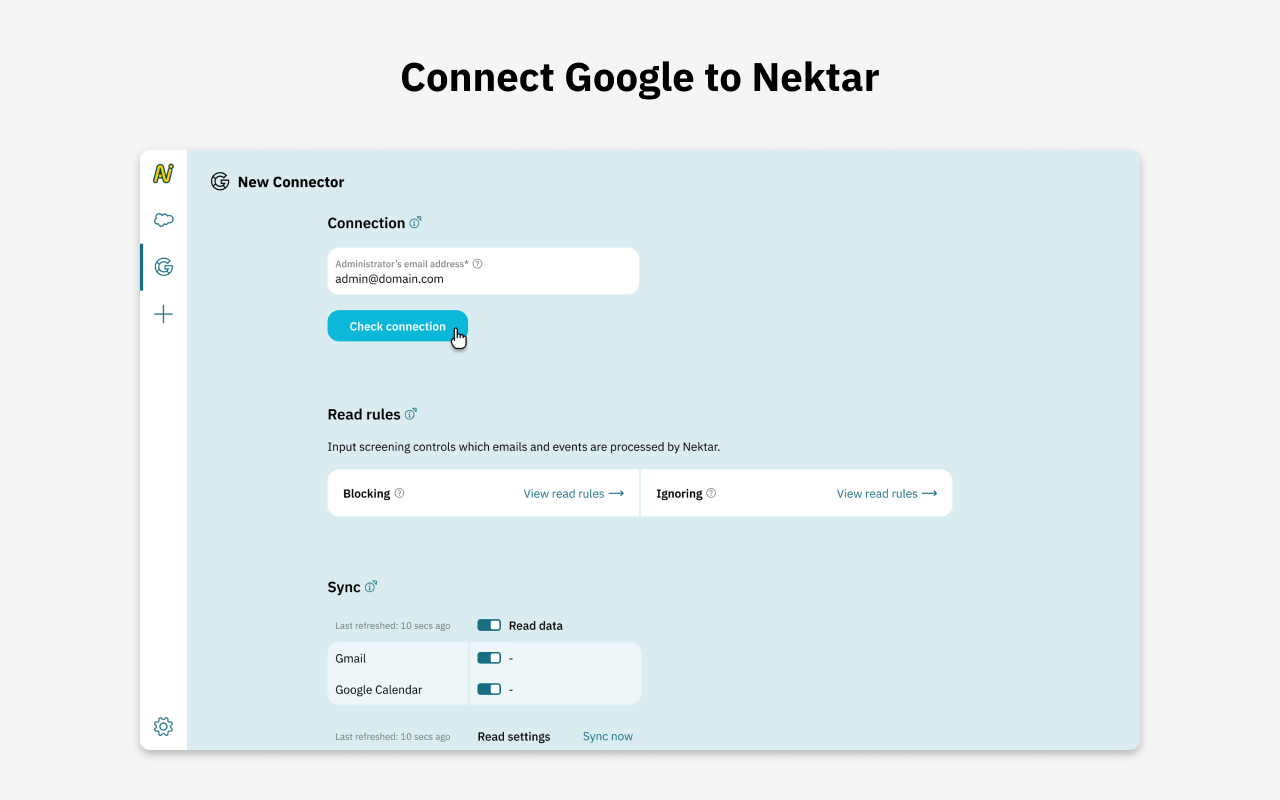
Nektar syncs emails, events, and transcripts from Gmail™, Google Calendar™ & Google Meet™ into Salesforce—automatically enriching data for accurate customer insights and seamless team workflows.
Listing updated:16 декември 2025 г.
No reviews
3 хил.+


Общ преглед
- Automated Email, Calendar, and Meeting Sync:
Nektar works seamlessly with Gmail™, Google Calendar™, and Google Meet™, automatically capturing emails, calendar events, and virtual meetings and syncing them into Salesforce. This eliminates manual data entry and keeps CRM data accurate and up to date.
- Richer Customer Profiles:
By pulling data from Gmail™, Google Calendar™, and Google Meet™, Nektar enriches Salesforce with participant details, meeting metadata, and contextual information. Sales teams get a complete, up-to-date view of customer interactions across emails and meetings.
- Actionable Sales Insights:
With activities automatically logged from emails, calendar events, and Google Meet™ sessions, Nektar provides visibility into customer engagement. Sales teams can track communication history, identify key stakeholders, and prioritize follow-ups more effectively.
- Seamless Salesforce Integration:
Nektar ensures Salesforce remains the single source of truth by accurately writing Gmail™, Google Calendar™, and Google Meet™ activities into CRM. Teams stay aligned, data stays organized, and workflows remain frictionless
Additional information
sell
PricingБез парично заплащане
code
Developer
Нетърговец
email
Поддръжка
lock
Декларация за поверителност
description
Общи условия
flag
Подаване на сигналFlag as inappropriate






Търсене
Изчистване на търсенето
Затваряне на търсенето
Приложения на Google
Главно меню