
Google Workspace Marketplace


Nektar for Gmail™ and Google Calendar™
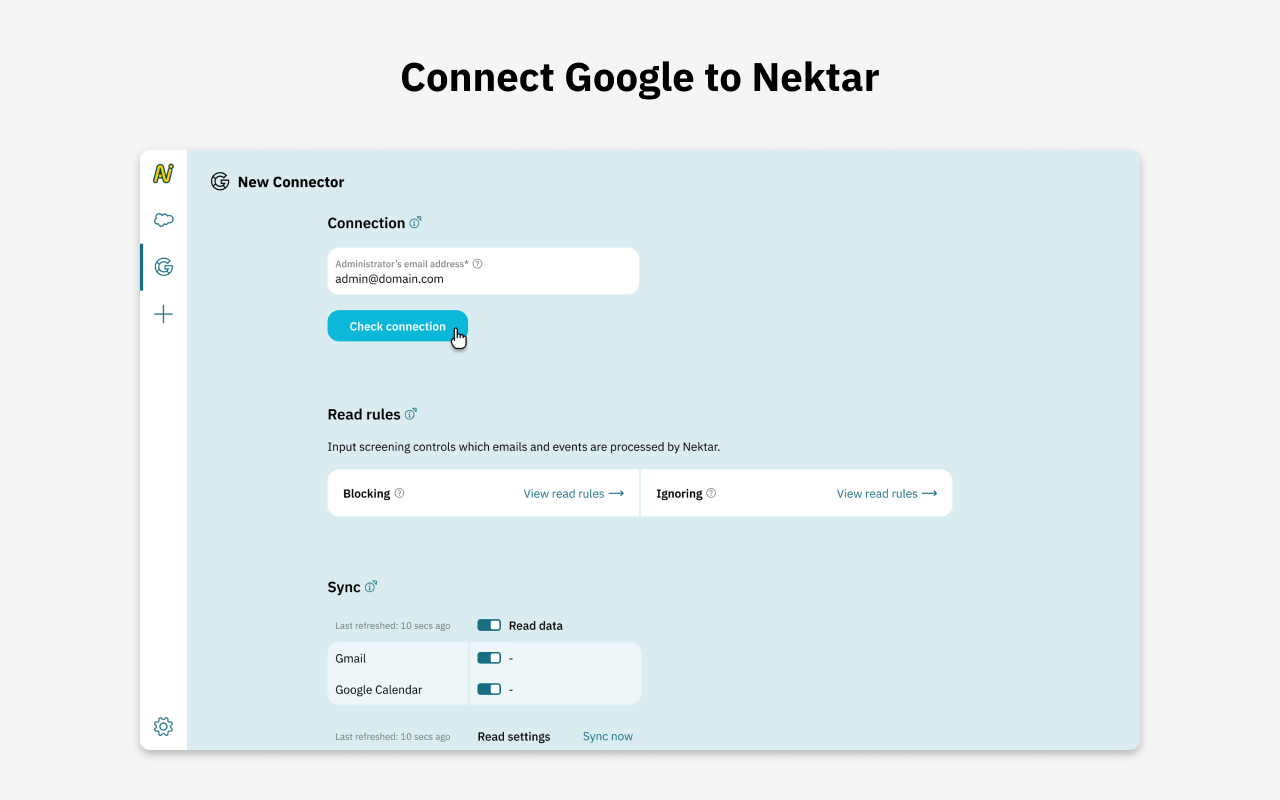
Nektar syncs emails, events, and transcripts from Gmail™, Google Calendar™ & Google Meet™ into Salesforce—automatically enriching data for accurate customer insights and seamless team workflows.
Listing updated:১৬ ডিসেম্বর, ২০২৫
No reviews
৩ হা+


এক নজরে
- Automated Email, Calendar, and Meeting Sync:
Nektar works seamlessly with Gmail™, Google Calendar™, and Google Meet™, automatically capturing emails, calendar events, and virtual meetings and syncing them into Salesforce. This eliminates manual data entry and keeps CRM data accurate and up to date.
- Richer Customer Profiles:
By pulling data from Gmail™, Google Calendar™, and Google Meet™, Nektar enriches Salesforce with participant details, meeting metadata, and contextual information. Sales teams get a complete, up-to-date view of customer interactions across emails and meetings.
- Actionable Sales Insights:
With activities automatically logged from emails, calendar events, and Google Meet™ sessions, Nektar provides visibility into customer engagement. Sales teams can track communication history, identify key stakeholders, and prioritize follow-ups more effectively.
- Seamless Salesforce Integration:
Nektar ensures Salesforce remains the single source of truth by accurately writing Gmail™, Google Calendar™, and Google Meet™ activities into CRM. Teams stay aligned, data stays organized, and workflows remain frictionless
Additional information
sell
Pricingফ্রি
code
Developer
নন-ট্রেডার
email
সমর্থন
lock
গোপনীয়তা নীতি
description
পরিষেবার শর্তাদি
flag
রিপোর্ট করুনFlag as inappropriate






সার্চ করুন
সার্চ মুছুন
সার্চ বন্ধ করুন
Google অ্যাপ্লিকেশানগুলি
প্রধান মেনু