
Google Workspace Marketplace


NOLEJ AI
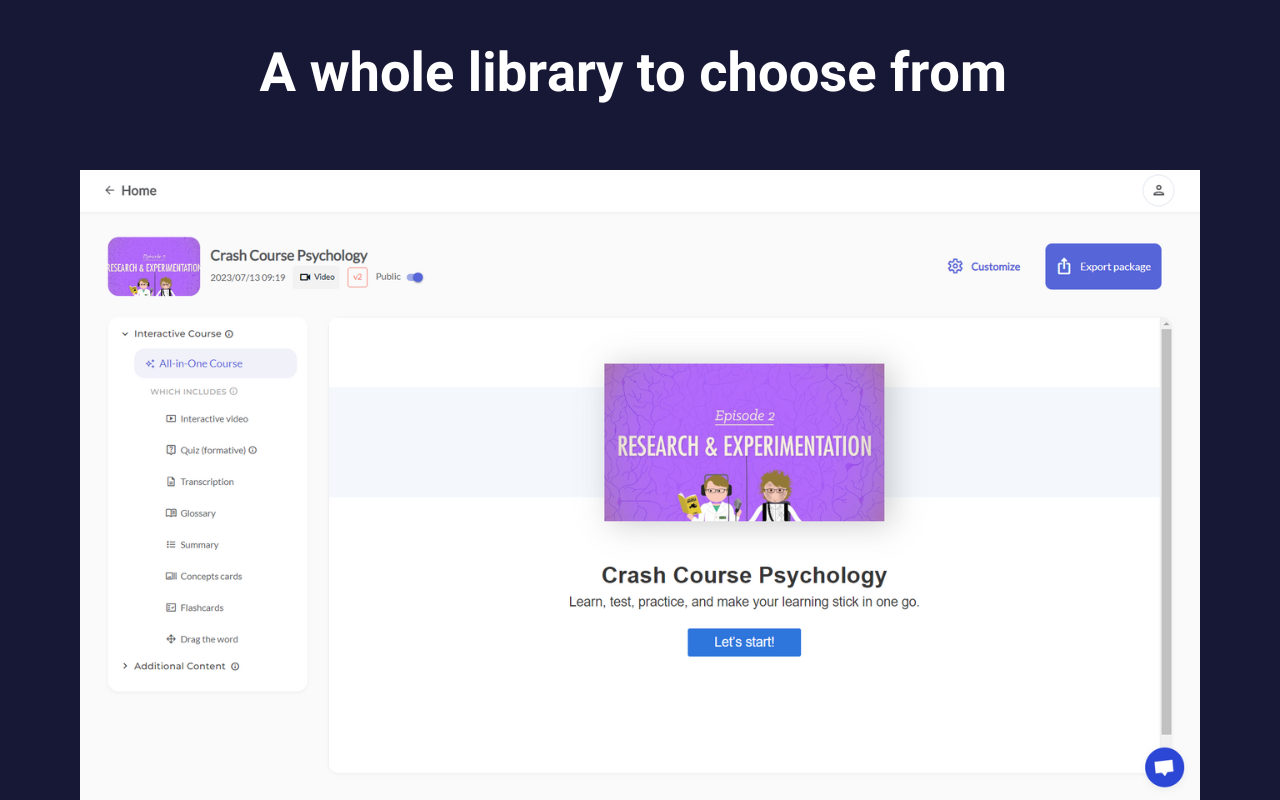
NOLEJ AI for Google Classroom, can convert any suitable material into interactive eLearning modules, quizzes, interactive videos, flashcards and more, in minutes!
개발자:
정보 업데이트:2023년 8월 24일
5천+



개요
"Transform your classroom with NOLEJ AI - The Future of Interactive Learning Activities

In just a matter of minutes, you can effortlessly turn any type of static educational content, including videos, documents, and webpages, into interactive learning activities. Do you want to lead the change in education and take advantage of AI? Say goodbye to tedious content creation with NOLEJ AI!

In a matter of minutes, you will get:

- Quizzes
- Interactive videos
- Flashcards
- Games

All of which are ready to plug-and-play into any learning environment! Our AI system operates under your control and with your expertise, ensuring that your content is used as a ground truth. There is no learning curve, and our intuitive interface means that educators can hit the ground running.

We generate evidence-based learning activities that are backed by over 1,000 research papers, resulting in high retention, engagement, and completion rates. You can trust that the content is tailored to learners' needs in real-time!

Stay ahead of the curve by updating and refreshing old content dynamically with NOLEJ AI.

Use cases:

- In-class activities that enhance student participation
- Flipped classroom for interactive pre-learning
- Self-paced learning for better engagement and learning

Embrace the magic of education meets technology - NOLEJ AI! Experience the future today!"
추가정보



검색
검색어 지우기
검색 닫기
Google 앱
기본 메뉴