
Google Workspace Marketplace


onleenotification
Files and Folders notifications for Google Drive™, work with all your files.
Listing updated:27. marec 2024
Works with:




53 tis.+



Pregled
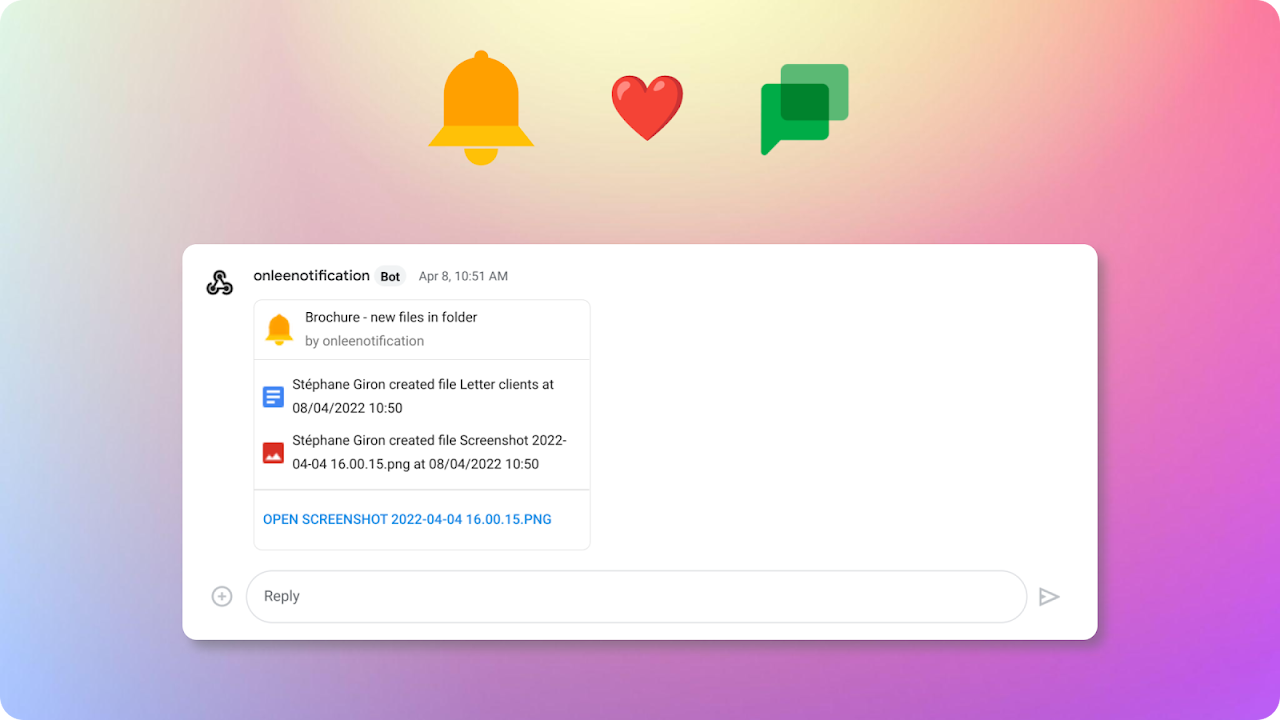
🔔 onleenotification 🔔 keep you updated of changes in your Google files or folders.
🏷️ Test it with our 7 days all features trial period

👇 More details about features and pricing below.

Last update :
# Sub folders monitoring, you can now monitor n-1 sub folders of a folder. Enable the option to monitor a folder and its direct subfolders.
# Slack™ integration, receive notification in your Slack™ channel. Test it during the trial period.
# Google Chat™ integration, receive notification in your Google Chat™ Space. Test it during the trial period.
=> Check documentation for all details : https://www.onleenotification.com/documentation/

# Available in Google Drive™, Google Sheets™, Google Docs™ and Google Slides™ #
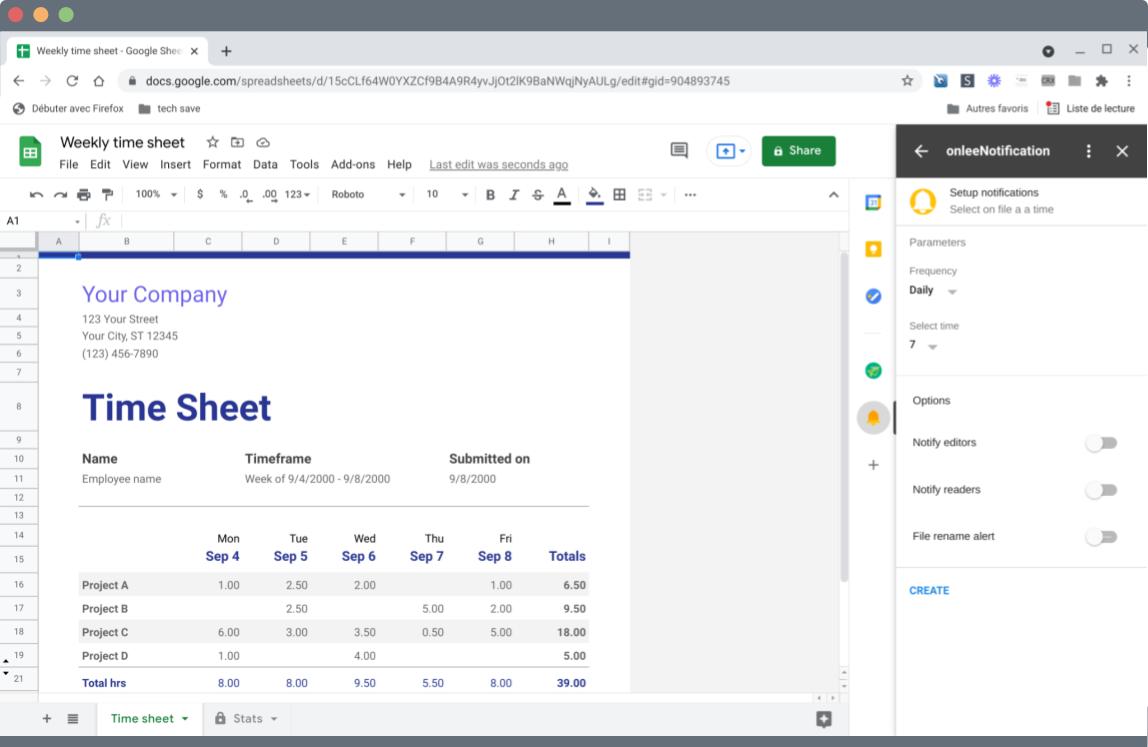
Setup notification from your Google Drive™ or inside your Google Editors.
1. In Google Drive you can setup notification for any files, you want to know if a Google Sites or a Google Apps Script is modified, just select the file in your Google Drive and create notification in onleenotification.
2. In the editors you just have top open onleenotification and create the notification.

# How it works #
1. When you select a new file you have to grant us permission to monitor the file, click button "Give Permission" and validate access.
2. Select if you want to schedule "daily" notification or "hourly" notification.
3. For "Daily" notification select the time you want to get notified.
4. Click "Create" button to save alert, if you modified the previous setup click "Save" button.

=> For Google Slides™ there is an open issue at Google, when you open Google Workspace™ Add-on in Google Slides™ they sometimes are stuck in loading page. We are waiting Googl fix the issue so for now best is to open onleeNotification on Google Drive™ and select your Google Slides™ in Drive and create your alert.

# Advanced options #
You need a license to access the paid options. Advanced options allow you to :
- Monitor folders
- Notify Editors of file
- Notify Commentators and readers
- Get notified if file is renamed

# ezNotifications users #
Due to some Google change on the Activity API and future Google Change on the Drive API for restricted scope, we needed to move to a new application that will benefits of the new Google Workspace™ Add-on and allow us to comply with new Google Drive™ API requirements.

# Paid plan #
Personal license is 15$/year
Personal lifetime license is 39$

- Paid license provide access to advanced options and unlock the numbers of files to monitor. Free users can monitor up to 4 files.
- Paid plan is also needed after trial preiod to keep receiving notification in Google Chat or Slack.
- For Google Workspace users, license is also needed to monitor files stored in Shared Drive.

More details : https://www.onleenotification.com/#h.jha8xp65k5b9

# Google Workspace domain #
As an admin you can install the app for the domain all users will be in free plan.
If you want to buy a domain license you just have to connect to the add-on and click the link to buy a license you will have choice between personal and domain license.
All users from you domain will then have access to full version of the application. The domain license is for domain with less than 5 000 users. For bigger domain please contact us : https://www.onleenotification.com/contact

# Question / Help #
Please contact us : https://www.onleenotification.com/contact
Additional information
sell
PricingFree of charge with paid features
code
Developer
email
Podpora
lock
Pravilnik o zasebnosti
description
Pogoji storitve
flag
PrijavaFlag as inappropriate






Iskanje
Počisti iskanje
Zapiranje iskanja
Googlove aplikacije
Glavni meni