
Google Workspace Marketplace


onleeStudio
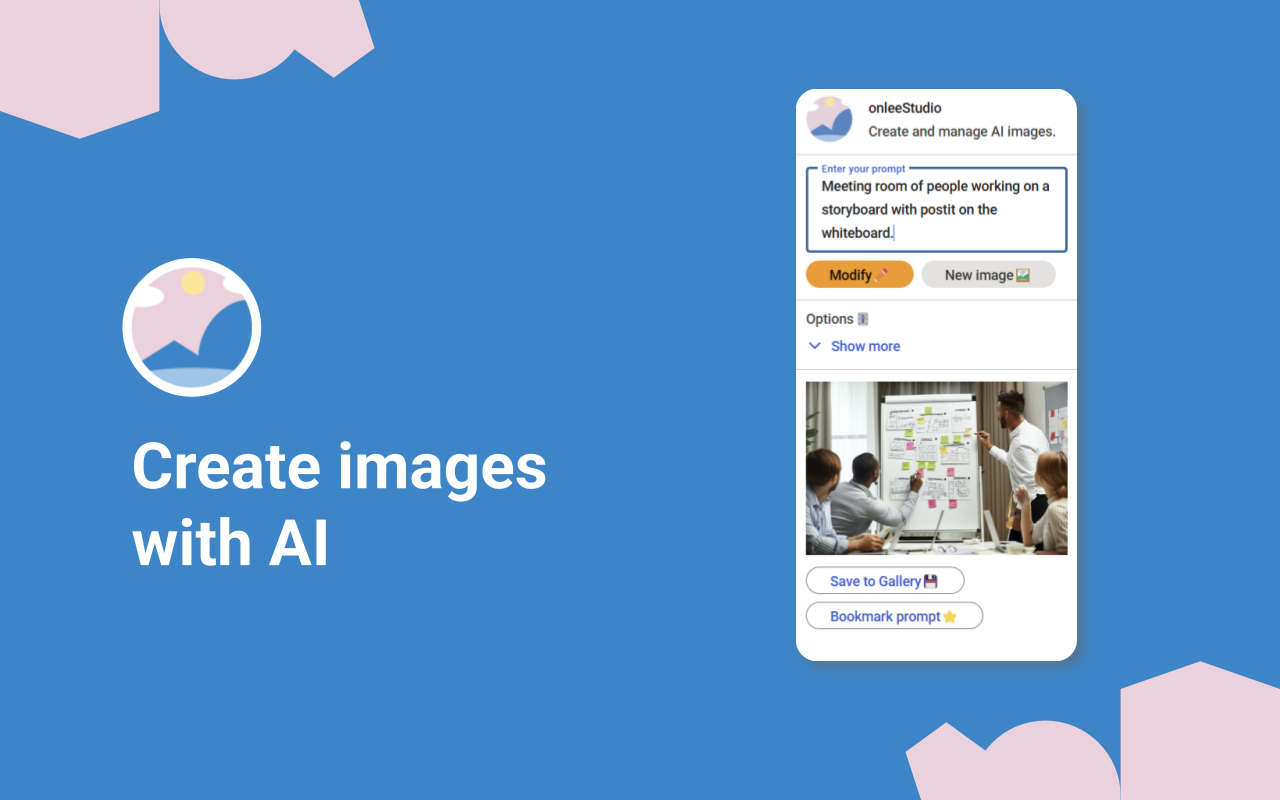
AI image creation and editing. Create stunning images with AI and leverage powerful AI image editing to modify existing images.
דף האפליקציה עודכן בתאריך:8 במרץ 2026
האפליקציה פועלת עם:



219

סקירה כללית
OnleeStudio: The Ultimate AI Image Solution for Google Workspace™

Supercharge your productivity and creativity with OnleeStudio, the premier Google Workspace™ add-on that seamlessly integrates cutting-edge AI image generation and editing directly into your workflow.  Stop struggling with external tools and streamline your visual content creation within Google Docs™, Slides™, and Drive™.

# Harness the Power of AI Image Creation & Editing

OnleeStudio empowers you to effortlessly generate and modify images with the power of artificial intelligence.  Leverage the advanced Imagen model to create high-quality visuals from simple text prompts.  Go beyond basic image creation; OnleeStudio's AI-powered editing tools allow you to modify both AI-generated images and those already in your Google Drive™.  Transform existing images, including those from Google Drawings™, with intuitive text commands.

# Key Features Designed for Efficiency and Creativity:

- AI Image Generation: Generate custom images directly within Google Docs™, Slides™, and Drive™ using natural language prompts.
- AI Image Editing: Modify existing images or refine AI-generated visuals with simple text commands.  Edit images from your Drive™, including Google Drawings™.
- Prompt Templates: Save frequently used prompts to maintain brand consistency and accelerate your workflow.
- Image Remixing: Iterate on previous creations or leverage team creativity.  Generate new images from existing ones, reusing prompts or "forking" prompts from colleagues.
- Seamless Google Workspace™ Integration: OnleeStudio works directly within Google Docs™ and Google Slides™, eliminating the need to switch between applications.  Use Google Drive™ to organize, create, and modify images.
- Direct to Google Drive™ Saving: All generated and edited images are saved directly to your Google Drive™ for easy access and collaboration.

#Pricing Options to Fit Your Needs:

Free Trial:  Explore OnleeStudio's capabilities with a no-risk trial.
Free Access:  Begin using OnleeStudio with 5 free actions per day.
Starter Plan:  For individuals and small teams.
Pro Plan:  For professionals and organizations with advanced needs.

Google Workspace™ domain  Contact us for tailored pricing for your domain.

An "action" is defined as the creation or modification of an image.

# Optimize Your Workflow with OnleeStudio

OnleeStudio is more than just an image generator; it's a complete AI-powered visual content solution for Google Workspace™.  From generating marketing materials in Docs™ to creating stunning visuals for Slides™ presentations, OnleeStudio streamlines your workflow and enhances your creativity.  Use Drive™ to modify existing images or create new ones, then seamlessly insert them into your documents.

Enhance your Google Workspace™ experience with onleeStudio and unlock the power of AI for image creation and editing!
מידע נוסף
sell
תמחורתקופת ניסיון בחינם
code
email
lock
מדיניות הפרטיות
description
תנאים והגבלות
flag
דיווחסימון כבלתי הולמת





חיפוש
ניקוי החיפוש
סגירת החיפוש
אפליקציות Google
התפריט הראשי