
Google Workspace Marketplace


ProjectWork planning
Project management planning with WBS breakdown, Gantt chart, resources, cost calculation, schedule sharing and Google app integrations
デベロッパー:
リスト更新日:2026年2月15日
対応デバイス:
328万+


概要
After installation, start from Google Drive™ with a new schedule.

ProjectWork has basic and advanced project management features:

𝗣𝗢𝗪𝗘𝗥𝗙𝗨𝗟
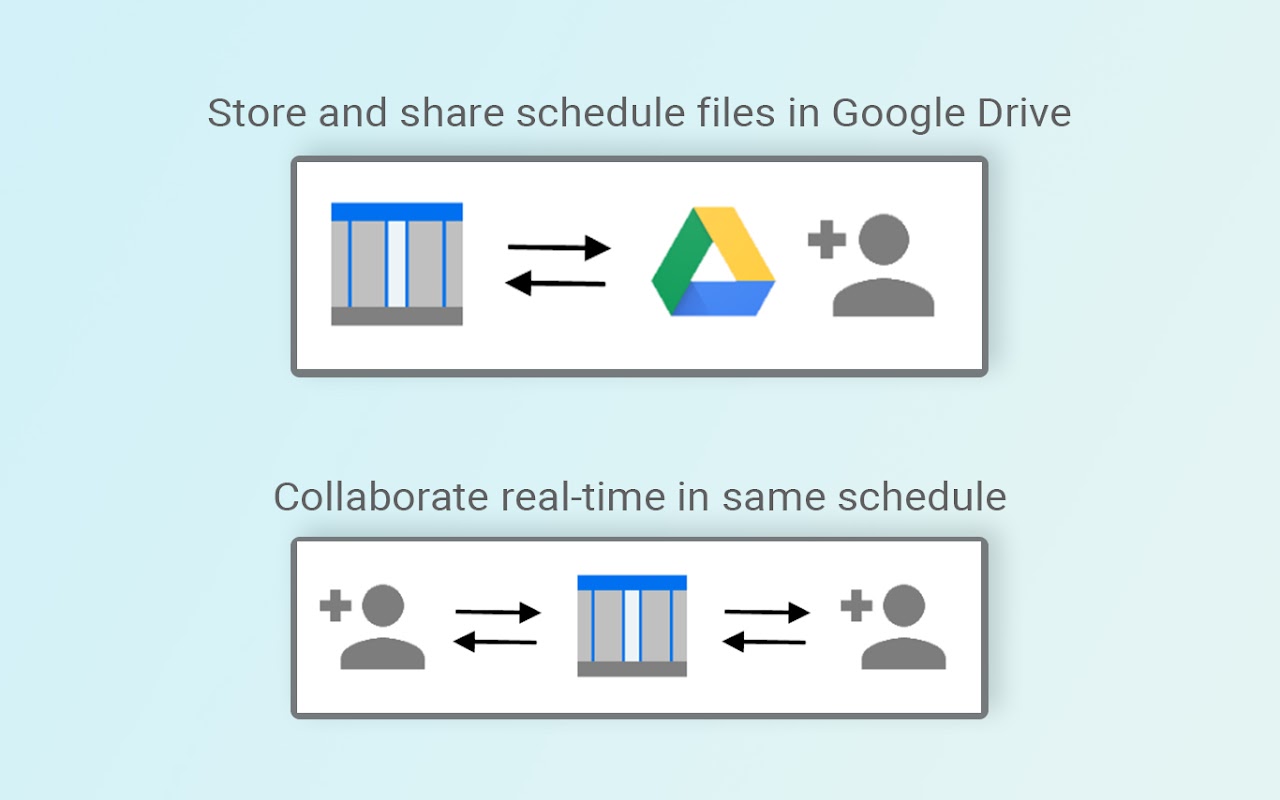
- online and real-time collaboration on project schedule by multiple users
- critical path calculation, resource leveling and Monte Carlo simulation
- breakdown of costs based on assigned resources
- timeline overview of tasks in Gantt chart and resources in Capacity chart

𝗨𝗦𝗘𝗥 𝗙𝗥𝗜𝗘𝗡𝗗𝗟𝗬
- tasks and resources are combined in one overview
- tasks can be linked with mouse clicks
- resources can be assigned with mouse clicks
- changes by a task/resource edit are indicated by a color

𝗔𝗙𝗙𝗢𝗥𝗗𝗔𝗕𝗟𝗘
- schedule files are stored in your own Google Drive™
- integrated with own Google Calendar™, Sheets™, Maps™, Sites™ and Chat™ apps
- project documents from Google Drive™ can be linked to tasks and resources
- free 14-days trial and licenses for specific periods, no subscription

𝗛𝗘𝗟𝗣𝗙𝗨𝗟
- quicktour showing layout elements with tooltip explanation
- tutorial videos and in-app links to chapters in manual
- in-app assistance and free helpdesk support
- import of Microsoft Project XML files

More information on https://forscale.nl/projectwork
詳細情報



検索
検索をクリア
検索を終了
Google アプリ
メインメニュー