
Google Workspace Marketplace

QRStuff - No. 1 QR Code Generator
Generate and insert professional QR codes directly into Gmail™, Google Drive™, and Google Sheets™.
デベロッパー:
リスト更新日:2026年2月5日
対応デバイス:


280




概要
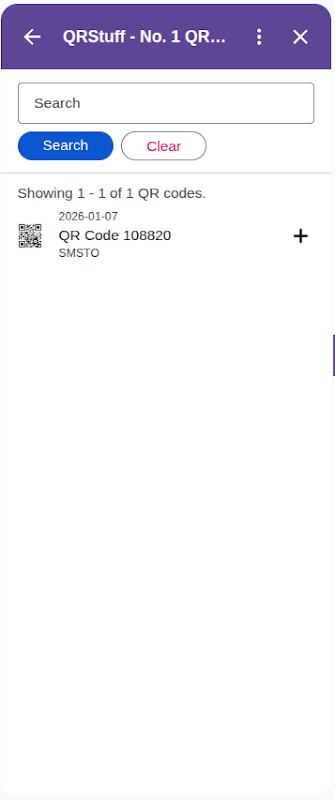
Take full control of your QR codes with the QRStuff Google Workspace™ Add-on. Use the world's most versatile QR code generator directly in Gmail™, Google Drive™, and Google Sheets™.

        Key Features:
        - Create QR codes for 25+ data types (URLs, WiFi, V-Cards, Location, etc.)
        - Insert QR codes directly into your Gmail™ messages and Google Sheets™.
        - Generate and save QR code images directly to your Google Drive™ (attempts to save in source folder, falls back to Root).
        - Dedicated 'Bulk Uploads' folder for sheet backups.
        - Full support for dynamic QR codes (requires QRStuff subscription).
        - High-resolution output for print and digital use.

Simplify your workflow and enhance your communications with professional QR codes from QRStuff.

Google Workspace™, Gmail™, Google Drive™, and Google Sheets™ are trademarks of Google LLC詳細情報






検索
検索をクリア
検索を終了
Google アプリ
メインメニュー