
Google Workspace Marketplace


Quicktion - Save Emails to Notion & More
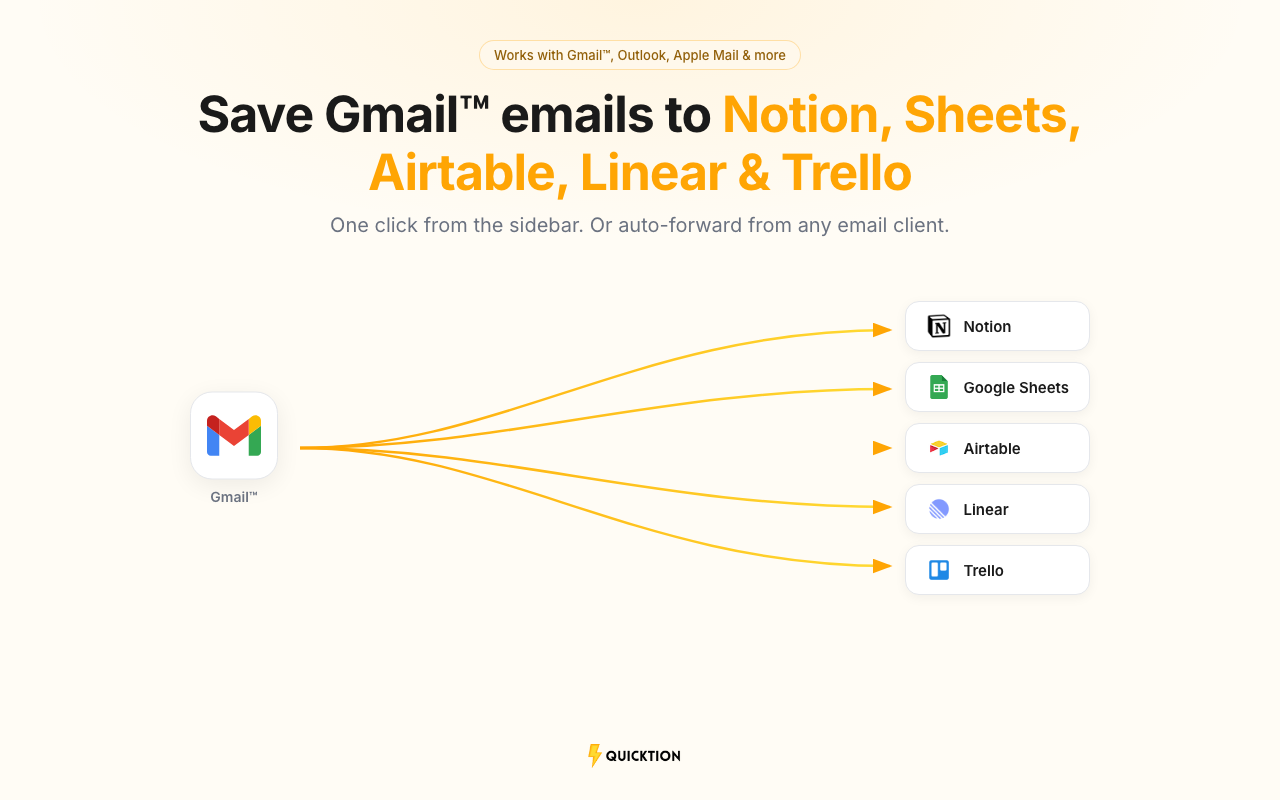
Save emails from Gmail™ to Notion, Google Sheets™, Airtable, Linear, or Trello. One click from the sidebar or auto-forward from any email client.
बनाने वाली कंपनी:
लिस्टिंग को पिछली बार अपडेट किया गया:26 मार्च 2026
इनके साथ काम करता है:
9 हज़ार+


अवलोकन
Save emails from Gmail™ to Notion, Google Sheets™, Airtable, Linear, or Trello in one click. Pick a destination from the sidebar and hit save. Subject, body, sender, date, and attachments are mapped for you.

⚡ How it works
→ Sign in at quicktion.io and connect your Notion, Google, Airtable, Linear, or Trello account
→ Create a destination — each one gets its own forwarding address
→ Open the add-on from the Gmail™ sidebar and save any email with one click
→ Or set up auto-forwarding rules so emails from any client are saved on arrival
→ Check the activity feed to see what landed and what didn't

🔗 Supported integrations
→ Notion — full Notion pages with formatting, property mapping, and file attachments
→ Google Sheets™ — spreadsheet rows with rich text, clickable links, and Drive attachments
→ Airtable — records with field mapping, default values, and attachments
→ Linear — issues with markdown body, labels, and attachments
→ Trello — cards with descriptions, labels, members, and attachments

✨ What you get
→ Fields are auto-mapped: subject, body, date, sender, and attachments go to the right place without setup
→ Set default values for status, category, source, or any other field — every email arrives pre-tagged
→ Pick which email fields map where. Works with text, select, date, URL, and more
→ PDFs, images, and documents are uploaded and linked to the saved item
→ Create as many destinations as you need — one per database, spreadsheet, team, or board
→ Activity feed shows every saved email in real time, with retry for anything that fails

📋 Use cases
→ Newsletter archive: auto-forward newsletters and build a searchable reading list
→ Client emails: one destination per client or project, tagged on arrival
→ Receipts and invoices: forward purchase confirmations and let dates, amounts, and files sort themselves
→ Lead capture: route inbound leads to a shared spreadsheet or database

💰 Pricing
→ Free: 25 emails/month, 1 destination, auto-mapping, 30-day history
→ Pro: 1,000 emails/month, unlimited destinations, default values, advanced mapping, full history

🔒 Privacy
→ Integration tokens are encrypted at rest
→ We read email content only to save it. Nothing is stored after processing.
→ Details at quicktion.io/privacy-policy
अतिरिक्त जानकारी
sell
कीमतबिना किसी शुल्क के
code
डेवलपर
email
सहायता
lock
निजता नीति
description
सेवा की शर्तें
flag
शिकायत करेंआपत्तिजनक ऐप्लिकेशन की शिकायत करें





खोजें
खोज हटाएं
खोज बंद करें
Google ऐप
मुख्य मेन्यू