
Google Workspace Marketplace


Quicktion - Save Emails to Notion & More
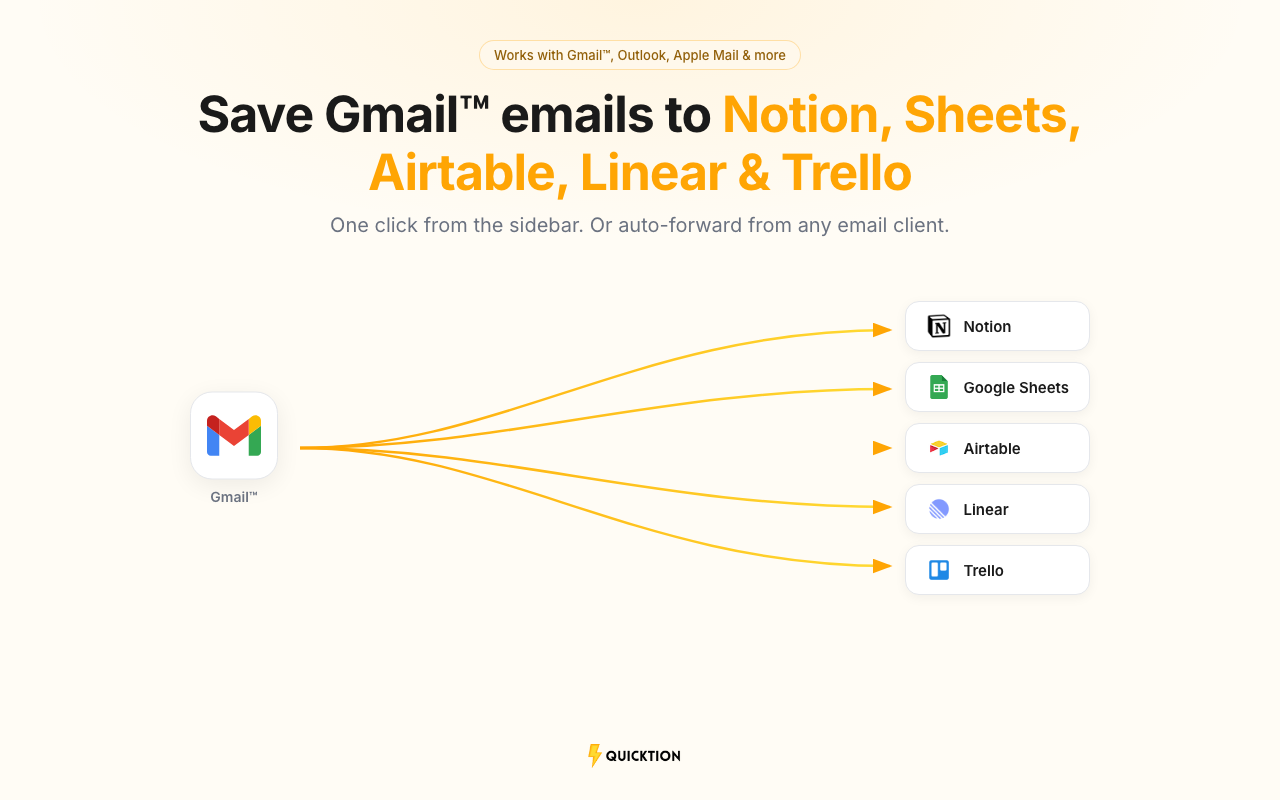
Save emails from Gmail™ to Notion, Google Sheets™, Airtable, Linear, or Trello. One click from the sidebar, or auto-forward with AI email parsing into your spreadsheet or email CRM.
Listing updated:July 24, 2026
Works with:
9K+


Overview
Save emails from Gmail™ to Notion, Google Sheets™, Airtable, Linear, or Trello in one click. Pick a destination from the sidebar and hit save. Subject, body, sender, date, and attachments are mapped for you. Export emails to a Google Sheets™ spreadsheet or a database, parse out the data you care about, and turn your inbox into something you can actually search. Or use it as a lightweight email CRM — every client conversation logged where your team already works.

⚡ How it works
→ Sign in at quicktion.io and connect your Notion, Google, Airtable, Linear, or Trello account
→ Create a destination — each one gets its own forwarding address
→ Open the add-on from the Gmail™ sidebar and save any email with one click
→ Or set up auto-forwarding rules so emails from any client are saved on arrival
→ Check the activity feed to see what landed and what didn't

🔍 Email parsing and data extraction
→ AI Email Intelligence (Pro) is a built-in email parser: write a prompt and it extracts the fields you define — dates, amounts, order numbers, names, or a short summary
→ Parsing covers PDFs and images attached to the email, not just the body
→ No regex and no templates to maintain: describe what you want in plain words and the extracted data lands in your Notion properties, Google Sheets™ columns, Airtable fields, Linear issues, or Trello cards
→ Standard fields need zero setup on every plan: subject, body, sender, date, and attachments are extracted and mapped automatically

🔗 Supported integrations
→ Notion — full Notion pages with formatting, property mapping, and file attachments
→ Google Sheets™ — spreadsheet rows with rich text, clickable links, and Drive attachments
→ Airtable — records with field mapping, default values, and attachments
→ Linear — issues with markdown body, labels, and attachments
→ Trello — cards with descriptions, labels, members, and attachments

📊 Gmail™ to Google Sheets™
→ Export emails from Gmail™ to a Google Sheets™ spreadsheet — one row per email with subject, sender, date, and body
→ Auto-forward email to Sheets: invoices, orders, and leads land in your spreadsheet on arrival, no copy-paste
→ Works for one-off saves from the sidebar or a steady email to spreadsheet pipeline via forwarding rules

✨ What you get
→ Fields are auto-mapped: subject, body, date, sender, and attachments go to the right place without setup
→ Set default values for status, category, source, or any other field — every email arrives pre-tagged
→ Pick which email fields map where. Works with text, select, date, URL, and more
→ PDFs, images, and documents are uploaded and linked to the saved item
→ Create as many destinations as you need — one per database, spreadsheet, team, or board
→ Activity feed shows every saved email in real time, with retry for anything that fails

📋 Use cases
→ Newsletter archive: auto-forward newsletters and build a searchable reading list
→ Client emails: an organizer for client work — one destination per client or project, tagged on arrival
→ Email CRM: one destination per client or prospect — inquiries, replies, and follow-ups filed on arrival
→ Receipts, invoices, and expenses: forward purchase confirmations and let the parser extract dates, amounts, and files into your expense tracker
→ Lead capture: extract email leads into a shared spreadsheet or database that doubles as your email CRM
→ Order tracking: export order and shipping notification emails from your Shopify or Amazon store to a spreadsheet
→ Airbnb and rentals: parse booking confirmations — guest, dates, amounts — into Google Sheets™ or an Airtable base
→ Real estate: capture listing inquiries from your inbox into a database you control
→ Recruiting: save applications and resumes from email to a hiring pipeline in Notion or Airtable
→ Email backup: export the emails that matter into a database you own, searchable long after your inbox buries them

👥 Who it's for
→ Sales teams extracting leads and inquiries into an email CRM
→ Finance and ops tracking invoices, receipts, and expense reports
→ Support teams sharing customer emails on a team board
→ Recruiters collecting applications in one pipeline
→ Founders and solo operators automating email busywork

💰 Pricing
→ Free: 25 emails/month, 1 destination, auto-mapping, 30-day history
→ Pro: 1,000 emails/month, unlimited destinations, default values, AI Email Intelligence, advanced mapping, full history

🔒 Privacy
→ Integration tokens are encrypted at rest
→ We read email content only to save it. Nothing is stored after processing.
→ Details at quicktion.io/privacy-policy
Additional information
sell
PricingFree of charge
code
Developer
email
Support
lock
Privacy policy
description
Terms of service
flag
ReportFlag as inappropriate




Search
Clear search
Close search
Google apps
Main menu