
Google Workspace Marketplace


Quicktion - Save Emails to Notion & More
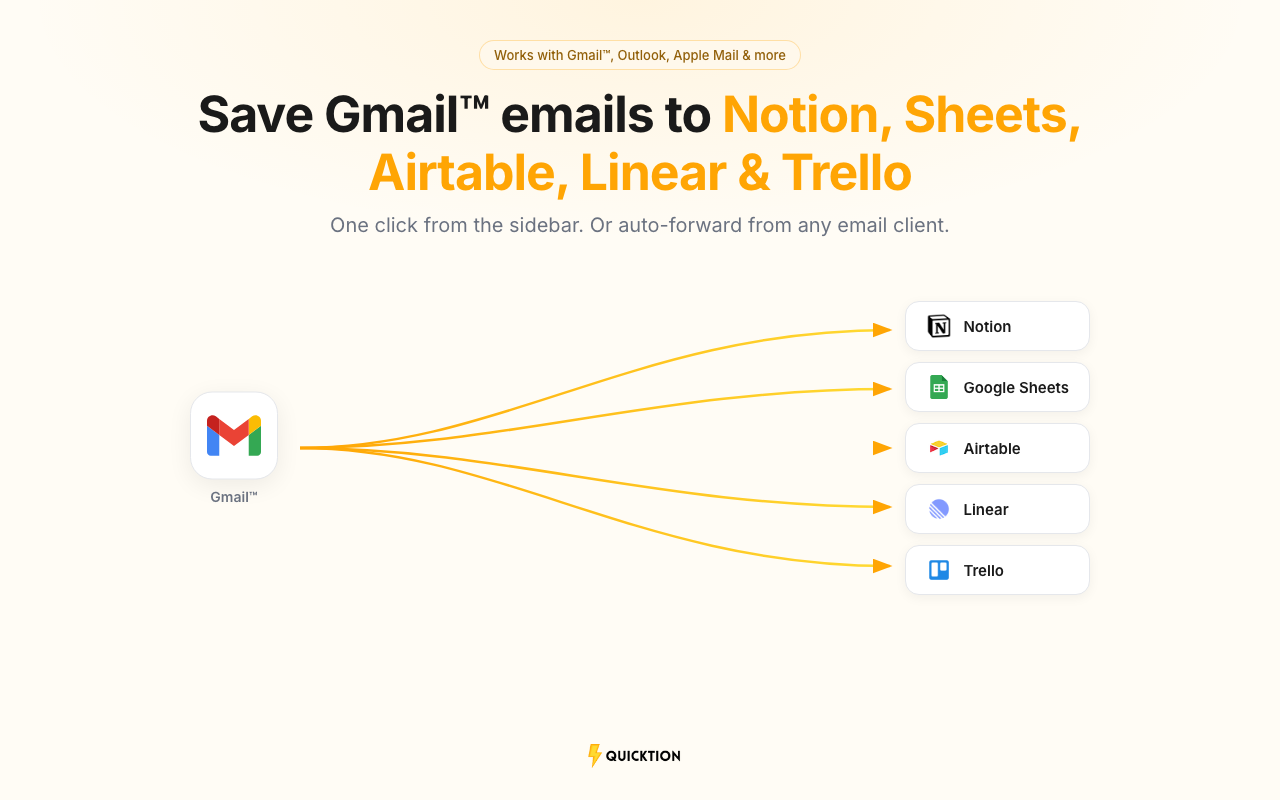
Save emails from Gmail™ to Notion, Google Sheets™, Airtable, Linear, or Trello. One click from the sidebar or auto-forward from any email client.
Listing updated:26. marec 2026
Works with:
9 tis.+


Pregled
Save emails from Gmail™ to Notion, Google Sheets™, Airtable, Linear, or Trello in one click. Pick a destination from the sidebar and hit save. Subject, body, sender, date, and attachments are mapped for you.

⚡ How it works
→ Sign in at quicktion.io and connect your Notion, Google, Airtable, Linear, or Trello account
→ Create a destination — each one gets its own forwarding address
→ Open the add-on from the Gmail™ sidebar and save any email with one click
→ Or set up auto-forwarding rules so emails from any client are saved on arrival
→ Check the activity feed to see what landed and what didn't

🔗 Supported integrations
→ Notion — full Notion pages with formatting, property mapping, and file attachments
→ Google Sheets™ — spreadsheet rows with rich text, clickable links, and Drive attachments
→ Airtable — records with field mapping, default values, and attachments
→ Linear — issues with markdown body, labels, and attachments
→ Trello — cards with descriptions, labels, members, and attachments

✨ What you get
→ Fields are auto-mapped: subject, body, date, sender, and attachments go to the right place without setup
→ Set default values for status, category, source, or any other field — every email arrives pre-tagged
→ Pick which email fields map where. Works with text, select, date, URL, and more
→ PDFs, images, and documents are uploaded and linked to the saved item
→ Create as many destinations as you need — one per database, spreadsheet, team, or board
→ Activity feed shows every saved email in real time, with retry for anything that fails

📋 Use cases
→ Newsletter archive: auto-forward newsletters and build a searchable reading list
→ Client emails: one destination per client or project, tagged on arrival
→ Receipts and invoices: forward purchase confirmations and let dates, amounts, and files sort themselves
→ Lead capture: route inbound leads to a shared spreadsheet or database

💰 Pricing
→ Free: 25 emails/month, 1 destination, auto-mapping, 30-day history
→ Pro: 1,000 emails/month, unlimited destinations, default values, advanced mapping, full history

🔒 Privacy
→ Integration tokens are encrypted at rest
→ We read email content only to save it. Nothing is stored after processing.
→ Details at quicktion.io/privacy-policy
Additional information
sell
PricingProst
code
Developer
email
Podpora
lock
Pravilnik o zasebnosti
description
Pogoji storitve
flag
PrijavaFlag as inappropriate





Iskanje
Počisti iskanje
Zapiranje iskanja
Googlove aplikacije
Glavni meni